Practical Guide to Lip Sync Generators for Short-Form Video Creators
How modern lip sync generators work, production tips for TikTok/Reels/Shorts, ethical risks, detection, and recommended tool setups for creators.
If you make short-form videos, a reliable lip sync generator can lift narration, dubs, and character shots from rough to studio quality quickly. This guide explains how modern lip sync generator systems work, how to choose tools for TikTok/Reels/YouTube Shorts, production techniques to improve perceived sync, and the legal and safety measures every creator should use.
How modern AI lip-sync generators work (models, inputs, and outputs)
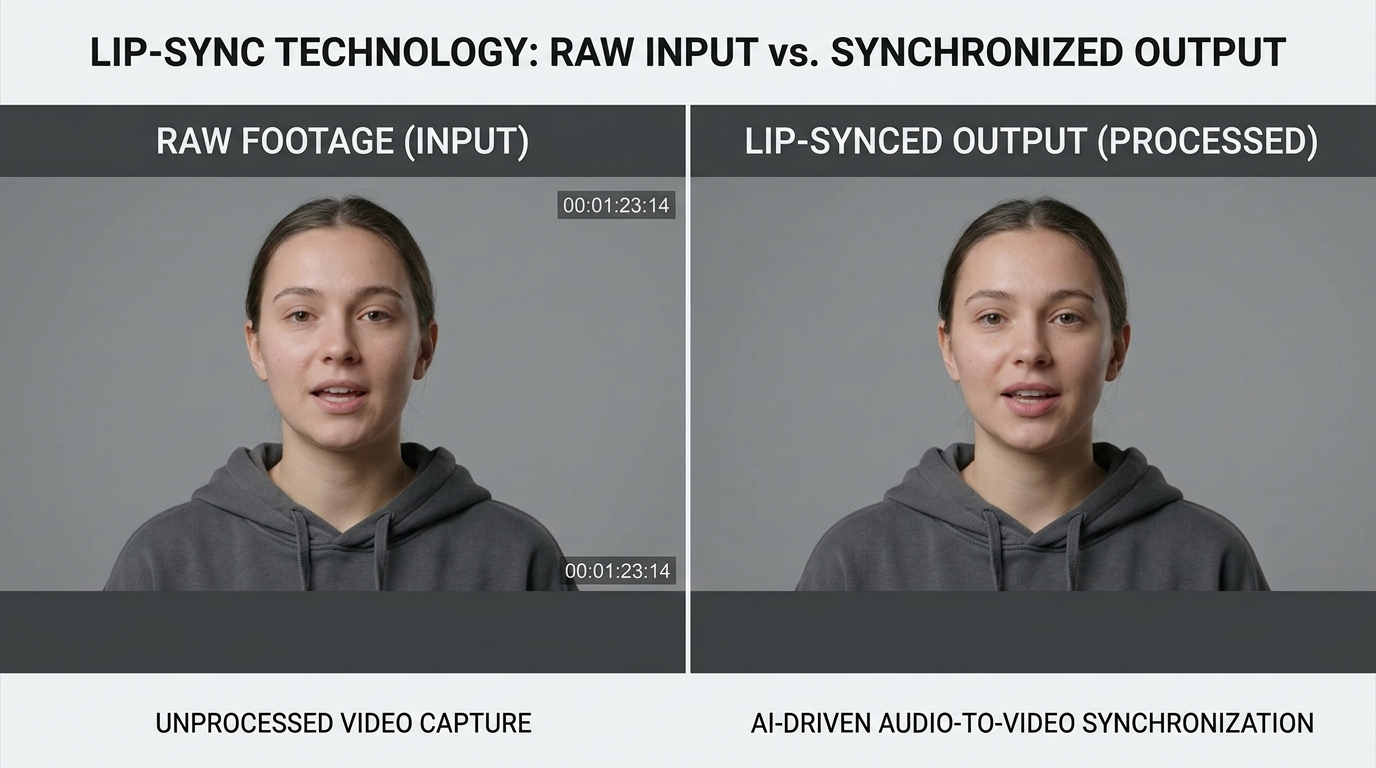
Modern lip sync generator systems fall into two broad technical patterns: audio-driven models and video-to-video (V2V) models. Audio-driven approaches map speech-derived features (Mel spectrograms, phoneme timing, prosody) to mouth movements; the Wav2Lip family is a canonical academic example showing high-quality synchronization by conditioning a generative network on audio features and the target face. V2V models extend this by taking a reference video frame or clip plus the driving audio and producing a new, lip-synced video — commercial V2V variants add robustness to pose and lighting changes.
Research and platform documentation indicate both approaches focus on aligning articulatory timing and visual detail. Papers and workshop presentations (for example Wav2Lip–style studies and CVPR workshop research) demonstrate that explicitly modeling audio–visual alignment produces fewer phoneme timing errors and reduced mouth jitter. TikTok’s Effect House describes an image-to-image lip animation model that operates similarly: the model expects a high-quality reference clip and uses it to animate mouth regions according to driving audio, which is why reference quality directly affects realism (Effect House docs).
Practically, inputs are: clean audio (or text-to-speech output), a reference face video or image, and optional control parameters (jaw openness, phoneme weighting, expression transfer). Outputs are rendered frames or a processed video clip where mouth shape, lip corners, and sometimes lower-face expression have been altered to match the audio. Detection research (LIPINC, AV-Lip-Sync+, and other studies) shows that generative pipelines that don’t model temporal dynamics carefully can produce subtle inconsistencies that detection systems exploit — an important point for creators who want realism without misuse.
Choosing the right lip-sync tool for short-form content: accuracy, speed, and cost
Short-form distribution (TikTok/Reels/Shorts) prioritizes turnaround and cost per second as much as synchronization fidelity. Vendor roundups from 2025–2026 consistently highlight three selection criteria: synchronization accuracy, processing speed (or latency), and pricing structure. Accuracy matters for close-ups and multi-shot edits; speed and predictable per-second cost matter when you're producing daily clips or batching dozens of 15–60s videos.
Commercial tools and APIs now advertise multi-language support and simple creator interfaces because creators need to localize content quickly. Benchmarks from recent industry comparisons show that some APIs deliver near real-time processing for 15–30s clips, while others provide higher-quality outputs at higher cost and longer render times (see 2025/2026 tool roundups). If you repurpose existing assets or use TTS, check whether a provider supports phoneme-level control and multilingual TTS to avoid awkward mouth-to-speech mismatches.
When evaluating tools, test with your typical footage: the same model that looks perfect on a studio headshot can fail on handheld, low-light clips. Also consider integration: if you plan to generate AI video from text or combine lip-sync with avatars or effects, pick a service that fits your pipeline. If you’re experimenting in the PlayVideo.AI ecosystem, compare plan limits and per-second crediting on the /pricing page and try the lipsync effects under /effects. For voice and dubbing workflows, pair the lip-sync tool with an AI voice service — try /ai-voices for voice generation and cloning to control timing and timbre.
Production workflow: recording, audio prep, and video capture tips for perfect mouth sync
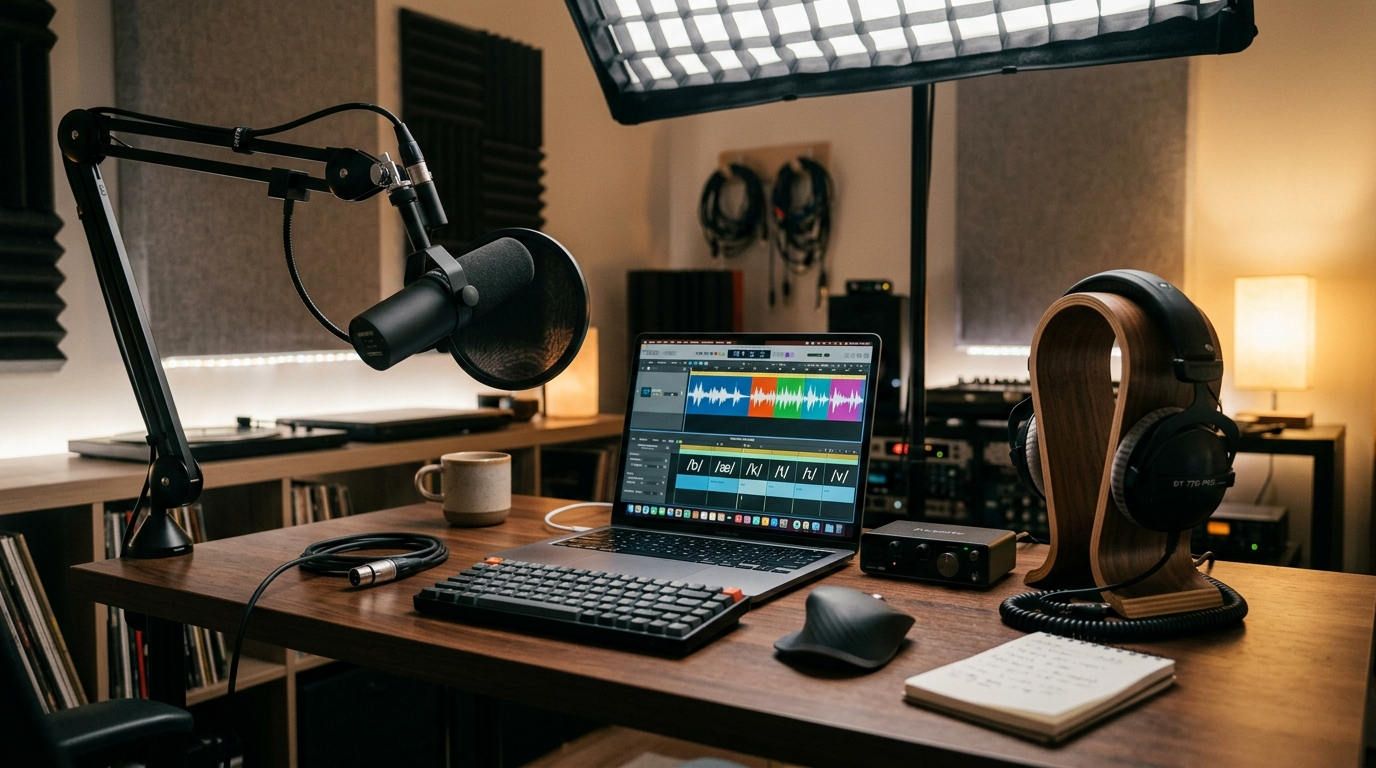
Good machine output starts with good inputs. Audio preparation: record clear dry audio with a directional mic, remove background noise, normalize levels, and, where possible, edit the audio so phoneme timing matches intended mouth closures and releases. Tools that expose phoneme-level timing or allow you to upload forced-alignment metadata will translate edits to better visual timing. Studies and production guides show that cleaning and leveling audio reduces artifacts and misalignment during synthesis.
Video capture: shoot a clean reference clip with neutral mouth poses and consistent lighting. High-frame-rate capture (60fps or more) makes interpolation easier, especially when you want fine-grained mouth motion without jitter. If you can’t shoot high frame rate, keep the camera stable, use soft even lighting, and avoid extreme profile angles — V2V and image-driven models perform best with frontal or slight three-quarter views.
Tool-specific prep: many lip-sync generators offer parameters such as jaw/phoneme weighting, expression transfer, and smoothing. Use conservative jaw scaling and enable temporal smoothing where available; aggressive expression transfer can produce uncanny results. For localized dubbing, align phoneme timing in your DAW or timeline first, export exact timestamps, and feed them to tools that accept phoneme maps. Finally, always preview at full playback speed and examine mouth corners and dental occlusion — small timing shifts (20–50 ms) often make the difference between believable and off-sync.
Advanced controls and creative techniques: multilingual lip-sync, stylization, and avatar pipelines
Advanced lip-sync workflows let creators do more than match mouths to audio. Multilingual lip-sync systems (see "Seeing the Sound" and recent MDPI work) use articulatory-aware encoders or phoneme mapping to preserve natural mouth shapes across languages; when dubbing a video from English to Spanish, pick a tool that supports phoneme-level mapping or phoneme-aware TTS to avoid mismatched visemes. Some services integrate multilingual TTS with lip-sync models to produce better visual correlates of the spoken language.
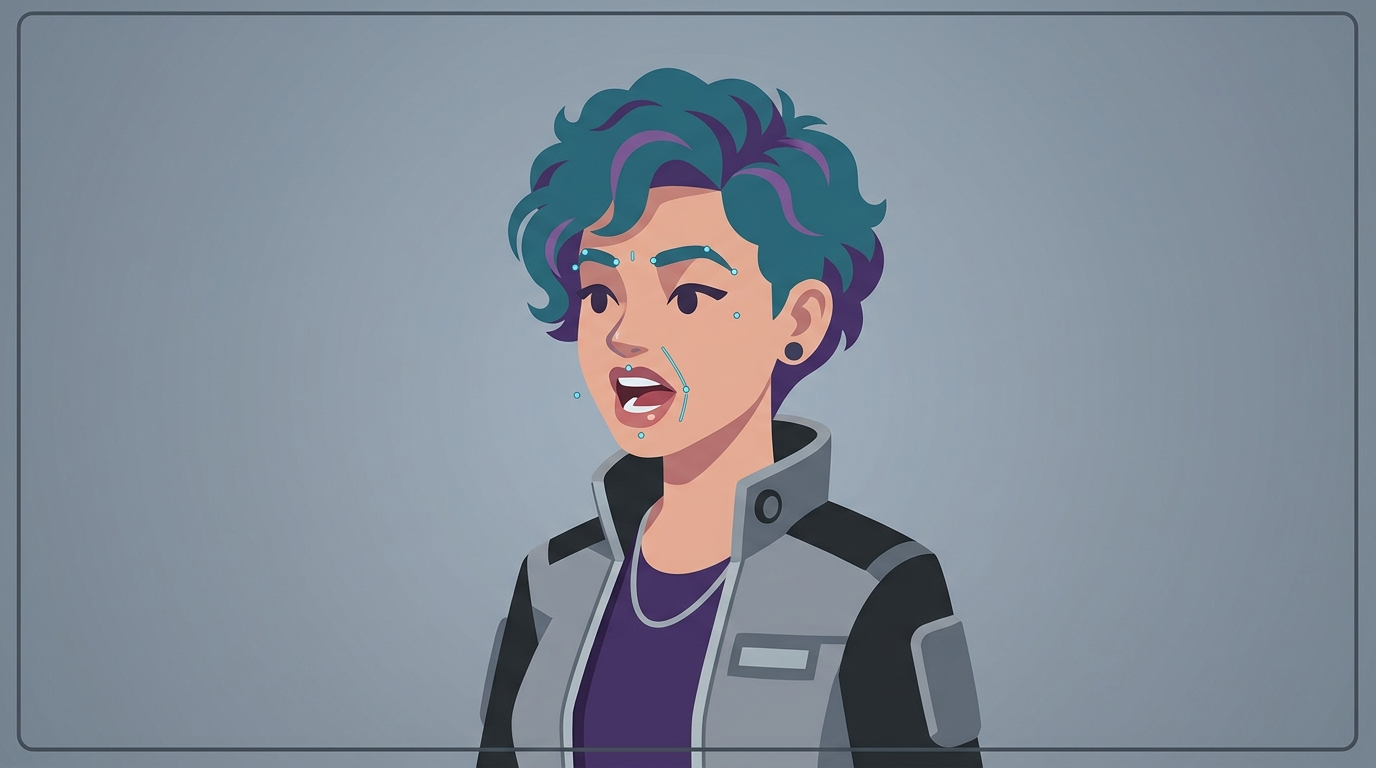
Stylization: Many commercial pipelines expose controls for stylized mouth shapes, exaggeration, or partial transfer so you can keep the subject’s expression while changing lip motion. Use expression transfer sparingly — apply it to secondary shots or avatars rather than close-ups on real people. Avatar pipelines (for mascots, branded characters, or stylized hosts) combine image generation and lip-sync. You can create a custom avatar with /create-image assets, animate it with /create-video workflows, and add audio tracks from /create-music or /ai-voices.
For live or near-real-time workflows, choose lower-latency models and pre-cache reference frames. If your project uses characters or repeated talent, build a short reference library of neutral mouth cycles and lighting setups; this reduces rendering variability and helps maintain consistent mouth behavior across episodes. Finally, many platforms support jaw/phoneme weighting and per-frame correction — automate per-shot presets in batch pipelines to keep results consistent.
Ethics, copyright, consent, and platform policies for lip-synced/AI-generated content
Lip-sync and deepfake tools raise significant ethical and legal questions. Public reporting and platform investigations (including coverage mentioning services like HeyGen) document misuse for scams, impersonation, and political disinformation. As a creator, you must obtain clear consent from anyone whose likeness you animate, and respect third-party trademark and publicity rights when creating content that uses a recognizable public figure.
Platform policies vary: TikTok, YouTube, and Instagram each have content rules about manipulated media; TikTok also provides model guidance in Effect House documentation for developers building lip-sync effects. When in doubt, disclose AI use prominently — labels, captions, or on-screen badges reduce the risk of takedowns and increase viewer trust. If you’re using third-party voices or cloned voices, ensure you have legal rights or licenses to the voice model and the underlying text-to-speech output.
For commercial projects, include release forms that mention AI processing, and keep records of consents and asset provenance. If you modify copyrighted performances (songs, scripts), verify licensing for both the audio and the generated visual content. Responsible creators balance realism with transparency: watermark drafts, use auditable logs, and follow any platform-specific requirements to avoid legal and reputational consequences.
Detectability and safety: how lip-sync deepfakes are detected and how to make responsible content
Detection research has advanced substantially: papers like LIPINC and AV-Lip-Sync+ and temporal transformer approaches document concrete detection signals such as temporal inconsistencies in mouth motion and audio–visual articulatory mismatches. Detection models typically analyze mouth-region dynamics over time, phoneme-to-viseme alignment, and cross-modal embeddings (AV-HuBERT-like features) to flag inauthentic clips. Scientific reviews and empirical studies show that as generators improve, detectors also evolve, often exploiting subtle temporal artifacts.
For creators who want safe, non-deceptive outputs, follow these practices: add an explicit disclosure (caption or overlay), avoid using the likeness of public figures without consent, and limit realism when not necessary — stylized avatars or slightly exaggerated motion are less likely to be weaponized. If you must produce hyper-realistic footage for legitimate reasons (e.g., restoration, dubbing with permission), keep provenance records: source clips, timestamps of edits, model versions, and any third-party licenses.
Technical safety steps include enabling temporal smoothing and conservative mouth morphs to reduce micro-jitter that detectors and human viewers notice, and rendering with subtle visual cues (slightly reduced resolution or a small watermark) when distributing widely. Remember the "detection arms race": better realism increases scrutiny and potential harm, so balance production value against transparency and legal compliance. Research in Nature Communications and other venues confirms that human detection is imperfect, so the ethical burden is on creators to be transparent and responsible.
Tool comparison checklist and recommended setups for TikTok/Reels/YouTube Shorts
Before picking a tool, run a short checklist: What is the per-second cost? Does it support phoneme-level or multilingual TTS? Is there frame-rate support and temporal smoothing? What output formats and resolutions are supported for vertical clips? How easy is batch processing for series or daily content? Use a scoring rubric (accuracy, speed, cost, integrations, legal controls) and run a 30–60s test clip through each candidate.
Recommended setups by use case:
- Fast daily creators (high volume, low turnaround): prioritize speed and cost. Choose lightweight APIs or effects that render 15–30s clips quickly. Keep edits simple and use consistent lighting. Tie into a lightweight audio chain from /create-music for background beds and /ai-voices for narration.
- High-quality close-ups (brand ads or promos): prioritize accuracy and multilingual fidelity. Use a V2V model or a premium Wav2Lip-derivative with phoneme control, shoot at 60fps, and preprocess audio for phoneme timing. Consider batch presets and render on higher-tier plans listed under /pricing.
- Avatar and stylized channels: combine /create-image avatar assets, animate with /create-video pipelines, and sync with /ai-voices or uploaded audio. Use expression transfer conservatively and add subtle stylization to avoid uncanny results.
- Localization and dubbing: pick a tool with explicit multilingual pipelines; pair phoneme-aware TTS with AV-synced rendering to preserve visemes across languages. Test each language and keep localized reference clips for consistent mouth behavior.
Finally, build a short test battery: a 5–10s close-up, a 15–30s conversational clip, and a 45–60s multi-shot edit. Evaluate each tool on the checklist and factor in integration with PlayVideo.AI features — use /effects to prototype lipsync templates, /create-video for full scene composition, and /ai-voices for custom dubbing. Review /pricing to understand cost-per-minute for scaling production.
Frequently Asked Questions
Can I legally lip-sync a public figure’s video for parody or commentary?
Legal rules vary by jurisdiction and platform. Parody/criticism can fall under fair use in some regions, but using a public figure’s likeness could still violate platform rules or publicity rights. Always check platform policies and consider getting legal counsel for commercial uses.
Will current detectors always catch my lip-sync edits?
No detector is perfect. Detection research (LIPINC, AV-Lip-Sync+, temporal transformer models) shows many systems can flag mouth/audio inconsistencies, but success depends on model improvements and clip quality. Best practice: disclose AI use and keep provenance records.
Do I need special hardware to run lip-sync models?
Many commercial tools run in the cloud, so you can use a browser or API without local GPUs. If you self-host research models, a GPU with reasonable VRAM speeds up rendering but is not strictly required for short test clips.
Conclusion
Start with a short test plan: record a neutral 15–30s reference, prepare cleaned audio or a phoneme-aware TTS track, and run that through two candidate tools. Score on accuracy, render time, and cost-per-second. Use PlayVideo.AI’s effects and video generator to prototype full shots quickly (/effects, /create-video), and pair voices from /ai-voices or music from /create-music to complete the pipeline. Crucially, get consent, disclose AI use, and keep provenance logs. That process will let you produce consistent, responsible short-form lip-synced videos at scale.