How to craft copyright-safe AI intro music and jingle loops for YouTube
Step-by-step guide to design 2–8s copyright-safe YouTube intro jingles and loops with PlayVideo.AI AI Music Generator — prompts, DAW tips, and scaling rules.
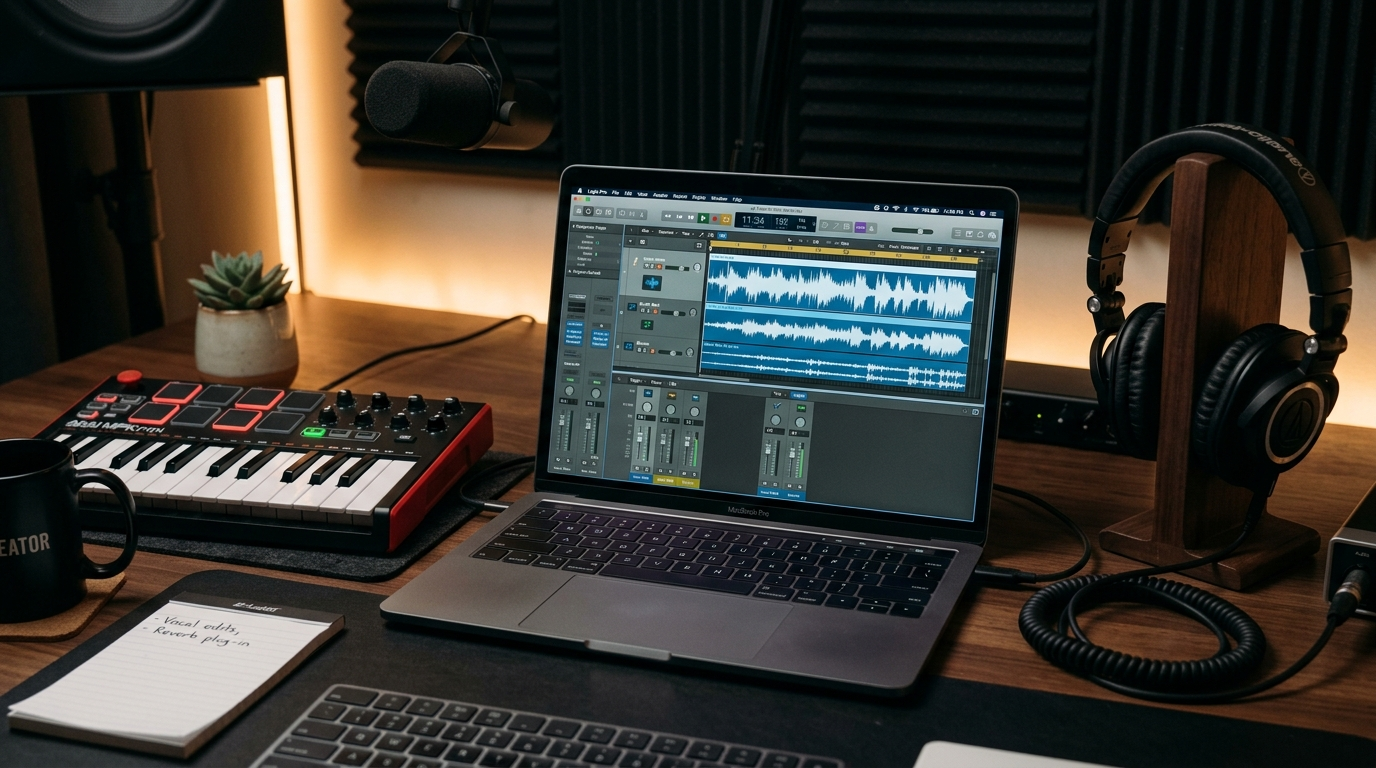
A short, memorable jingle is one of the most efficient branding tools a creator can build. Whether you want an attention-grabbing 3–8 second YouTube intro or a 1–2 second sonic logo for quick mobile drops, strong AI intro music locks identity into the first frame of every clip. This article shows you how to design copyright-safe intro jingles and short loops using the PlayVideo.AI AI Music Generator, with practical guidance on tempo, instrumentation, and export-ready workflow.
Read on for concrete prompt examples, variant passes, a hands-on walkthrough inside PlayVideo.AI AI Music Generator, and DAW tips to make your loop seamless and edit-ready. By the end you'll have a repeatable workflow for creating channel themes, series hooks, and ad-ready motifs that meet platform and legal realities.
Why a 3–8 second jingle (or shorter) is the single best branding lever for YouTube and short-form video
Short-form attention is brutally compressed: viewers decide whether to stay inside the first 1–3 seconds. That’s why many creator guides recommend 3–8 second intros, and sometimes 1–2 second logo flashes when you want zero friction — the shorter the piece, the faster the brand impression sticks (see Teleprompter’s guide on ideal intro length). A well-crafted 3–8 second jingle balances recognizability and viewer tolerance: it’s long enough to establish a motif but short enough to avoid churn.
From a production standpoint, short jingles are efficient. They require fewer arrangement decisions, are cheaper to iterate, and scale easily across formats: the same 4-bar motif can be re-purposed as a full 30s ad bed, a story sound effect, or layered under voiceover. For creators and small teams, this means you can invest two hours developing a sonic logo that pays off across dozens of videos.
Finally, short loops are easier to A/B test and measure. Swap two competing 3–4 second hooks across uploads and you’ll get early signals about retention and brand recall without rebuilding lengthy tracks. That rapid iteration loop is why the PlayVideo.AI AI Music Generator is designed to produce tight, exportable short loops and instrumentals at tempo and style settings you control.
Copyright, rights management, and why ‘copyright-free’ AI music still needs intentional workflow
AI music tools reduce friction, but they don’t remove responsibility. Industry and legal bodies have made clear that AI music is a contested area: the U.S. Copyright Office’s guidance emphasizes human creative contribution as a factor for copyright eligibility, and litigation and platform moderation around AI outputs remain active. Independent reporting also documents the massive scale of AI-generated tracks in catalogs — a reminder to choose tools with transparent licensing and provenance.
That means even when a generator advertises "copyright-free" output, you should adopt a small documentation workflow: save the prompt, export metadata, and capture the export date. PlayVideo.AI AI Music Generator provides ready-to-export instrumentals and emphasizes that outputs are usable without separate library licensing; still, keeping a record of prompts and edits is best practice if a dispute ever appears.
Practical steps to manage risk: 1) keep a versioned folder with the prompt text and export file; 2) note the tempo and any human edits you make in your DAW; 3) review platform rules (YouTube, TikTok) for claimed ownership rules. These steps are quick, defensible, and standard for creators scaling brand audio across platforms.
Designing a memorable 2–8 second loop: musical building blocks (tempo, instrumentation, motif, and fade)
Designing for loopability and memorability requires attention to a few musical primitives.
- Tempo and length: Short intros usually sit between 100–140 BPM for energetic channels or 70–100 BPM for relaxed brands. At higher tempos many creators use 4–8 bars that compress into 1–4 seconds; at lower tempos you’ll need longer bars to preserve contour. Decide early whether your loop is a single bar hook (1–2 seconds) or a 4-bar phrase (3–8 seconds).
- Instrumentation and frequency space: Use one dominant timbral element (a plucky synth, a hi‑hat motif, a muted guitar stab) and one supporting bed (sub bass or soft pad). Avoid dense mixes—short hooks need clarity to register instantly. Mixing with frequency intent prevents clashes with voiceover or effects later.
- Motif and hook: Create a single melodic or rhythmic motif that repeats. Motifs with a clear attack and decay (staccato pluck, short horn stab) read well at low volumes and on small device speakers.
- Loop transitions and fades: For seamless looping, match transient alignment at your loop point and use a tiny crossfade (5–20 ms) to prevent clicks. Common practice is to work in 4–8 bar structures and ensure the final bar cadences back into the first bar; for percussive hooks, line up the downbeat. BassGorilla’s loop guide is a good technical reference for trimming and fade settings.
A compact checklist when designing a 2–8 second loop:
- Pick tempo and decide bars-per-loop.
- Choose one lead timbre and one bed.
- Write a single repeating motif.
- Export with aligned transients and a short crossfade.
This approach keeps your AI intro music tight and instantly recognizable.
Hands-on workflow: Generate a channel intro jingle with PlayVideo.AI AI Music Generator (prompt examples, style tokens, and variant passes)
Here’s a practical, repeatable workflow to create a 3–4 second intro jingle in PlayVideo.AI AI Music Generator.
Step-by-step: 1) Open the PlayVideo.AI AI Music Generator and start a new project. 2) Set your tempo: 120 BPM is a good default for energetic hooks; drop to ~90 BPM for calmer tones. 3) Enter a focused prompt and use style tokens (instrumentation, mood, length) to guide the model. 4) Generate 4–6 variants, then pick the strongest motif and run targeted variants to refine timbre and attack. 5) Export the highest-rated variant with full metadata and prompt saved.
Prompt examples you can paste and adapt:
- "3–4s channel intro, plucky analog synth lead, tight sub bass, bright percussive click, upbeat 120 BPM, punchy mix, modern tech brand"
- "2s sonic logo, muted acoustic pluck, soft tape pad, 95 BPM, warm, friendly creator vibe, loopable"
- "4s cinematic sting, brass stab, low synth hit, spacious reverb, tempo 100 BPM, bold energy, loopable"
Variant pass advice: First pass for composition (motif and instrumentation), second pass to refine mix and attack (reduce reverb, brighten lead), third pass to create export-ready stems or an instrumental-only version. PlayVideo.AI AI Music Generator's controls for style, tempo, and mood give you practical leverage—use them to push the model from "idea" to a concrete, exportable loop.
Concrete worked example: Create a 3s jingle for a tech review channel.
- Prompt: "3s channel intro, punchy pluck synth, muted electronic rim click, warm sub bass, tempo 120 BPM, sharp attack, confident".
- Generate 6 variants. Choose variant 4. Re-run variant 4 with "reduce reverb, increase attack, export stems". Export WAV with prompt metadata. You now have an AI intro music file ready to import into your editor.
Hands-on workflow: Turn a PlayVideo.AI export into a seamless loop and match it to your edit (DAW tips and export settings)
Once you export from PlayVideo.AI AI Music Generator, spend 10–20 minutes in a DAW to ensure loop perfection and edit fit.
Quick DAW checklist:
- Import the WAV into your project and set the session tempo to match the exported tempo.
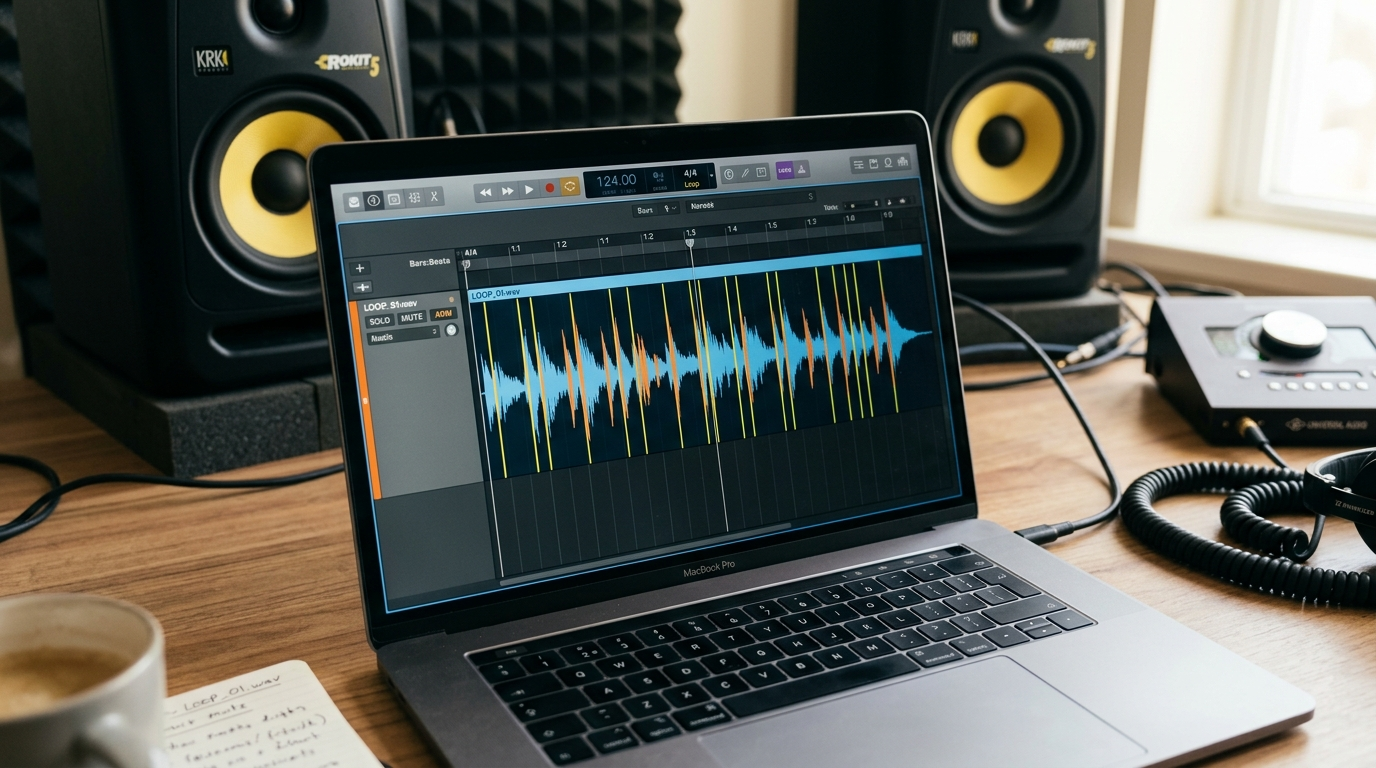
- Zoom on the grid and trim the start and end silence. Use the DAW’s sample-accurate tools to align the downbeat exactly.
- Use a very short crossfade (5–20 ms) at the loop point to remove clicks and ensure transient continuity. For percussive hooks, 5–10 ms is usually enough; for sustained tails use 15–20 ms.
- If the motif has a reverb tail that prevents a clean loop, automate a quick gate or reduce reverb in the export and re-export from PlayVideo.AI.
- Match loudness to your edit: short jingles should sit around -14 to -10 LUFS when mixed under voiceover; raise to -9 to -6 LUFS for promos or ads. Export the final loop as a 24-bit WAV for master quality and a compressed MP3/OGG for quick uploads.
Timing and transient alignment are vital: many short loops are 4–8 bars which translate to 1–4 seconds at higher tempos. Trim to bar boundaries and test looping by repeatedly playing the region in the DAW. BassGorilla’s loop primer explains why phase-accurate edits and matching transient spacing prevent clicks and timing drift.
Matching the loop to your edit: drop the loop into the first frames and play the video while toggling the jingle on and off. Check loudness and masking with dialogue; if the jingle competes, reduce high-mid energy or sidechain the bed slightly to the voiceover. If you use PlayVideo.AI for visuals, consider pairing this jingle with an animated logo from the AI Video Generator to create a consistent brand package. Use the DAW-exported stems when swapping motifs across episodes so edits remain non-destructive.
Testing and iterating for recognition and retention: A/B ideas, placement, loudness, and hooking within the first 1–3 seconds
Testing is where a jingle becomes a brand asset. Small changes to placement and loudness can shift retention metrics without altering your thumbnail or title.
A/B ideas to run quickly:
- Version A: 3s jingle starting at frame 0. Version B: same jingle delayed 0.5s so visuals land first.
- Loudness tests: -14 LUFS under voiceover vs. -10 LUFS foregrounded.
- Motif variation: percussive-led vs. melodic-led hooks.
Measure retention and audience response across a handful of uploads, and track watch percentage in the first 10 seconds. The most effective hooks usually resolve part of the motif in the first 1–3 seconds so the ear recognizes the sound even if the video drops out.
A few practical rules from creators: keep the hook consistent across episodes for at least 6–8 uploads before iterating; when you change the motif, pivot gradually by offering shortened versions and then introducing the new full motif. Also consider platform placement: on YouTube, an intro that repeats the channel name in the first 1–3 seconds can help discoverability when paired with visuals and captions.
Finally, keep data-driven notes: which jingle shows better retention, which loudness levels cause drop-off, and which motif variants perform well on mobile vs. desktop. Use those insights to refine prompts inside PlayVideo.AI AI Music Generator.
Scaling brand themes: creating a family of short loops and jingles for series, ads, and social — best practices and reuse rules
Once a lead motif is proven, build a family of related loops for different uses: episode openers, lower-thirds stings, ad beds, and short social variants. A scalable approach saves time and preserves brand recognition.
Best practices for scaling:
- Create a primary sonic logo (2–4s) and then generate three variants: softer bed for voiceovers, extended 8–12s for promos, and a micro 1s hit for fast cuts. Keep the core lead timbre consistent across variants.
- Maintain an asset inventory with prompt text, stems, and export dates. This simplifies reuse and keeps rights management clean across platforms.
- Use tempo-locked variants: export the motif at a single BPM family (e.g., 90/120/140) and produce tempo-matched variants to keep edits consistent across cuts.
- Reuse rules: when licensing or remixing for third parties, keep stems and note the prompt. If you collaborate with paid creators, share the prompt and a usage note so everyone understands provenance.
Workflow example for a series rollout: produce the base motif in PlayVideo.AI AI Music Generator, export stems, make a soft-bed variant for voiceovers, an extended version for episode trailers, and a 1s micro-hit for social shorts. Store all files with descriptive filenames and metadata. This gives you a reusable audio system that accelerates editing and preserves a unified brand voice across channels.
When appropriate, pair your audio family with visual branding created in PlayVideo.AI’s AI Image Generator or AI Video Generator to keep tone and style aligned across media. Cohesive audio-visual language is what raises perceived production value for small teams.
Frequently Asked Questions
How long should an AI intro music jingle be for YouTube?
Aim for 3–8 seconds for most channels; use 1–2 seconds for ultra-fast mobile-first content. Short loops register faster and are easier to A/B test.
Is AI-generated music safe to use on YouTube without strikes?
Choose generators with clear export licensing and keep records of prompts and exports. PlayVideo.AI AI Music Generator offers outputs intended to be usable without separate library licensing, but maintain prompt and export metadata as best practice.
Can I get stems from PlayVideo.AI to remix in my DAW?
Yes — export instrumental stems or full mixes from the PlayVideo.AI AI Music Generator and import them into your DAW for trimming, crossfades, and loudness matching.
What tempo works best for short jingles?
Energy depends on your brand: 100–140 BPM for upbeat channels, 70–100 BPM for relaxed brands. Higher tempos compress bars into shorter seconds, useful for 1–4 second hooks.
Conclusion
Short, well-crafted AI intro music is a force multiplier: a 2–8 second jingle created with the PlayVideo.AI AI Music Generator can increase retention, speed editing, and form the backbone of a scalable brand sound. Use the workflows above—prompt-first variant passes, a quick DAW trim with a 5–20 ms crossfade, and a small testing plan—to turn a single motif into a family of usable assets. Start by generating a compact motif in the PlayVideo.AI AI Music Generator, save the prompt and stems, and deploy the jingle across one video to gather your first data points. Open the AI Music Generator and have a copyright-safe channel jingle ready to drop into your next upload.