AI music logo playbook: fast sonic branding for small teams
A practical playbook for small brands to design a high‑recognition ai music logo fast, prototype variations, and package a sonic kit using PlayVideo.AI AI Music Generator.
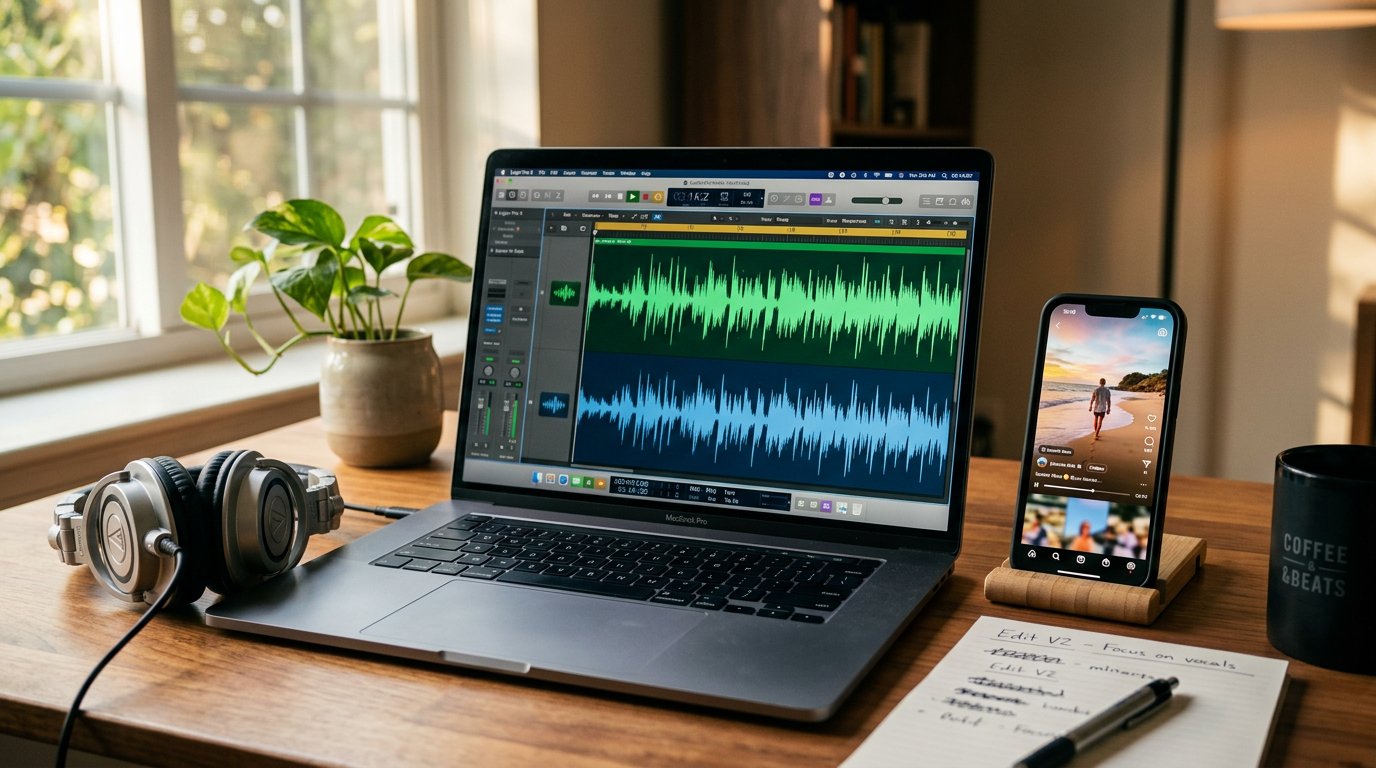
Sonic identity is no longer optional—short audio cues drive recognition across short-form video, podcasts, and apps. If you’re building a brand on a budget, an ai music logo can give you the same recall power agencies sell, without the agency price tag. This article shows a practical playbook for creators and small teams: when to DIY, how to iterate quickly, and how to package and measure sound assets so they scale.
Early in this process you'll use the PlayVideo.AI AI Music Generator to spin up multiple short, copyright‑free audio logos and variations in minutes. I'll walk through a quick audit, three rapid prototypes you can build in one session, and a simple rollout and governance plan that keeps your sonic identity consistent as you grow.
Why sonic branding matters now: evidence, recognition rates, and business impact
Sonic branding is a measurable driver of brand recall and association. Recent peer‑reviewed work in advertising journals documents how short audio cues increase recognition and positive brand associations; academic studies from 2023–2024 show consistent effects when audio is used as a repeating identifier. Industry research has produced striking headline numbers: Kantar’s analysis of TikTok’s sonic cue reached roughly 52% recognisability globally, a performance far above typical new sonic logos and a useful benchmark for what consistent placement can achieve (Transform coverage of Kantar research, 2023). Other audio‑branding indexes report recognition rates up to about 70% when sonic logos are consistently deployed and reinforced across channels.
Why does this matter for small brands? First, short cues are cheap to produce and easy to reuse across formats — they work in 0.5–5 second forms that fit pre-roll ads, app launches, and social cutdowns. Second, with attention fractured across feeds, a consistent sonic identity creates recall where visuals may be skipped or unseen. Finally, modern AI tools let you iterate many variations quickly so you can A/B test for the highest recognition—turning a one‑time cost into a durable asset that lifts campaign performance and brand equity over time.
What makes an effective audio logo (length, instrumentation, voice, and legal ownership)
An effective audio logo balances brevity, distinctiveness, and practical reuse. Length matters: the sweet spot for recognizability and cross‑platform fit is between 0.5 and 5 seconds. Too long and listeners won’t attach the cue to a single moment; too short and it may lack a memorable interval. Choose a melodic hook or rhythmic pattern that can be transposed across tempos and instrumentation.
Instrumentation and timbre give the cue personality. Electronic percussive hooks read as modern and agile; acoustic plucks or brass stabs feel premium and tactile. If your brand uses a vocal element, keep words minimal—single syllables, a brand name spoken once, or a humanized vowel sound that becomes iconic. Importantly, produce both wordless and voiced variants so the cue works when voice overlap or translation is needed.
Legal ownership is a practical constraint. One reason teams adopt AI music generators is clear, royalty‑free licensing that avoids library complexity. Before you finalize a logo, confirm the generator’s licensing terms to ensure you have the rights you need for commercials, apps, and international distribution. If you require exclusivity, document whether the tool supports rights transfers or custom licensing. That legal clarity lets you safely embed your ai music logo across paid media without later takedown or fee surprises.
Audit your brand sound — a 10‑minute checklist to discover your existing sonic identity
Treat the audit as an evidence collection sprint. Spend 10 minutes with this checklist and you’ll have a pragmatic map of what to keep, change, or create.
- Inventory current cues (2 minutes): Open your social profiles, app, and recent ads. Note any audio cues used—jingles, voice tags, background beds. Timestamp where they appear.
- Recognition check (1 minute): Play one clip to a colleague or stakeholder and ask whether the audio feels “brand-specific.” Record yes/no.
- Context map (2 minutes): List where audio appears: pre-roll, stories, podcasts, app launch. Note format constraints (length limits, mono audio for some platforms).
- Emotional intent (2 minutes): For each cue, write one word that captures the intended feeling (e.g., energetic, trustworthy, playful). This builds the tone guide.
- Technical notes (1 minute): Document BPM or tempo, dominant instrument, and whether vocals appear. This helps when you prompt an AI to recreate or vary the cue.
- Licensing check (2 minutes): Confirm who owns each audio clip in your asset library and whether you have commercial rights. Flag any unclear items for legal review.
At the end of the 10 minutes you’ll know if you already have a sonic kernel to refine or if you need to create a fresh ai music logo. Use these discoveries to set constraints for your prototypes—tempo range, allowed instruments, and whether a voiced or wordless logo is required.
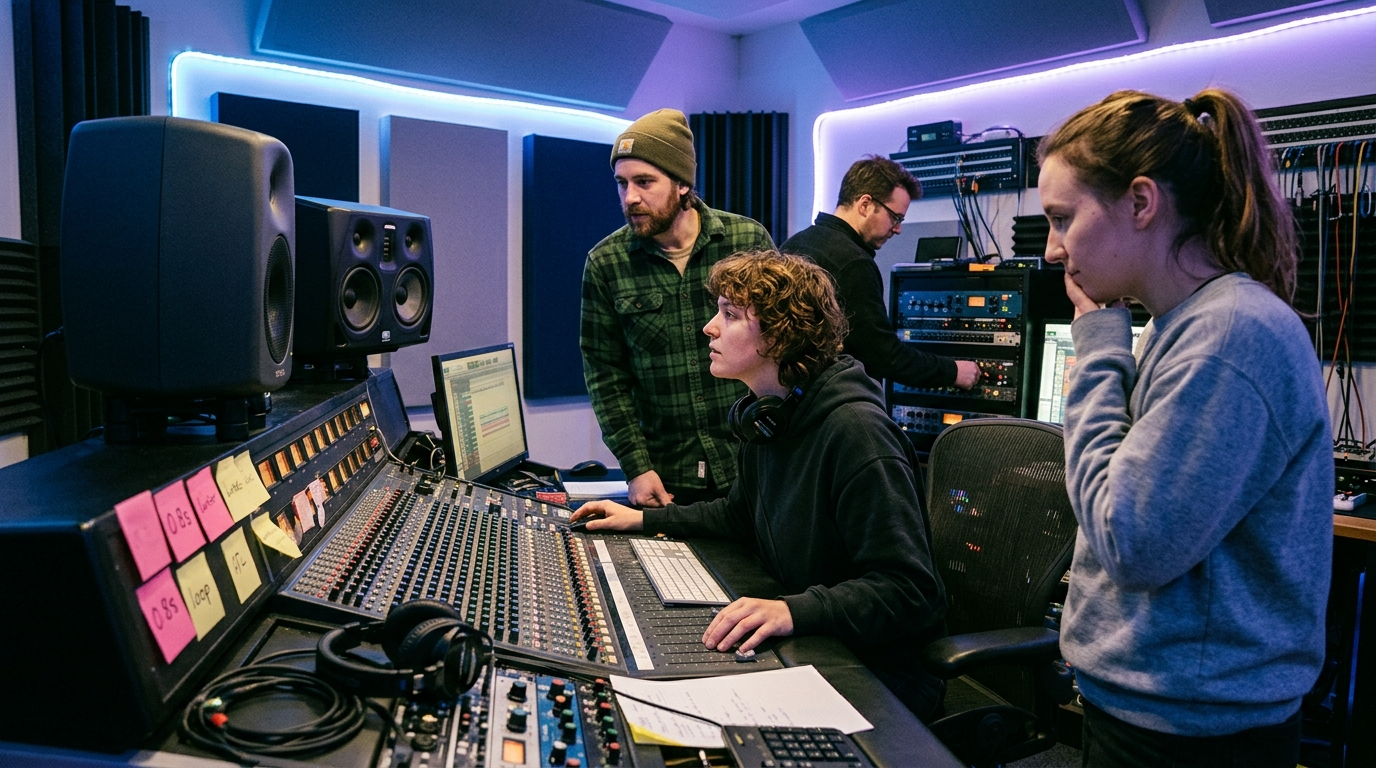
Hands-on: Rapidly prototype 3 audio‑logo concepts with PlayVideo.AI AI Music Generator
This is the work phase. The goal: produce three distinct concepts in about 20–40 minutes using PlayVideo.AI AI Music Generator. Each concept targets a different attribute: distinct melody, rhythmic hook, and voiced motif. The feature supports prompts for style, tempo, and mood, and outputs original tracks ready for use—perfect for rapid iteration and stakeholder review.
Concept 1 — The Short Hook (0.7–1.5s)
- Prompt: “Short, bright electronic pluck hook, 100 BPM, upbeat, 1 second loop, no vocals.”
- Why: A tiny percussive or plucked motif maps cleanly to short-form video and app sounds. Keep it under 2 seconds so it’s usable as a start/stop sting.
Concept 2 — Rhythmic Stinger (1.5–3s)
- Prompt: “Percussive rhythmic stinger with syncopated claps and synth bass, 90 BPM, punchy, 2 seconds.”
- Why: Rhythm helps recognition without depending on melody—useful under voiceover or in noisy platforms.
Concept 3 — Vocalized Brand Call (2–4s)
- Prompt: “Single syllable sung hook, female timbre, warm, 80 BPM, 3 seconds, lyrics: ‘Brand’ (spoken once).”
- Why: A voiced cue can humanize the brand and make name recall clearer.
Mini walkthrough: how to produce these in PlayVideo.AI AI Music Generator
- Open the AI Music Generator at /create-music and start a new track.
- Paste the first prompt into the text box and set export length to 1–3 seconds. Choose instrumental or vocal where required.
- Generate 3 variations and label them Hook-A, Hook-B, Hook-C. Download the best take as a WAV.
- Repeat for the two other prompts, keeping file names like LogoHook01.wav.
After you have the three concepts, organize a quick stakeholder listen session: play each cue in mute video placements (e.g., your latest ad, app‑launch screen) to judge fit. Because the generator creates original tracks with style/tempo control and royalty‑free outputs, you can iterate fast and audition multiple options before selecting a lead candidate.
Hands-on: Turn an audio logo into a multi-use sonic kit — intro loop, stinger, and background score
An audio logo is a seed; a sonic kit lets you deploy that seed across channels. The minimal kit contains four assets: the audio logo (0.5–5s), an intro loop (6–30s), a short stinger (0.5–2s), and a background bed (15–60s). Use PlayVideo.AI AI Music Generator to create each asset so timbre and harmonic content stay unified.
Workflow to expand a selected logo into a kit
- Lock the core elements: choose the winning audio logo’s scale, main instrument, and tempo. Note these values in your brand sound guide.
- Create an intro loop: prompt the generator for a 15–30 second loop that expands on the logo’s harmony and uses the same lead instrument. For example: “15s ambient loop, same pluck motif as Logo_A, soft pads, gradual filter sweep, 95 BPM.” This becomes your channel intro or podcast lead-in.
- Make a stinger: produce a short transition using the exact hook variant but varied arrangement—drop to a low bass hit then the hook. Keep it under 2 seconds for ad transitions.
- Compose a background bed: request a 30–60 second instrumental based on the logo’s chord progression but arranged for low intensity so it’s usable under narration.
Practical tips
- Maintain instrumentation consistency: use the same lead sound across assets so listeners connect the pieces.
- Produce voiced and wordless variants of the bed for global reuse.
- Export stems or separated tracks if the generator provides them; stems let editors duck and mix elements for different formats.
If you publish video assets, consider pairing the kit with a visual opener created in the AI Video Generator—using the same mood keywords keeps audio and visual identity aligned. Link your visual assets back to the same prompt language you used in music to ensure cohesion across senses. For image support—cover art or thumbnails—use the AI Image Generator to create matching visuals that echo the sonic kit’s mood.
Testing and rollout: simple metrics and placement rules to measure recognition and ROI
Testing should be simple and repeatable. Use a mix of qualitative listening tests and quantitative metrics from small paid tests.
Recognition testing (qualitative)
- Three‑way forced choice: play three audio cues (the winning logo plus two distractors) to a sample of 20–50 users and ask which sounds like your brand. Track the percentage who pick the correct cue. Aim for steady increases after repeated placement.
- In‑context tests: embed the cue in short ads or stories and run viewer recall surveys immediately after impressions.
Quantitative metrics
- Lift in recall: run small paid A/B tests where only the sonic logo differs. Use brand lift metrics—unaided recall and ad‑message recall—to measure incremental impact.
- Engagement delta: measure lift in click-through rates or completion rates for videos with vs. without the cue.
- Frequency vs. fatigue: track engagement over exposure frequency. Sonic logos scale with repetition, but you must watch for audience fatigue if the cue is overused or poorly mixed.
Placement rules (practical guardrails)
- Always use the audio logo at the start or end of paid creative and app launches.
- For short social clips, employ the 0.5–2 second version; for podcasts or long formats, use a 5–15 second intro loop.
- Keep levels consistent: mix the logo about 0–6 dB above the track bed in ads so it reads clearly on mobile devices.
These simple tests give you a defensible, data‑driven case to expand the sonic kit. For implementation you’ll likely use your ad platform’s A/B testing tools and short in‑app analytics to measure conversions and completion. For broader credibility on sonic branding effects, see the advertising literature which documents measurable benefits of repeated audio cues: https://www.tandfonline.com/doi/abs/10.1080/02650487.2023.2273645.
Scaling and governance: how to keep sonic identity consistent as you grow
Once a sonic kit is chosen, governance is the safeguard against drift. Small teams can enforce consistency without heavy process by adopting a compact sound guide and clear asset naming.
Start with a one‑page sound guide: include the core audio logo file, tempo, key, lead instrument, allowed variations (voiced vs. wordless), and volume rules. Add example prompts you used in PlayVideo.AI AI Music Generator so future producers can reproduce the same timbre and feel.
Asset management
- Store master WAVs and stems in a shared asset folder labeled with versioning (e.g., LogoMainv1.wav, LogoStingerv1.wav).
- Provide short usage notes: where to use the 0.7s, where to use the 15s loop, and when to prefer voiced variants.
Approval flow
- Create a lightweight review step: new ad creative that changes the logo or arrangement must pass a quick two‑person review for tonal consistency.
- Keep an emergency alternate: produce one tonal alternative (minor key or reduced arrangement) so you can pivot for seasonality without recreating the whole kit.
As your team scales, consider adding rights documentation to each asset showing the PlayVideo.AI AI Music Generator license confirmation. Because the generator produces original, royalty‑free outputs and lets you control style, tempo, and mood, you can maintain consistent production quality while giving freelance editors everything they need to stay on brand. Finally, use a shared prompt bank and link to visual assets (created in /create-image) so every new piece of content lines up both visually and sonically.
Conclusion
Sonic branding is one of the highest‑leverage identity tools for small teams: a short, well‑deployed ai music logo improves recall and gives your creative a consistent audio signature across channels. Start with a 10‑minute audit, prototype three concepts in PlayVideo.AI AI Music Generator, and package the winner into a compact sonic kit you can A/B test and govern. When you need to scale, keep a one‑page sound guide and asset versions to prevent drift. Open the AI Music Generator and create a copyright‑free audio logo you can drop into your next ad or app build.