A Practical Creator’s Guide to AI Voice Narration: Realism, Rights, and Repeatable Workflows
How creators can use AI voice narration safely and efficiently—voice selection, cloning, dubbing, and a hands-on PlayVideo.AI AI Voices workflow.
AI voice narration is now good enough to be the backbone of explainers, YouTube essays, e-learning, and multilingual dubbing. For creators who want fast, repeatable voiceovers without hunting studio time, PlayVideo.AI AI Voices offers stock voices plus voice cloning from a short sample—so you can keep a consistent narrator across a channel or localize quickly. This guide explains what modern narration AI can and cannot do, the legal and ethical rules to follow, and step-by-step production workflows so your narration sounds human.
Read this if you make explainer videos, indie shorts, or educational lessons and want a practical workflow: we cover voice selection, writing scripts for spoken delivery, a cloning walkthrough using PlayVideo.AI AI Voices, dubbing tips, and QA rules that keep you safe and scalable.
Why modern AI voices are changing explainer and YouTube narration (what creators should know)
AI voice narration has evolved from robotic TTS to near‑human naturalness in just a few years. Listening tests such as VoiceMOS and Interspeech benchmarks show top systems approaching human-level Mean Opinion Scores (MOS) for clarity and naturalness, even though perfect speaker similarity remains a research challenge. What that means for creators: you can now produce believable narration without an expensive booth or repeated recording sessions.
There are production, cost, and creative benefits. First, consistent tone: using the same cloned or stock voice keeps a channel’s identity steady across episodes. Second, speed: generating narration from text lets teams iterate scripts and localize rapidly. Third, integration with video workflows (lipsync and editing tools) reduces the back-and-forth that used to kill fast turnaround.
But quality varies between providers—reviews and comparisons highlight realism, language coverage, and studio features as key differentiators. For many creators, the practical sweet spot is a platform that offers both high-quality voices and production tooling. PlayVideo.AI AI Voices combines short-sample cloning, dozens of stock voices, and direct lipsync pairing with video tools—useful when you need fast, consistent narration for a YouTube essay or explainer series.
Legal, ethical, and platform risks of voice cloning — rules, consent, and attribution best practices
Voice cloning brings distinct legal and ethical questions. Regulatory bodies like the US Federal Trade Commission are already publishing rules and challenge frameworks focused on voice cloning risks; creators should treat cloning as something that requires explicit consent. The safest policy: always obtain written permission before cloning any real person's voice, and keep a record of consent that specifies use cases and duration.
Platforms and publishers often have their own policies. YouTube, ad networks, and social platforms may require disclosure if synthetic audio was used for paid content or to impersonate someone. From an ethical perspective, don’t clone public figures or private individuals without clear rights—misuse can lead to takedowns, strikes, or worse.
Attribution and provenance help: include a brief note in the video description or credits stating that narration is synthetic or cloned (and link to your consent policy if relevant). When you clone your own voice with PlayVideo.AI AI Voices, you maintain control—the feature is explicitly designed for creators who want to avoid re-recording while keeping a safe audit trail. For complex rights situations (ads, political content), consult legal counsel before publishing.
External resources such as the FTC’s voice cloning guidance offer practical rules and examples: https://www.ftc.gov/system/files/ftc_gov/pdf/Voice-Cloning-Challenge-Rules-2024-01-02.pdf
How to pick the right AI voice for your project: tone, language, and audience match
Choosing the right voice is more than picking the most natural-sounding sample. Start with project goals: educational explainers usually need a calm, neutral narrator with clear enunciation; YouTube essays may benefit from a slightly more expressive tone and varied cadence; character work needs a broader palette of personalities and accents.
Language and pronunciation coverage matter for multilingual projects—look for platforms with robust language models and localized prosody. Reviews and tool comparisons note differences in language breadth and studio tooling as major decision factors; if you plan to dub into Spanish and French, choose a provider that supports both languages with consistent style.
Sample the voice on your actual script early. Short auditions reveal issues with specific words, accents, or pacing. Use a pronunciation glossary for names and technical terms and try a few delivery styles (deadpan, conversational, emphatic). Platforms like PlayVideo.AI AI Voices let you generate narration from text in dozens of voices and compare outputs quickly, so you can A/B different narrator styles and pick the best fit for your audience.
Finally, think ecosystem: a voice that pairs cleanly with your video editing, lipsync, or music tools reduces friction. PlayVideo.AI AI Voices integrates with the platform’s lipsync effects and AI Video Generator, which simplifies matching narration to visuals across episodes.
Script-to-speech: writing and editing scripts so AI narration sounds human (hands-on workflow)
The single biggest factor in natural-sounding AI narration is the script itself. Wall-text written for reading silently rarely converts well—spoken delivery needs purposeful pacing, explicit pauses, and simplified sentence structure. Practical rules:
- Use shorter sentences and break long paragraphs into lines that match breath points. This makes it easier for TTS prosody to feel natural.
- Add punctuation deliberately: commas, dashes, ellipses, and parentheses can create natural pauses. Some TTS editors also accept SSML tags for precise timing.
- Include pronunciation hints and a small glossary for names, places, and acronyms. Even top models mispronounce unusual words unless guided.
- Mark emphasis with italics or metadata in your script notes to tell the narrator (or the TTS engine) where to add weight.
Hands-on workflow: write the script, paste it into your TTS editor, generate a short segment, and listen at normal volume. Iterate until the pacing feels conversational. For YouTube explainers, try recording one paragraph at a time and exporting WAV files for spot checks in your editor.
PlayVideo.AI AI Voices supports generating narration from text and gives you dozens of voice choices; pair this with the platform’s audio export options and you can drop polished narration directly into your timeline. Remember: naturalness comes from editing the text for speech first, then tuning the voice—not the other way around.
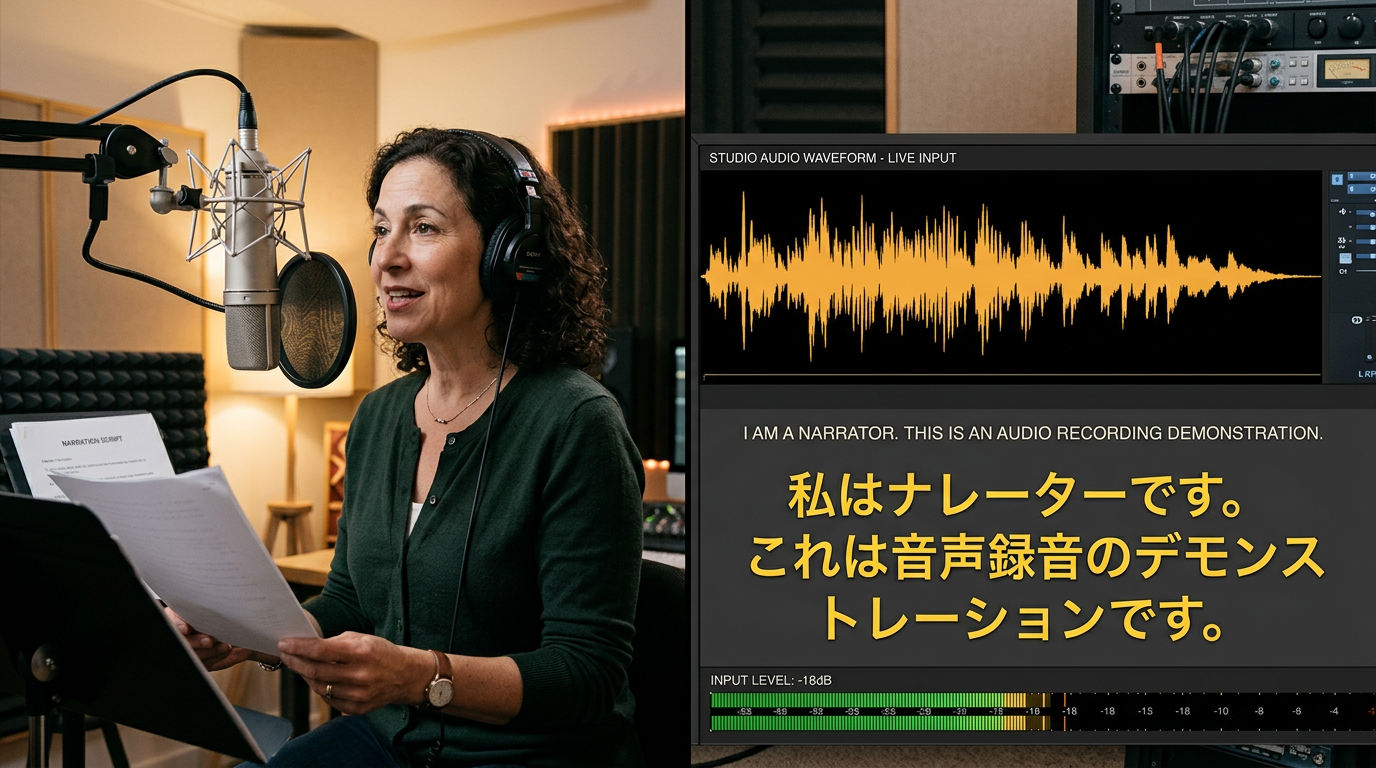
Recording and cloning your own voice safely — a step‑by‑step cloning workflow (hands-on)
If you want the convenience of not re-recording, cloning your own voice can save hours. Different tools require different sample lengths—some need 30 seconds, others ask for 1–3 minutes. Plan for a clean recording environment: a quiet room, a good USB mic, and consistent tone.
Step-by-step cloning workflow (worked example using PlayVideo.AI AI Voices):
- Prepare a 60–90 second script with varied sentences (short, long, question, exclamation). Aim for 1–3 minutes if you want more accurate clones for character nuances.
- Record in a quiet space with a consistent distance from the microphone. Export a clean WAV at 44.1–48 kHz.
- Open PlayVideo.AI AI Voices (/ai-voices) and upload the sample. The feature clones your real voice from a short sample and creates a usable voice model.
- Generate a test paragraph from your project script. Compare the clone against your original recording—listen for cadence and pronunciation mistakes.
- Iterate: if you need more similarity, add another 30–60 seconds of varied speech and re-upload. PlayVideo.AI’s cloning works from a short, clean sample, which keeps the process quick.
Practical notes: store your consent and retain the original audio. Use the clone for drafts and final deliverables, and include a short attribution line in the description when appropriate. If you work with collaborators, you can clone multiple voices for characters or co-hosts using the same process.
This cloning flow reduces time spent re-recording lines during updates and makes recurring series production far more efficient.
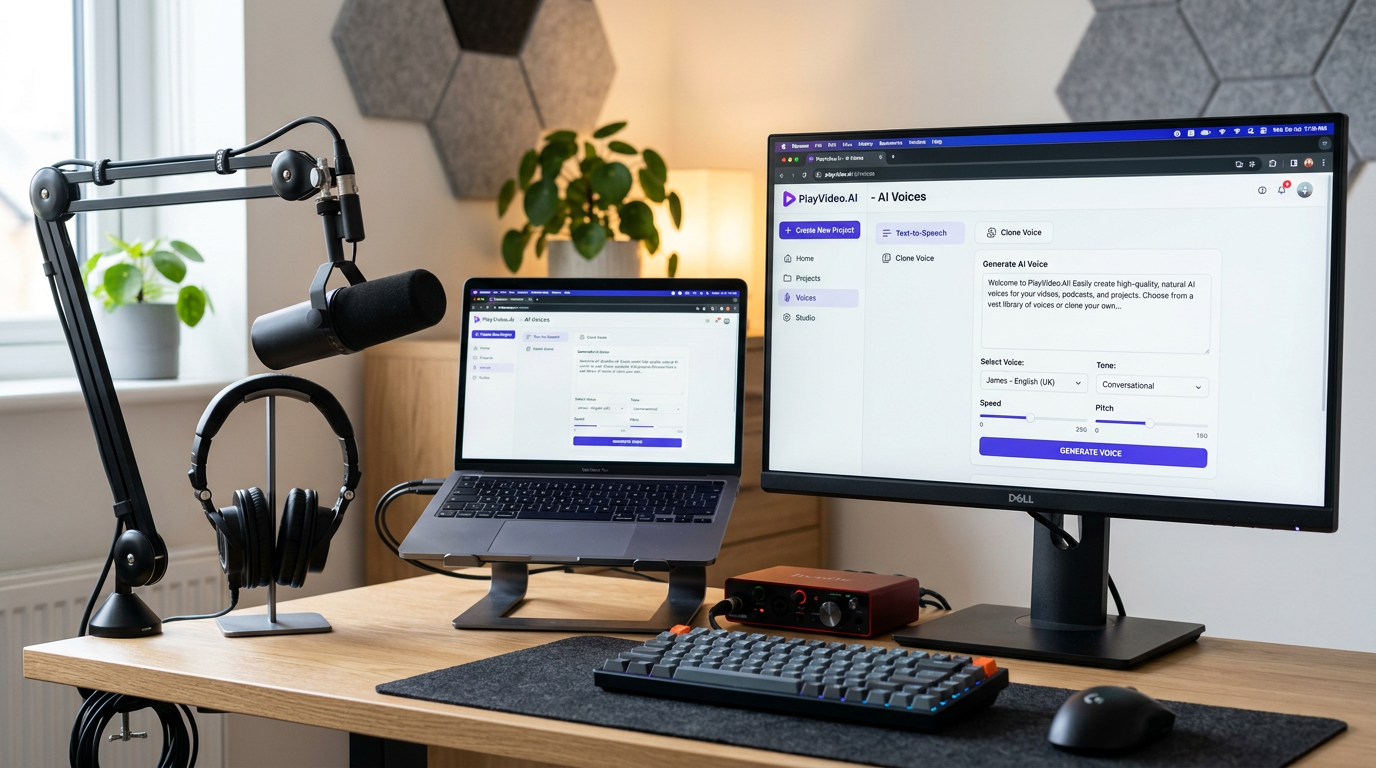
Dubbing and localization workflow: efficiently produce multi‑language explainer videos
Dubbing at scale is where AI narration pays off. A typical localized workflow includes script translation, timing adjustments, voice selection, and lipsync or subtitle checks. Use machine translation as a first draft, then have a native reviewer edit for natural phrasing and cultural context.
Efficient dubbing workflow:
- Extract the source transcript and timecodes from your edit.
- Translate and adapt the script for each language with human review; keep line lengths similar to preserve pacing.
- Choose a voice per language that matches the original speaker’s vibe—multilingual cloning can keep a consistent persona across languages when supported.
- Generate narration in each language and run a lipsync pass or adjust timing in your editor.
- QA with native speakers to check phrasing, idioms, and emotional tone.
PlayVideo.AI AI Voices supports dubbing videos into other languages and keeps the speaker’s vibe across languages, which is especially useful for explainer channels and training content. When combined with automated lipsync effects from PlayVideo.AI, you can produce localized reels or lessons faster than traditional studio dubbing. For long-form or high-stakes content, keep a human in the loop for the final pass to preserve nuance and legal compliance.
Mixing, delivery, and QA: polishing AI narration for podcast, video, and social formats
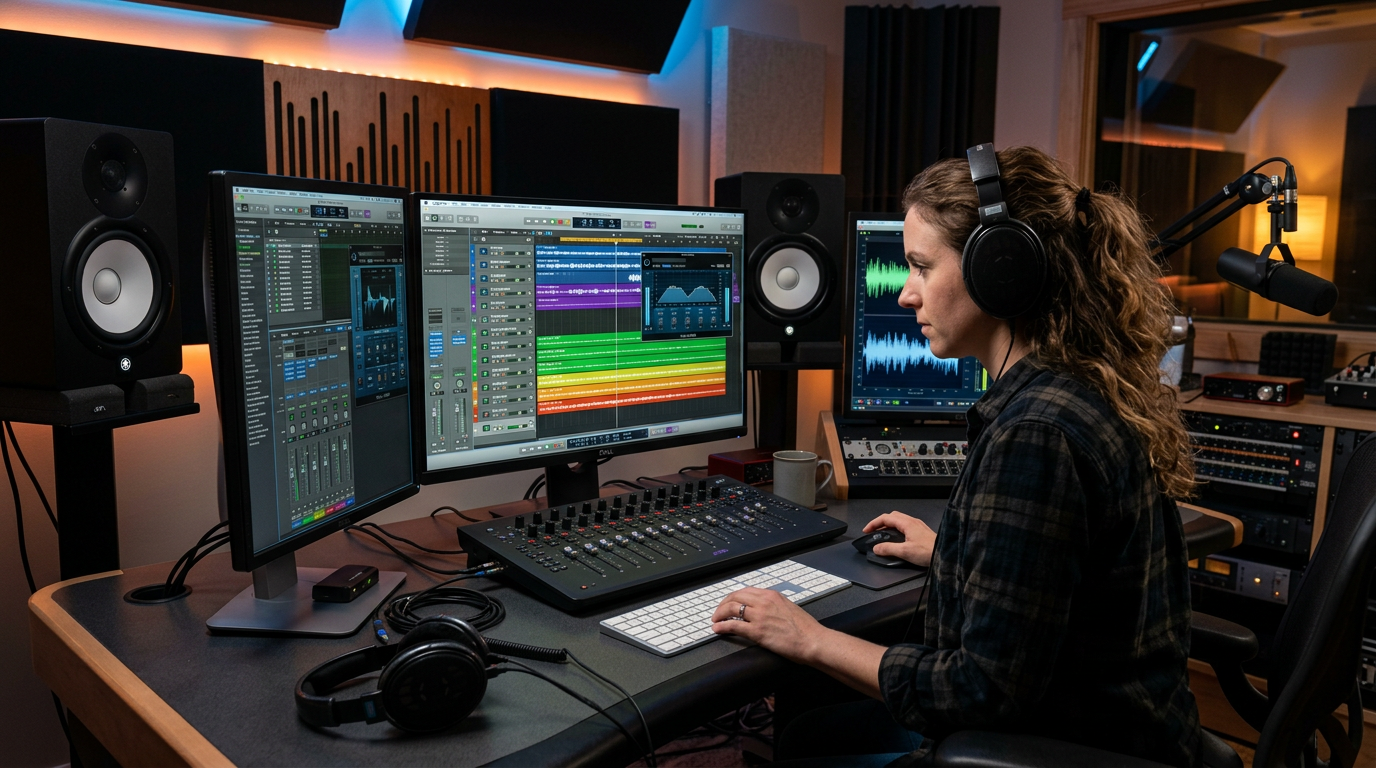
Once you have your narration tracks, mixing and delivery determine final quality. The same narration might need different treatments: a podcast needs warm, full-range audio; a short social clip benefits from aggressive de-essing and compression for small speakers.
Mixing checklist:
- Normalize levels to a target LUFS for the platform (podcasts ~-16 LUFS stereo, YouTube video around -14 LUFS).
- Use gentle compression and a de-esser to control sibilance introduced by synthetic voices.
- Add subtle room reverb or low-level ambience if the voice sounds too dry compared to on-location clips.
- Remove breaths or add natural-sounding breaths if the clone sounds unnaturally breathless.
- Match EQ to other elements (music, sound design) so the narration sits cleanly in the mix.
For QA, listen on multiple devices—studio monitors, earbuds, and phone speakers—to catch problems that appear only on certain playback systems. Automation helps: batch export WAV and MP3 at required bitrates and run quick checks for clipping and silence.
If you use background music, consider PlayVideo.AI AI Music Generator to create copyright-free tracks that match your narration’s mood and tempo; then duck the music under the voice using sidechain compression. For lipsynced videos, PlayVideo.AI’s lipsync effects ensure timing alignment so spoken words line up with visuals.
Measuring results and scaling narration across a channel or brand (KPIs, templates, and team workflows)
Scaling narration means turning a one-off success into a repeatable process. Define KPIs that matter: production time per episode, voice consistency across uploads, audience retention during narrated sections, and localization throughput (languages per release).
Practical templates and metrics:
- Episode checklist: script final → TTS draft → QA pass → mix → export. Track time spent at each step to identify bottlenecks.
- Voice library: keep approved voices (stock or clones) with metadata: intended tone, sample lines, and language coverage.
- Localization queue: track translations, reviewers, and final delivery dates.
- Audience KPIs: A/B test voice styles on thumbnails or short intros to see which voice yields higher retention or click-through.
Team workflows: assign one person to own the voice library and QA standards; use naming conventions for exported files so editors can drop audio directly into timelines. Platforms that combine TTS, cloning, and video tools reduce handoffs—PlayVideo.AI AI Voices pairs with the AI Video Generator and lipsync effects to let small teams produce consistent episodes faster. When evaluating ROI, consider market growth: the generative audio/speech market is expanding quickly, which explains why tooling investments now often pay for themselves through reduced studio time and faster localization cycles (BCC Research market figures highlight this growth trend).
Operational tip: include a short brand voice guideline that lists preferred cadence, allowed emphases, and forbidden impersonations—this keeps clones and stock voices aligned with brand tone as you scale.
Frequently Asked Questions
How much recorded audio do I need to clone my voice?
It depends on the platform; many services create usable clones from 30–90 seconds, while others recommend 1–3 minutes for higher similarity. PlayVideo.AI AI Voices creates a clone from a short, clean sample—start with ~60–90 seconds and add more if you need finer nuance.
Do I need to disclose that a voice is synthetic?
Disclosure rules vary by platform and jurisdiction. As a best practice, include a brief note in descriptions for cloned or synthetic narration and keep explicit consent for any cloned third-party voices.
Will AI narration sound the same across languages when dubbed?
Modern multilingual dubbing aims to preserve the speaker’s vibe, but exact prosody and idiomatic phrasing need human review. PlayVideo.AI AI Voices keeps the speaker’s vibe across languages, which reduces rework.
Conclusion
AI voice narration can speed production and keep your channel’s voice consistent—if you pair sensible legal safeguards with voice selection, script editing, and a robust QA process. For creators who want fast, repeatable narration and safe self-cloning, PlayVideo.AI AI Voices provides short-sample cloning, dozens of stock voices, and direct pairing with lipsync and video tools. Start by cloning a short sample and running an A/B test on one episode to measure retention and production time improvements. Open the AI Voices tool and clone your voice to cut re-recording from your next production cycle.