Run Faster YouTube Thumbnail A/B Tests by Generating Variants from One Photo
Generate 10+ on‑brand thumbnail variants from a single photo, run valid A/B tests, and scale winners with the PlayVideo.AI AI Image Generator.
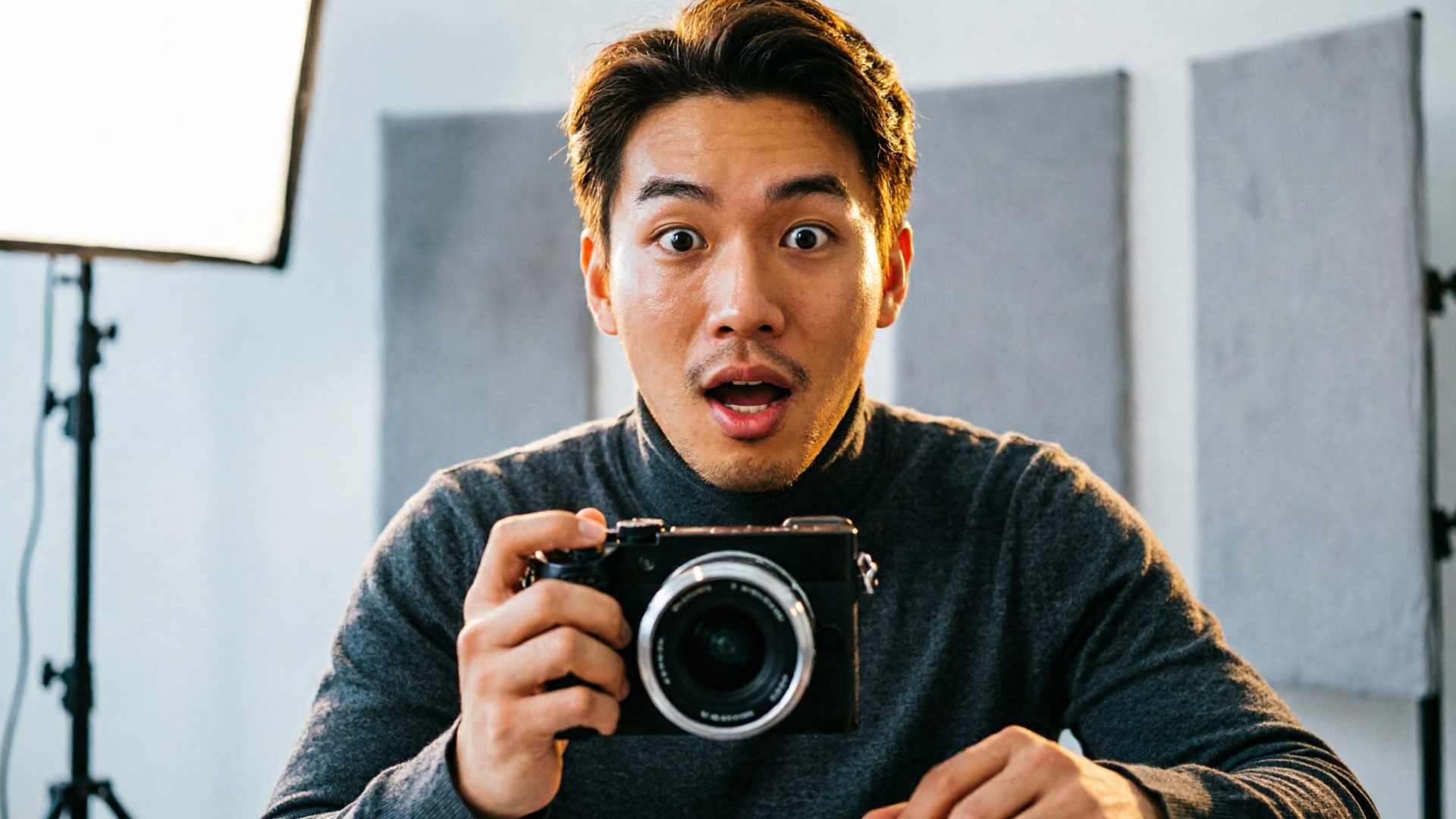
If you want to improve CTR without guessing, use an AI thumbnail generator to turn one strong photo into many testable thumbnails fast. This guide shows creators how to design controlled A/B tests, generate 8–12 high-quality variants from a single asset with the PlayVideo.AI AI Image Generator, and prioritize wins that lift both clicks and watch time.
Why thumbnail A/B testing matters: the metrics that make or break reach
Thumbnails are arguably the single highest-leverage piece of creative on YouTube: they determine who clicks and who keeps watching. Two metrics matter most in A/B testing: click-through rate (CTR) and watch time (or average view duration). CTR controls impressions — higher CTR gets your thumbnail shown more often by YouTube’s systems — while watch time signals whether that click was a good user experience. A thumbnail that spikes CTR but tanks watch time risks being down-ranked as clickbait.
Data from large-scale analyses shows how much variation visual tweaks can create. ThumbnailCreator’s review of thousands of tests reports that changing background color alone produces an 18–25% average CTR change — a massive win if you can reliably reproduce it. Text changes are smaller but still meaningful, with 8–15% CTR variation when experimenting with wording, size, or contrast.
For creators, that means A/B testing thumbnails is not optional: it’s how you turn marginal thumbnails into consistent growth levers. But it also means running tests that measure both CTR and watch time so the algorithm promotes the right videos. Later sections walk through the design and the practical workflow for doing this fast using PlayVideo.AI’s tools.
What to test (and why): highest‑impact thumbnail variables backed by A/B results
Not all thumbnail changes are equally powerful. If you must prioritize limited design time, start with variables that historical A/B data shows move the needle.
- Background color and contrast. As mentioned above, background color changes can produce the largest average CTR shifts — 18–25% in ThumbnailCreator’s dataset. Try bold, complementary colors that separate the subject from the platform UI.
- Face expression and crop. HookSnap documents cases where expression swaps (neutral → surprised) produced very large uplifts — a Thumbify case saw a +47% CTR lift. Faces with strong, readable emotion typically outperform neutral expressions because they convey story instantly.
- Headline text: wording, sizing, and legibility. Text changes usually yield 8–15% CTR differences; test concise phrases, punchlines, or benefit statements. Keep readable type at small sizes so it works across devices.
- Composition and focal point. Move the subject left/right, increase eye contact, or create negative space for branding or platform badges.
- Color grading and saturation. Subtle boosts can increase perceived energy; overcooking color is a risk, so include a muted control.
Test one major variable per variant group so you can attribute lifts. For small channels or low-traffic videos, staged experiments (uploading different variants to comparable videos) can help because raw impressions may be too low for standard tests. Sources and creator guides recommend ensuring sufficient impressions before calling a winner; common practice is running tests 3–14 days depending on traffic.
Design rules for testable thumbnails: create variants that isolate one variable
A/B testing requires discipline. If your variants change color, crop, and text at once you won’t learn what actually mattered. Use these rules to keep experiments interpretable.
- One-variable-per-group. Create variant sets where only a single visual attribute changes: background color, expression, text phrase, or crop. This isolates effect size and speeds learning.
- Keep the control consistent. Use your best current thumbnail as the control; all variants should match it except for the variable under test. That reduces noise from other changes.
- Use device-size previews. Thumbnails look different on mobile: test legibility and face size across small and large devices. AI thumbnail generators often output multiple aspect ratios in one pass so you can preview platform crops.
- Maintain brand anchors. If you use a logo, color bar, or consistent typeface, keep that element constant unless you’re explicitly testing it.
- Limit the number of variants. Start with 4–10 meaningful variations from a single photo. Too many variants fragment impressions; too few limit learning. For many creators, an 8–12 variant run generated from one photo hits a practical sweet spot.
- Label and track every variant. Use filenames or metadata that encode the variable tested (e.g., "BG-bluetext-shortcrop-tight") so analytics are traceable when you pull results.
Pull-quote:
Test designs that isolate a single variable — you’ll learn ten times faster and avoid wasting impressions on ambiguous experiments.
These rules make technical A/B testing straightforward. The next section shows a workflow that generates those disciplined variants quickly using PlayVideo.AI.
Workflow — From one photo to 10 test‑ready thumbnails using PlayVideo.AI
PlayVideo.AI AI Image Generator is built for this exact workflow: edit-in-place so you don’t start from scratch, produce multiple aspect ratios in one pass, and save variations to a library for iteration. Here’s a compact walkthrough you can follow in 20–45 minutes to produce 8–12 test-ready thumbnails from one strong photo.
Step-by-step example (worked walkthrough):
- Upload your base photo to the PlayVideo.AI AI Image Generator (/create-image). Pick the frame with the clearest face and most expressive pose.
- Create a baseline edit: prompt for a subtle cleanup (remove background distractions, boost subject clarity). Use the edit-in-place feature so the original photo remains editable.
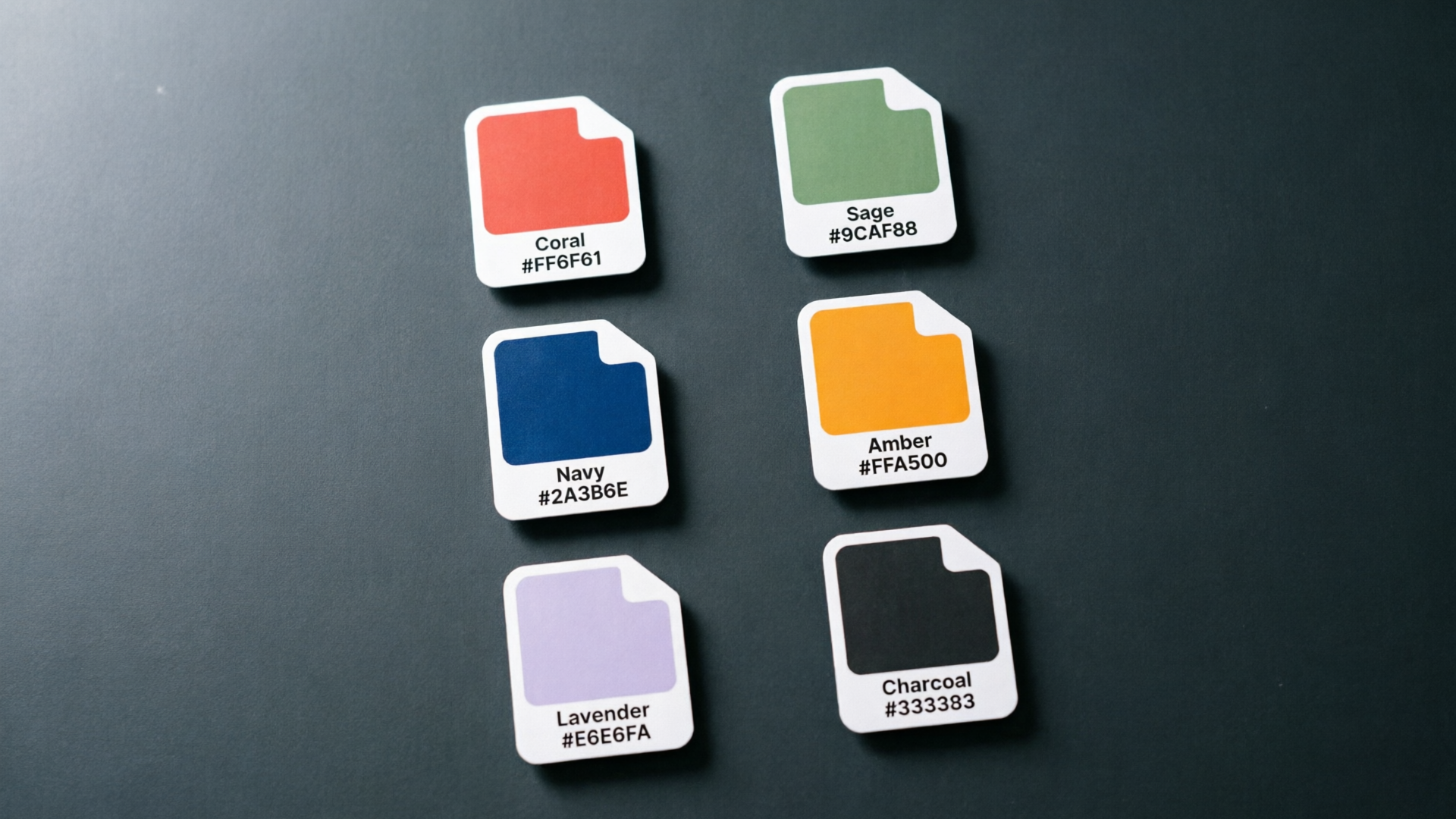
- Generate background color variants. Use prompts like: "Replace background with solid high-contrast teal, keep subject edges sharp, cinematic rim light." Repeat with 3–4 distinct colors (e.g., warm orange, deep blue, high-contrast teal). The generator outputs each color in the YouTube aspect ratio and a mobile crop in one pass.
- Make expression and crop variants. If you have alternate frames, edit-in-place to swap crops (tight headshot vs. mid-shot) and apply a prompt to increase perceived surprise or smile subtly while staying natural.
- Add text overlays in the same project: test short vs. long headlines, different type sizes and stroke contrasts. Export a set where text is the only changed element.
- Use the "save variations to library" capability to keep named groups: BG-bluetext-short, BG-orangetext-long, CROPl-tight_expr-surprised, etc.
- Export 8–12 final PNGs at YouTube thumbnail resolution and mobile preview aspect ratios.
Why this beats manual resizing and Photoshop: the PlayVideo.AI AI Image Generator can run the same prompt across multiple aspect ratios in one pass, edit the uploaded photo rather than starting fresh, and keep variations organized so you can iterate quickly. That reduces designer bottlenecks and makes it realistic to run disciplined experiments every release.
If you also need short video promos or animated thumbnails, those exported frames can be dropped directly into the PlayVideo.AI AI Video Generator (/create-video) to produce short teasers using the same visual language. For background audio or short stingers, consider generating tracks with the AI Music Generator (/create-music).
How to run valid A/B tests on YouTube (sample size, timing, and watch‑time checks)
Running A/B tests that produce actionable results means managing sample size, timing, and watch-time safeguards.
- Sample size and duration. YouTube tests should collect enough impressions to separate signal from noise. Creator guides commonly recommend running tests anywhere from 3–14 days depending on traffic and stability. High-traffic videos need shorter windows; smaller channels may need the full range or staged experiments across comparable uploads. If impressions are low, run controlled tests across different but similar videos or use a smaller set of tightly controlled variants.
- Track the right metrics. Don’t decide winners by CTR alone. Monitor impressions, CTR, average view duration, and audience retention. A variant that increases CTR but decreases watch time risks being deprioritized by YouTube.
- Statistical caution and pace. Avoid flipping thumbnails too quickly. Let each variant gather enough impressions for a stable trend before making the switch permanent. Tools that automate splits or third-party A/B runners can help, but manual tracking in YouTube Studio is also workable if you stick to disciplined windows.
- Document outcomes. Save the winning thumbnail variant and the exact parameters you tested (background color, copy, crop) to reproduce the result in future videos or channel packs.
For sources and deeper best practices, ThumbnailCreator’s A/B testing guides and HookSnap’s case studies are useful reference points. See a short external explainer on A/B testing for more context: https://www.thumbnailcreator.com/insights/ab-testing-thumbnail-results
If you’re a smaller channel with limited daily impressions, staged experiments (upload different thumbnail-controlled videos on the same topic) are a practical alternative to real-time split testing. The key principle remains: isolate one change, run long enough for a signal, and validate watch time.

Iterate faster: use PlayVideo.AI to remix winners, produce channel packs, and maintain branding
Once you have a winner, the work isn’t over — scale it. PlayVideo.AI AI Image Generator makes iteration and channel-level rollout simple:
- Remix winners in-place. Open the winning thumbnail project, tweak color or copy for the next video, and export a fresh pack. Because the editor saves variations to your library, you don’t recreate the asset each time.
- Produce channel packs. Use the same prompt to export multiple aspect ratios and sizes across thumbnails, social posts, and ad formats. That keeps the campaign cohesive and saves time when repurposing assets for community posts or short promos.
- Maintain brand consistency. Lock brand elements (logo lockups, type treatments) as a layer or prompt constraint so every variant retains your visual identity even as you test aggressive changes like background color or expression.
- Feed winners into other formats. Strong thumbnail frames can be uploaded into PlayVideo.AI AI Video Generator (/create-video) as starting frames for short teaser clips or animated thumbnails, keeping the visual language the same across formats.
Scaling this workflow shortens the time between hypothesis and impact: change, test, win, replicate. For teams deciding between hiring a designer or running continuous experiments, the time and cost savings also make PlayVideo.AI competitive — check pricing and plans to estimate credits and scale at /pricing.
Measuring impact beyond CTR: turning thumbnail wins into sustained channel growth
A thumbnail win provides a short-term lift, but the strategic goal is sustained view growth and audience retention. Here’s how to translate single-video gains into channel-wide improvement.
- Combine creative winners with optimization. When a thumbnail variant proves better, republish it across similar videos on the same topic or format. Track whether the lift replicates — replicated wins are stronger signals to keep investing in the same visual language.
- Use winners to inform content decisions. If surprised faces consistently outperform, consider editing video intros to match the emotional tone and increase early watch time.
- Monitor audience quality. Higher CTR should be accompanied by comparable or better average view duration and audience retention. If you see a CTR uptick but a drop in 30-second retention, refine your title or intro rather than doubling down on the thumbnail.
- Build playbooks. Save prompt templates, color palettes, and type rules in PlayVideo.AI’s library so teammates can produce consistent test variants without reinventing the creative each cycle.
- Track long-term metrics. Beyond per-video CTR, watch subscriber growth, session starts, and impressions across the channel. Sustainable growth comes when thumbnails attract viewers who stay for meaningful watch time — that’s the signal YouTube rewards.
This is where the PlayVideo.AI AI Image Generator’s ability to save variations and reproduce the same prompt across aspect ratios pays off: you can turn a single proven look into a channel pack that scales.
Frequently Asked Questions
How many thumbnail variants should I create from one photo?
Start with 6–12 variants: a control plus 5–11 focused changes (color, crop, text, expression). That range balances learning with available impressions.
Can AI edits change a subject’s expression realistically?
Many edit-in-place tools, including PlayVideo.AI AI Image Generator, can subtly restyle expressions from an uploaded photo. Keep changes modest to avoid appearing fake and always test watch-time impact.
How long should I run a thumbnail A/B test?
Common practice is 3–14 days depending on traffic. High-traffic videos may need only a few days; lower-traffic channels should run longer or use staged experiments across comparable uploads.
Will changing background color really move CTR?
Yes — analyses of thousands of tests show background color changes producing the largest average CTR swings, often in the 18–25% range.
Conclusion
A disciplined A/B testing program starts with good experimental design and tools that let you generate consistent, high-quality variants without friction. The PlayVideo.AI AI Image Generator lets you edit a single photo in-place, produce multiple aspect ratios in one pass, and save variations so you can repeat winners across your channel. Open the AI Image Generator and spin up your first set of thumbnail variants to start running smarter tests.