How to Make Click‑Stopping AI Music Short Loops for Reels and Shorts
A practical workflow to create short, copyright-safe instrumental loops using AI—plus mixing tips and a quick start with PlayVideo.AI AI Music Generator.
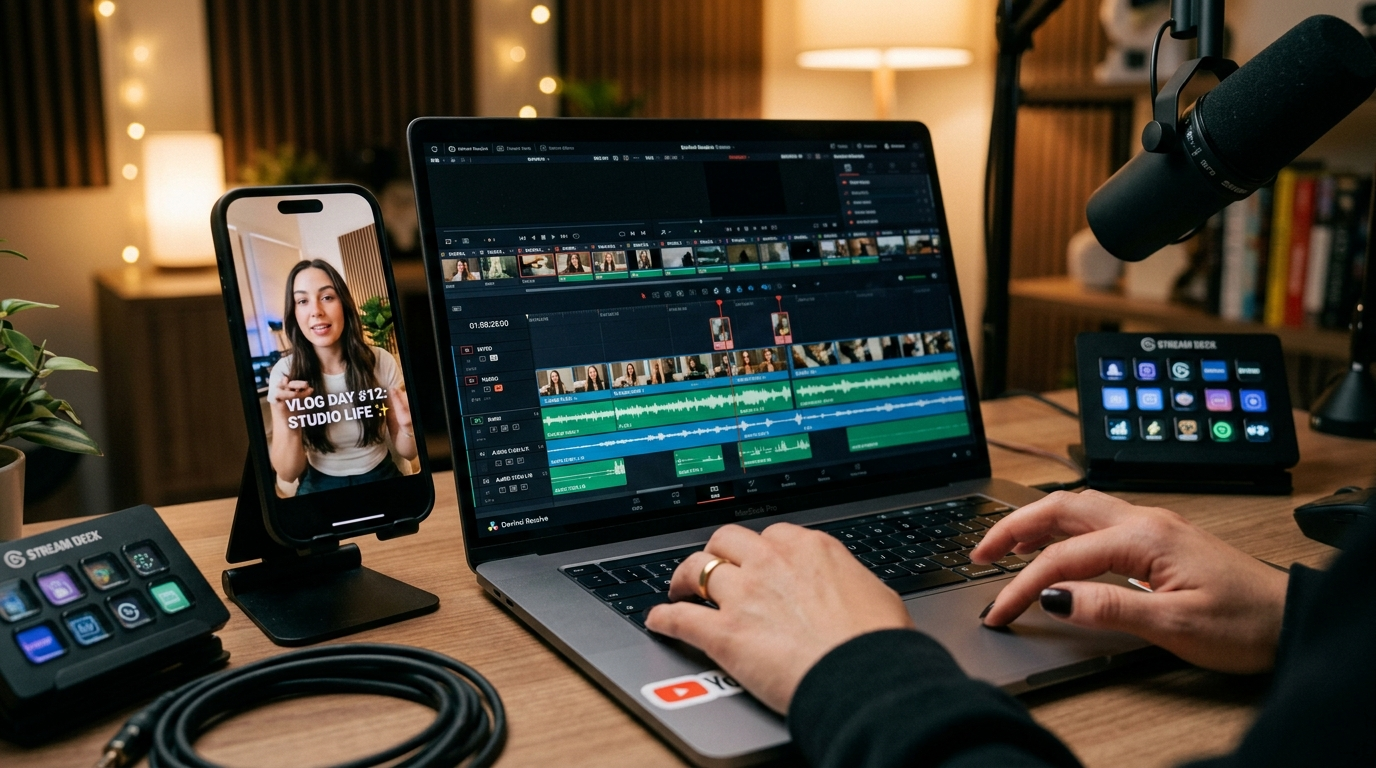
Short-form video lives and dies on the first seconds of audio—so the right AI music short loop can be the difference between a flick of the thumb and a stop-and-watch. This guide lays out a practical, rights-aware workflow for creating short instrumental loops you can drop under Reels, Shorts, or TikToks. Along the way you'll see exactly how to use the PlayVideo.AI AI Music Generator to produce, tweak, and export commercial-ready loops that won't drag you into licensing headaches.
You'll get actionable rules for loop length and hook design, a hands-on prompt-to-export walkthrough, mixing tips that preserve voice clarity, and three real creator scenarios showing how short loops are used in the wild. If you want a repeatable process that outputs editable stems and a polished short loop in minutes, the PlayVideo.AI AI Music Generator is central to that workflow.
Why short instrumental loops matter for Reels, Shorts and TikTok (attention, retention, and platform signals)
Short-form audio hooks live or die in the first few seconds: a strong melodic anchor and immediate movement are the most reliable ways to stop the scroll. Social-audio guidance for creators repeatedly emphasizes a clear, high-contrast hook right at the top of a clip—this is why a short musical phrase that hooks within 1–2 seconds is so valuable (Output).
From a platform perspective, attention and retention are measurable signals. Users who pause, replay, or keep watching because of an audio hook generate positive engagement that the algorithm can reward. Because viewer attention windows are tiny on mobile, starting with a compact musical idea—rather than a long build—lets you maximize impact in the platform’s preferred timeframe. That’s also why creators aim for loops under 30 seconds for promos and trend pieces: a short, repeatable loop keeps energy tight and makes editing simpler.
Finally, short loops are easier to A/B test. Swap a 6-second instrumental loop with a different hook and you can quickly see which one improves watch-time and completion rate. That rapid iteration is what separates creators who stumble into a viral sound and those who intentionally design it.
Copyright, risk and what ‘royalty-free’ actually means for AI-generated tracks
Marketing claims like “royalty-free” or “commercial use allowed” are not uniform across platforms. Terms of service can change, and a track that was usable last week might have new restrictions after a policy update. Creators should verify platform TOS and test tracks with Content ID or platform preview tools before using them in monetized work (Alibaba/product-insights summary).
Legal risk also has a real history. Labels filed lawsuits in 2024 against several AI music generators alleging copyright infringement, and surveys show widespread concern among musicians—nearly 80% reported worry about AI music’s impact (MusicRadar). These incidents don't mean every AI-generated track is unsafe, but they do mean you should choose tools that produce original output and provide clear export rights.
PlayVideo.AI AI Music Generator produces original tracks from a text prompt and advertises exports that can be used without separate library licensing. That combination—explicit generation of original material and an export workflow designed for creators—reduces the administrative friction of clearing music for short-form content. Nevertheless, validate any commercial claim by reviewing the generator’s terms and, when in doubt, run a short Content ID test on the target platform before publishing widely.
For more background on how platforms are building tools around short AI audio, see the reporting on YouTube’s Dream Track experiment, which illustrates a broader industry move toward integrated, short-format audio generation: https://www.mediapost.com/publications/article/400280/.
Designing the perfect short loop: musical building blocks that work on repeat
Build a loop like a tiny song: a rhythmic bed, a melodic anchor, and a small set of variations that keep the ear interested across repeats. Practically speaking, start with a loopable unit of 4–8 bars—at typical short-form tempos that’s roughly 4–8 seconds—and then design a 2–4 second melodic hook you can drop over the bed (Elizabeth Records / Output). This structure gives you a repeatable bed and a headline hook that listeners remember.
Key elements to consider:
- Rhythmic clarity: a percussive element or gated synth that defines the groove within the first beat.
- Melodic anchor: a simple motif of 2–4 notes that’s instantly hummable and occupies a distinct range so it doesn’t clash with voices.
- Dynamic movement: a subtle change every 4–8 bars—a filter sweep, reversed hit, or hi-hat pattern—to prevent fatigue.
Frequency management is essential if the loop will sit under narration. Leave open space in the 200–1,000 Hz range and be cautious around 2–4 kHz where voice presence lives. Design your hook to avoid those ranges when voiceover is expected; that makes later mixing far easier and prevents masking.
Finally, plan for looping behavior: use clean start/end points (no abrupt reverb tails) and consider a short fade or micro-edit to make the loop seamless on repeat. That attention to tail and transient design turns a good loop into a truly repeatable short-form asset.
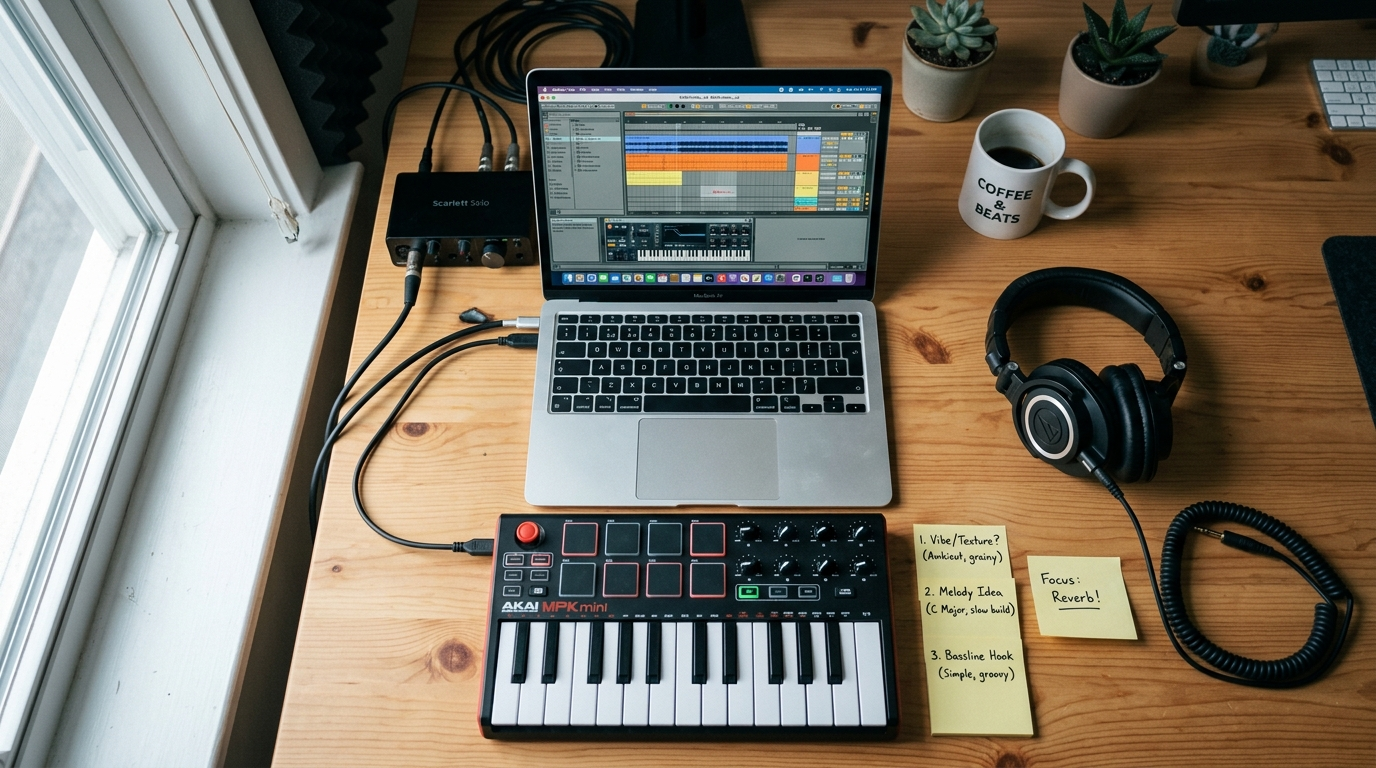
Workflow — From brief to first 15‑second loop (hands-on prompt and edit steps)
A repeatable workflow gets you from a creative brief to a 15-second loop in under 20 minutes. Here’s a practical step-by-step you can use with PlayVideo.AI AI Music Generator.
Brief: define purpose (background for an explainer), length (15 seconds), mood (upbeat, modern electropop), tempo (100–110 BPM), and exclusions (no bright lead above 2 kHz because of voiceover).
Prompt and generate:
- Open the PlayVideo.AI AI Music Generator (/create-music) and enter a concise prompt: “15s instrumental loop, electropop groove, 104 BPM, staccato synth bass, warm pad bed, short 3-note melodic hook, low mid-range focus—leave space 2–4 kHz for voice.”
- Set style, tempo, and mood controls to match the brief (electropop, 104 BPM, upbeat).
- Hit generate and listen to the first pass.
Edit and iterate:
- If the hook is too busy, use the generator’s style slider to simplify the melody; regenerate until the hook is 2–4 notes.
- Export stems (drums, bass, hook, pad) so you can mix without re-rendering the entire loop. If the generator provides stems, download them; if not, export the full mix and a version with reduced lead volume.
- Trim to the best 4–8 bar segment and test the loop on repeat. If tails create clicks on loop points, trim or add a 50–100 ms crossfade at the loop boundary.
Quick checks:
- Play the loop under the target vocal or caption track and ensure the melody doesn’t compete with spoken frequencies.
- Run a short Content ID test if you plan to monetize immediately.
This hands-on loop creation routine is fast because PlayVideo.AI AI Music Generator supports style/tempo prompts, produces instrumental output, and provides exports suitable for editors. Use the exported loop inside your editor or pair it with an existing AI generated video from the PlayVideo.AI AI Video Generator (/create-video) when you want a matched visual and audio concept.
Polish and deliver: mastering, stems, and matching a loop to voiceover or captions (hands-on mixing tips)
Polishing a loop is about making it sit and breathe with the rest of the mix—especially voice. Start by exporting stems so you can adjust individual parts without going back to generation.
Mastering and stems:
- Export individual stems for drums, bass, lead hook, and ambience. Stems let you duck the musical elements under narration with automation or sidechain compression rather than altering the entire mix.
- Apply a light bus compressor and a gentle limiter on the master to raise perceived loudness without squashing dynamics—aim for -6 dBFS peaks for short-form deliverables.
Mixing for voice:
- Use a surgical high-pass filter on the music at around 80–120 Hz to remove unnecessary sub-bass that muddies phone speakers.
- Carve space with EQ: reduce 200–1,000 Hz energy in the music by 2–4 dB if the voice sits there, and notch 2–4 kHz if the hook competes with the vocal presence range.
- Sidechain or duck the music under the voice: a fast-attack, quick-release ducking tied to the vocal track will keep the narration clear without killing the groove.
Export variants:
- Create two masters: one full mix for ad placements and another with the lead reduced for voice-heavy content. These small differences make re-editing faster and avoid regenerating new loops.
Finally, test the loop on device. Phone speakers reveal masking problems more clearly than desktop monitors. Confirm the hook reads at low volume and the voice remains intelligible. These steps preserve the hook while ensuring the loop behaves cleanly across platforms.
Case studies: 3 creator scenarios — explainer background, brand jingle, trend vocal hook
Scenario 1 — Explainer background (quick information video) A social creator needs a neutral, upbeat loop to underscore a 30-second explainer. They generate a 15s loop with light percussion, warm pad, and a 3-note bell motif using the PlayVideo.AI AI Music Generator. Exported stems let them duck the music during the narrator’s lines. Result: increased watch-time because the music supports rather than competes with speech.
Scenario 2 — Brand jingle (micro-spot) A small brand needs a 6-second sonic ID for a product reveal. The creator prompts the AI Music Generator for a short jingle—clean rhythm, electric guitar stab, and a memorable 2-note motif. They iterate until the motif is distinct and export a loopable 6s file. That clip becomes the brand’s recurring audio tag across Reels, creating consistent recall.
Scenario 3 — Trend vocal hook (dance/voice overlay) A creator wants a hook that invites user vocalization or lipsyncing. They ask the generator for a short instrumental featuring a rising 4-bar motif with intentional space for human vocalizations. After generation, they export an instrumental and a version with a faint guide vocal. The community uses the instrumental to layer their own voices, and the original creator’s content benefits from trend attribution because the loop is uniquely identifiable.
Across these cases, the common thread is quick iteration and stem exports. PlayVideo.AI AI Music Generator’s ability to control style, tempo, and mood—and to output original tracks—lets creators produce different loop lengths and variations without subscribing to a library or dealing with repeated licensing checks.
How to integrate PlayVideo.AI AI Music Generator into your short-form workflow (quick start & best practices)
Integration is about speed and predictability. Use the PlayVideo.AI AI Music Generator as your primary sound-creation step early in the edit so you have stems available for mixing and A/B testing.
Quick start checklist:
- Start with a tight brief: length, BPM, mood, and any frequency exclusions for voice.
- Generate multiple variations (3–5) and label them by energy and hook complexity.
- Export stems for the chosen take so you can automate ducking and EQ in your editor.
Best practices:
- Keep loop units at 4–8 bars for maximal loopability and repurpose potential.
- Test on-device and run a Content ID check if you plan to monetize immediately—this avoids surprises.
- Pair the loop with a short visual test: use the PlayVideo.AI AI Video Generator (/create-video) or a single image from the PlayVideo.AI AI Image Generator (/create-image) to prototype the final clip and confirm sync and emotional fit.
Cost and scaling: if you’re experimenting at volume, check plan limits and credits on the PlayVideo.AI Pricing (/pricing) page to match your production cadence. For narrators and dubbing, combine your loop with PlayVideo.AI AI Voices (/ai-voices) to create polished narrated shorts without scheduling studio time.
Worked example (quick walkthrough):
- Brief: “15s chill-pop loop, 95 BPM, soft pluck lead—leave mid-range clear.”
- Open the PlayVideo.AI AI Music Generator (/create-music), set style and tempo, paste prompt, generate.
- Choose variation B, export stems, and import into your editor.
- Add vocal track, apply a 3 dB cut at 800 Hz on the music bus, and automate 4 dB ducking during speech.
- Render a 15s MP4 and upload to Reels.
Do this a few times and you’ll have a small library of reusable loops and variations. The PlayVideo.AI AI Music Generator makes it fast to iterate and deliver tracks that are editable and platform-ready.
Conclusion
Short-form creators need audio that’s fast to make, easy to edit, and safe to publish. Designing loops around a 4–8 bar unit, building a 2–4 second melodic anchor, exporting stems, and testing for masking will get you reliable results—and using a generator that creates original output and exports ready-to-use stems removes a lot of licensing uncertainty. For a practical workflow that gets you from brief to a polished short loop in minutes, open the AI Music Generator and pop a vibe in so you can score your next cut immediately.