Choosing the Best Lip Sync AI: Accuracy, Speed and Cost Compared
Compare lip-sync AI by accuracy, speed (real-time vs batch), and cost. A creator-first guide to pick the right tool for dubbing, avatars, or live streaming.
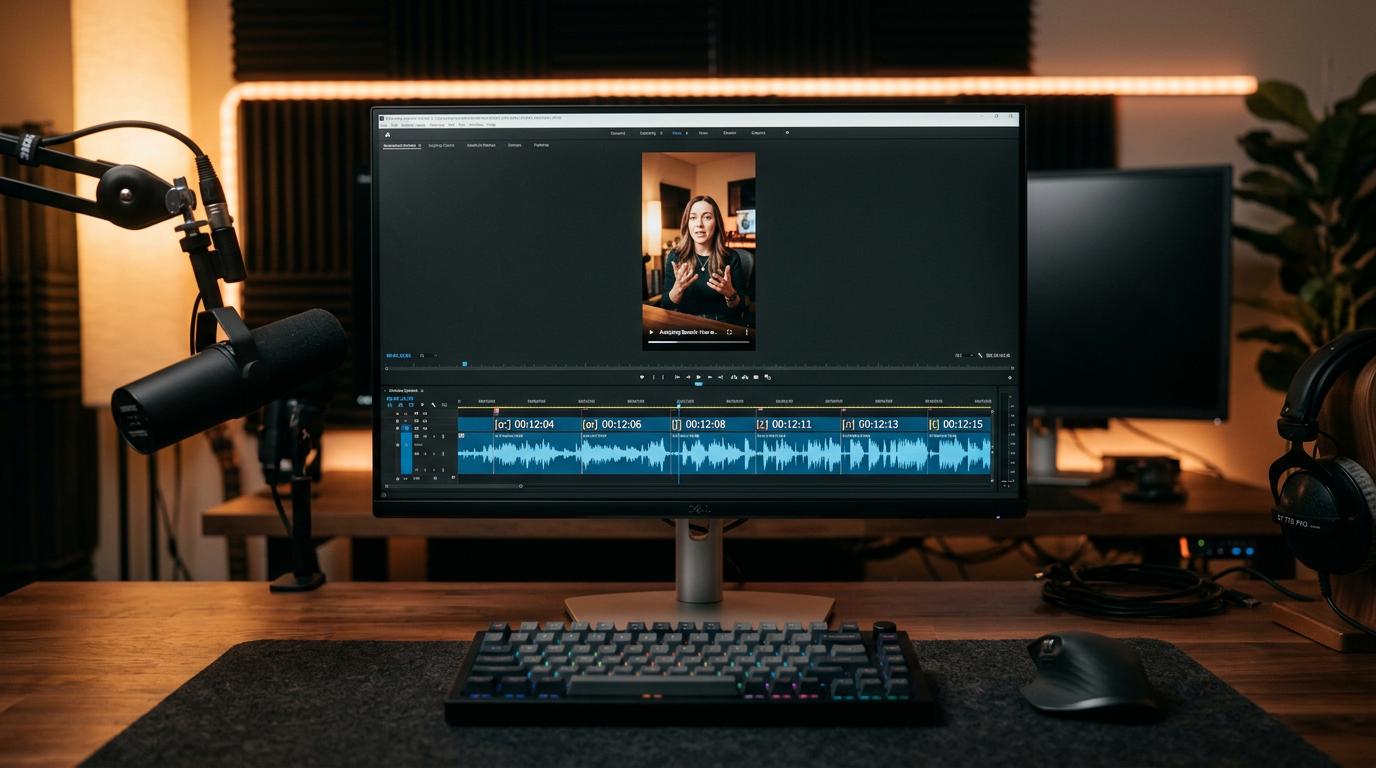
If you need the best lip sync AI for dubbing, avatar work, or live streaming, stop shopping by features and compare three practical axes: accuracy, speed, and cost. This guide walks creators and small teams through how modern systems convert audio into mouth motion, how accuracy is measured, the tradeoffs between real-time and batch methods, and concrete decision criteria for production use.
How lip-sync AI works (phonemes, visemes, mel-spectrograms and latent-space approaches)
Modern lip-sync AI pipelines follow two broad patterns for converting audio to mouth motion.
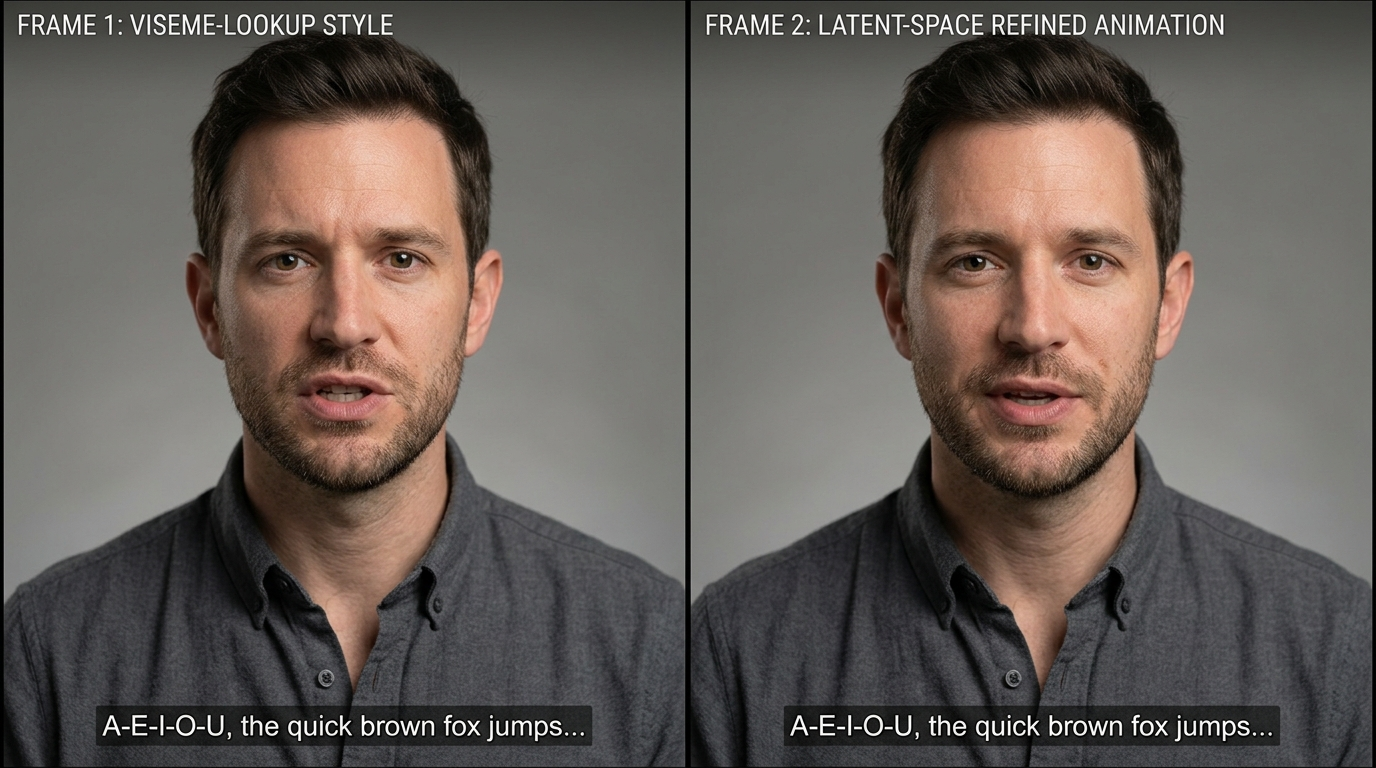
- Traditional intermediate representation approach: The system extracts speech representations such as phoneme segmentation and mel-spectrograms from the audio. Phonemes map to visemes (discrete mouth shapes) via lookup tables or small neural networks to produce frame-by-frame mouth targets. This method is simple, fast, and explainable: it’s easy to see which phoneme produced each viseme. It’s the backbone of many fast production tools and web editors.
- Latent-space and learned-motion approach: Instead of explicit viseme lookup, newer models encode mouth motion as a learned latent space and directly predict latent trajectories from audio features. Latent inpainting or refinement then reconstructs mouth motion that preserves the face’s identity and improves temporal continuity. MuseTalk (arXiv, Oct 14, 2024) is an example that demonstrates a latent-space inpainting approach designed for efficient inference while balancing identity preservation and sync accuracy.
Why both matter to creators: the intermediate approach gives predictable timing and low compute cost, which suits live avatars and fast turnaround. Latent-space methods generally produce more natural, identity-consistent results and smoother transitions, but they need heavier compute or batch processing. Many production architectures mix them: use phonemes for coarse timing then apply a learned refinement network to add realistic motion and continuity.
How lip-sync accuracy is measured — metrics, datasets and language bias to watch for
Accuracy is multidimensional; pick metrics that match your use-case.
- Temporal alignment (per-phoneme/viseme error): measured in milliseconds — how close the mouth animation matches phoneme onsets/offsets. This is critical for dubbing where dialogue timing matters.
- Visual correctness (shape accuracy): compares generated mouth shapes against ground-truth frames, often via landmark distance or perceptual metrics.
- Temporal continuity (smooth transitions): evaluates jitter and unnatural pops between frames. Poor continuity is more noticeable for close-ups and high-frame-rate footage.
- Subjective naturalness: human raters judge whether the clip feels believable in context. Open research (CVPR workshop papers) stresses that automated metrics are incomplete without human evaluation.
Datasets and language bias: Many training datasets are English-heavy. As a result, metric performance can be significantly better for English phoneme-to-viseme mappings. When evaluating systems for multilingual dubbing, test with representative languages — phoneme coverage and training diversity directly affect output quality. The CVPRW 2024 workshop and other studies highlight cross-lingual failures and recommend per-language spot tests as part of QA.
Practical measurement advice: pair timed objective metrics (ms offsets, landmark error) with a structured human evaluation panel that scores naturalness and intelligibility across target languages and speaking styles.
Tradeoffs: real-time/fast lip sync vs photoreal accuracy (models and architectures)
You’ll make a tradeoff between speed and photoreal quality.
- Fast/lightweight methods: viseme lookup or compact neural models map phonemes to mouth shapes quickly. They can run in real time or produce seconds-per-clip outputs on commodity CPUs or edge devices. The downside is they frequently look mechanical under close inspection — especially for expressive speech, fast talking, or noisy audio.
- Heavy/heavy-refinement models: deep neural architectures and latent-space inpainting produce smoother, identity-preserving motion. These models incur larger compute (GPU) costs and longer per-clip processing times; many are intended for batch pipelines where you can afford tens of seconds to minutes per clip. MuseTalk demonstrates a latent-space method that aims to balance these limits by optimizing the latent representation for efficient inference.
- Mixed pipelines: a common production architecture uses a fast frontend for coarse timing (phoneme alignment) and a secondary refinement module (neural smoothing or latent inpainting) for visual fidelity. This hybrid design is popular in commercial products where both throughput and appearance matter.
Choosing based on application:
- Live interactive avatars and streaming: prioritize latency. Lightweight pipelines or real-time-optimized models are the right fit.
- Localization and dubbing at scale: prioritize photorealism and language coverage; batch processing with heavy refinement yields better results.
- Short-form content and social effects: often a balance — you can trade small latency for visible quality improvements if your editor workflow tolerates a render step.
Practical accuracy comparison: production-ready tools and when each excels
Below are practical, production-focused patterns rather than an exhaustive tool list. Match tool architecture to the job.
- Real-time-first platforms: systems built for live avatars or streaming use optimized, compact networks and phoneme-based timing. They excel when you need sub-second latency and predictable timing. Expect excellent English performance but test other languages. Use these for interactive chatbots, livestream avatar overlays, and low-latency remote presenters.
- Editor + API platforms (web-first): vendors that combine web editors and APIs (Synthesia, HeyGen, D-ID and others) typically use hybrid pipelines. Their web editor is tuned for fast turnaround and predictable cost; the API supports batch localization. These platforms are convenient for teams doing episodic dubbing and marketing videos because they offer end-to-end interfaces and localized templates. Note: pricing and credit systems matter here — see the next section. For generating video with PlayVideo.AI’s tools, link up video creation workflows through /create-video.
- Latent-space/high-fidelity services: newer models like MuseTalk or products adopting similar approaches provide higher photorealism and smoother temporal continuity. These are best for close-up performances, avatars meant for filmic presentation, or where identity preservation is essential.
- Self-hostable models / SDKs: if privacy, compliance, or throughput (thousands of minutes) matters, self-hosting an open model or licensed SDK can be the most cost-effective path. This demands engineering to handle GPU scaling and QA.
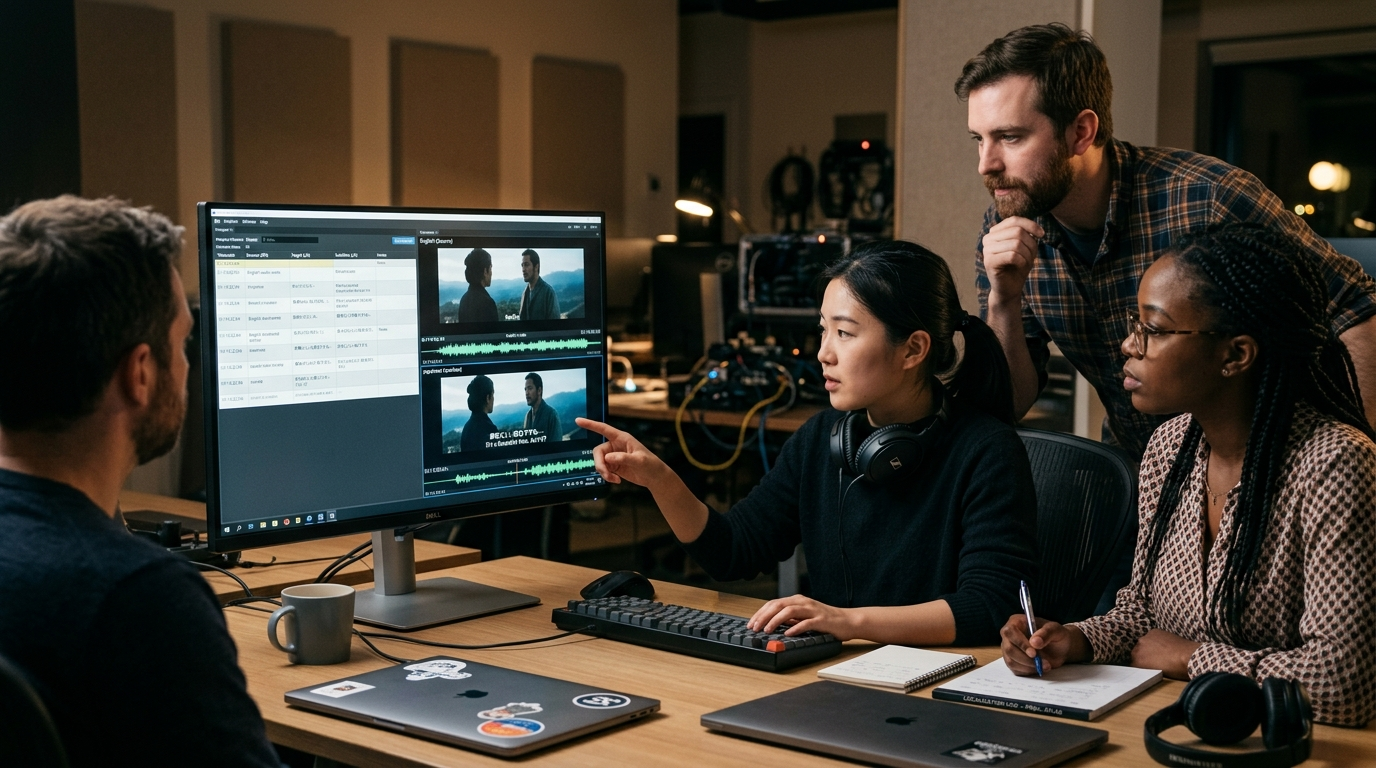
Practical tip: run a 10–20 clip side-by-side test across candidate platforms for your target languages, including one stress test with fast speech and one with background noise. Use these tests to measure per-phoneme alignment (ms), landmark error, and a 5-point subjective naturalness scale.
Cost and pricing models: subscriptions, credits, API per-minute costs and hidden limits
Commercial lip-sync and AI video platforms mix subscription tiers, credits, and per-minute API billing. Expect this complexity in vendor pricing.
- Subscription + minute/credit limits: major vendors publish Starter/Enterprise tiers with included minutes and overage mechanics. Synthesia and HeyGen use obvious tiering with per-minute or credit-based add-ons; D-ID documents credit-based short-video pricing and API options. Creators report that headline subscription rates can be misleading when you factor in extra credits, per-video limits, and API throughput restrictions.
- API per-minute billing: for high-throughput batch jobs, API billing is often per minute of generated video. This scales linearly with minutes but watch for minimum-charge rounding, multipart uploads that count separately, and additional charges for high-resolution or faster turnaround.
- Hidden limits and operational costs: throttling, concurrency limits, and undocumented caps on API usage can increase engineering overhead and effective cost. Also account for compute if self-hosting (GPUs, storage, CI/CD) and the human QA time needed for per-language tests.
- How to budget: estimate minutes, factor in retries and iterations (localization often needs corrections), and add a QA factor (typically 10–30% of total budget) for subjective pass/fail cycles. To compare value, look at price per usable minute after QA rather than raw API/minute cost. If you plan to experiment with PlayVideo.AI, review pricing and plan tiers at /pricing.
Practical negotiation note: enterprise deals often improve per-minute pricing and raise concurrency limits, but require committed volume. For prototypes, pick a platform with predictable small-scale plans or a pay-as-you-go credits system so you can iterate without surprise overages.
Integration and workflow: input formats, batch vs streaming, and API/SDK considerations
Integration decisions determine how smoothly lip-sync AI fits your pipeline.
- Input formats and preprocessing: most systems accept WAV/MP3 or raw PCM and prefer clean single-speaker tracks for best results. Preprocess audio for consistent sampling rates and perform mild noise-reduction for noisy sources. Many editors accept video uploads with embedded audio, but for large-scale localization you’ll want an API that accepts separate audio files so you can swap tracks without reuploading video assets.
- Batch vs streaming:
- Batch: used for dubbing/localization and post-production. You submit full clips or timelines and receive rendered outputs. Good for heavy-refinement models and higher visual fidelity.
- Streaming: used for live avatars and interactive use. APIs or SDKs must support low-latency inference, often with persistent WebSocket connections or dedicated edge endpoints. Real-time systems trade off some photorealism to keep latency within acceptable bounds.
- API and SDK features to evaluate: file size limits, concurrency and throughput limits, supported output codecs/resolutions, callback/webhook reliability, and error codes. If you need to self-host or run on private infra, check for downloadable models or SDKs. Platforms that combine a web editor and API (Synthesia, HeyGen, D-ID style products) provide easier prototyping; self-hosted options give control for compliance and scale.
- Workflow integrations: connect lip-sync output into video editors, asset pipelines, or localization management systems. For visual assets and thumbnails you can generate images via /create-image; for background scoring or alternate audio tracks use /create-music; and for voice cloning or TTS replacement, evaluate /ai-voices. If you plan to apply special avatar effects or trending templates, see /effects for pre-built options you can layer on top of lip-sync outputs.
Practical checklist: ensure your chosen provider supports your desired input format, gives clear latency and throughput SLAs for streaming, and exposes webhooks or batch endpoints that integrate cleanly with your CI/CD or content pipeline.
Checklist for picking the right lip-sync AI for your project (use-cases, languages, QA, and budget)
Use this checklist to make a selection that matches risk, budget, and scale.
- Define the use-case and latency tolerance:
- Live avatars / streaming: require real-time latency — prioritize lightweight, low-latency models.
- Dubbing / localization: prioritize per-language accuracy and photorealism — choose batch-friendly, high-fidelity methods.
- Short-form social or effects-driven content: balance speed and visual quality; hybrid pipelines perform well.
- Language requirements and dataset bias:
- Test with representative audio in each target language. Many vendors are English-biased; verify phoneme coverage and edge-case handling.
- Quality assurance plan:
- Run per-language spot tests and timed alignment metrics (ms offsets).
- Human subjective ratings for naturalness and intelligibility.
- Stress tests: fast speech, overlapping speakers, background noise, and accented speech.
- Cost and throughput:
- Estimate minutes, set a QA buffer (10–30%), and compare price per usable minute after QA cycles.
- Watch for hidden caps and concurrency limits; if needed, negotiate enterprise SLAs.
- Integration and privacy:
- If throughput is high or data is sensitive, prefer self-host or vendors with enterprise privacy guarantees.
- For prototyping and rapid iteration, web-editor + API vendors accelerate shipping.
- Technical fit:
- Does the vendor provide phoneme-level timestamps and debugging tools?
- Are SDKs, webhooks, or managed batch endpoints available to fit your pipeline?
Actionable next steps:
- Run a short pilot: pick 10 representative clips across languages/conditions and process them on 2–3 candidate platforms. Measure ms alignment, landmark error, and a 5-point naturalness score.
- Budget to the usable-minute metric (post-QA) and choose the vendor with the best balance of throughput, accuracy, and total cost.
- If needed, set up a hybrid pipeline: use a fast streaming model for live experiences and a latent-space or heavy-refinement pipeline for pre-rendered deliverables.
This checklist helps you prioritize what to test and what to expect from vendors before a large localization or avatar deployment.
Frequently Asked Questions
How should I test a lip-sync vendor for multilingual dubbing?
Run per-language spot tests with representative dialogue, measure per-phoneme timing (ms offsets), collect human naturalness scores, and include stress cases like fast speech and background noise.
Can I use lip-sync AI in live streaming with low latency?
Yes—pick real-time-optimized models or platforms that expose streaming APIs/SDKs. Expect tradeoffs in photoreal fidelity versus latency; test under your network conditions.
Is self-hosting worth it?
Self-hosting is worth it if you need privacy, guaranteed throughput for thousands of minutes, or lower marginal costs at scale. It requires GPU infra and engineering for scaling and QA.
Conclusion
Decide by risk and role: pick low-latency, phoneme-driven systems for live experiences and fast turnaround; pick latent-space or heavy-refinement methods for high-fidelity dubbing and avatar close-ups. Immediately actionable steps: run a 10–20 clip pilot across 2–3 vendors, measure ms alignment and human naturalness, budget to usable minutes (include QA), and pick a hybrid architecture if you need both live and pre-render outputs. When you’re ready to prototype, integrate lip-sync output into your video pipeline using /create-video, add background scoring with /create-music, generate supporting images with /create-image, test voice options at /ai-voices, and review plans on /pricing to forecast cost and scale.