Production Guide: Voice Clone Batch Render for Commercial Narration
Practical guide to legally scaling commercial voice clone batch render workflows — licensing, engines, batch tooling, post-process, QA, and delivery.
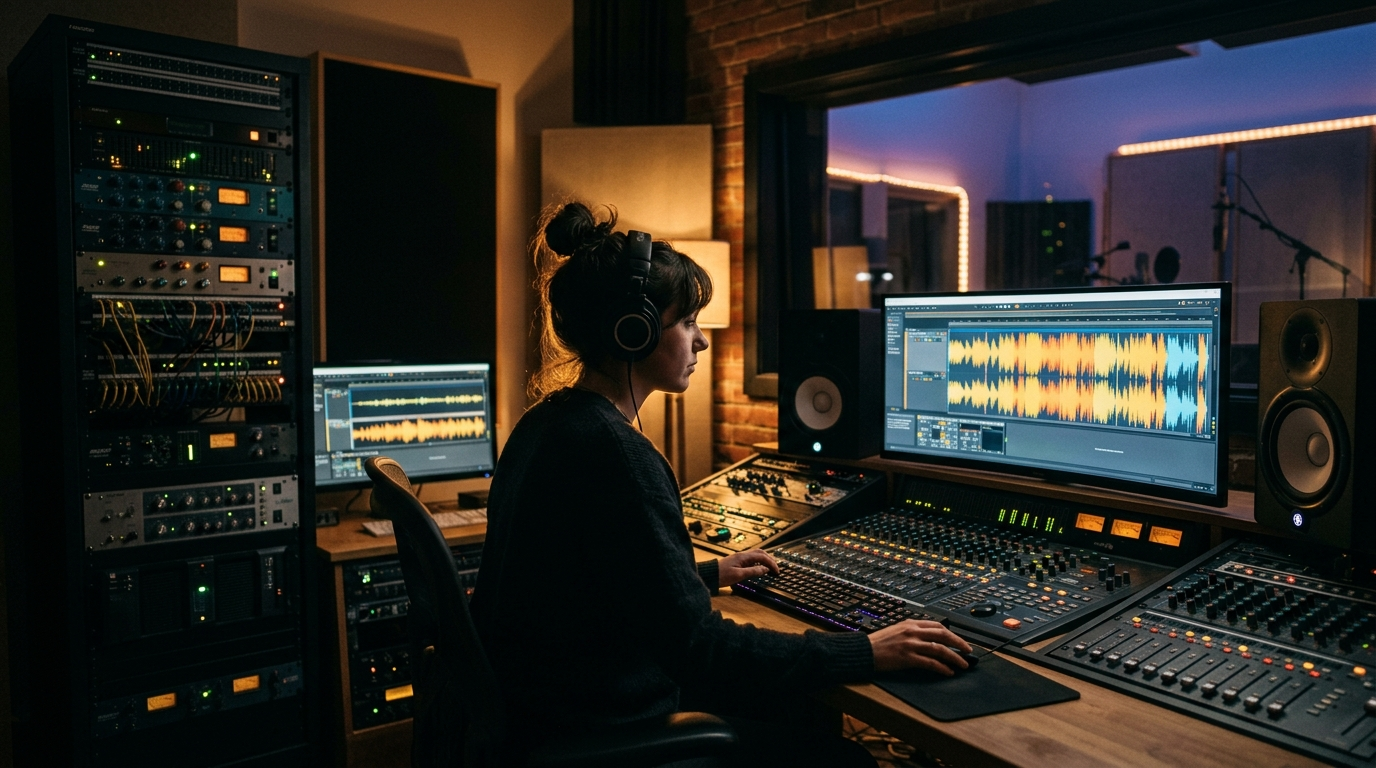
If you need to scale narrated projects using commercial voice clones, this guide shows a production-tested pipeline for voice clone batch render that keeps audio broadcast-quality and legally compliant. We walk through permissions and contracts, choosing TTS/clone engines, preparing scripts and SSML, building batch-render tooling, post-production presets, automated QA, and safe delivery strategies. Read this if you manage YouTube channels, podcasts, e-learning catalogs, or marketing campaigns and want repeatable, defensible voice cloning at scale.
Understand licensing & rights before you clone: permissions, contracts and risk controls
Commercial use of a cloned voice requires explicit licensing or permission from the voice owner or an authorized rights holder. Access to raw recordings alone does not confer the right to clone; that distinction is central in vendor guidance from Resemble.ai, Voices.com and DubSmart. Before you ingest reference audio into any model, get a signed license that specifies scope: duration of use, geographies, permitted media channels, exclusivity, and any royalty terms. That contract should name the authorized rights holder and include a clear chain of custody for the reference files.
Treat licensing as an operations requirement, not a one-off legal checkbox. For batch projects that will render hundreds or thousands of files, track each authorization as metadata tied to a versioned voice asset (who authorized it, the date, allowed channels, and expiry). Rees Smith and industry legal notices show that litigation and regulatory risk around unauthorized voice use is real — platforms and actors have pursued claims when commercial use exceeded permissions. Implement role-based access to cloning credentials, store signed releases centrally, and log every render with the associated license ID so you can demonstrate compliance if challenged.
Finally, remember vendor terms differ. Some vendors allow commercial use under platform licenses, others require explicit transfer or additional fees for commercial clones. Verify duration, geographic scope, and exclusivity for each voice and document that confirmation before large-scale deployment.
Select the right voice engine for batch commercial narration (accuracy, latency, cost)
Not all voice engines are equal in expressiveness, long-duration consistency, or commercial licensing. State-of-the-art systems can produce high-fidelity clones from small reference samples — sometimes tens of seconds — but best results typically come from several minutes of varied speech that include different emotions and prosodic contexts. Research from Interspeech 2025 and OpenVoice/ArXiv supports this: more varied data boosts naturalness and pronunciation reliability across long-form outputs.
When selecting a TTS/clone provider for batch work, evaluate three operational dimensions: accuracy (how well it matches the target voice and handles phonemes), latency (API speeds and ability to run async jobs), and cost (per-minute or per-character rates and any commercial fees). For large batches favor API-first platforms that offer rate limits and asynchronous job management: they integrate cleanly with scripts and orchestration tools. Assess vendor licensing terms as part of your selection — platforms differ on commercial rights, royalties, and allowed use-cases (Resemble.ai, Voices.com guidance).
Finally, run a short A/B test across candidate engines with representative script samples: long paragraphs, short lines, and tricky names. Measure perceptual similarity, context stability over multi-minute reads, and compute cost per finished minute. Pick a primary engine for production and a fallback for edge cases.

Prepare scripts and SSML for scalable, natural-sounding output
Script preparation is where you get big time savings. Applying SSML and script-level optimizations systematically reduces the need for post-editing and ensures consistent cadences across hundreds of files. Use punctuation-aware pauses, explicit break tags for scene transitions, and where necessary, phoneme hints for unusual names or branded terms. Vendor docs like ElevenLabs and NarrationBox testing show SSML and phoneme guidance dramatically reduce error rates.
Standardize script style: create a short authoring guide that prescribes sentence length, use of parentheses for asides, and how to mark emphasis. Build a micro-format for placeholders (e.g., {{PRODUCT_NAME}}) and generate pronunciation dictionaries for those tokens. When generating long-form narration, divide content into logical chunks—paragraphs or shot-level lines—so each render unit stays within the engine’s best-practice length and you can retry only failed chunks.
Also embed metadata in each render request: voice ID, license ID, intended channel, loudness target, and version tag. That metadata travels with the file and becomes critical for tracking rights and ensuring consistent audio processing later in the pipeline.
Design a repeatable batch-render pipeline (tools, APIs, orchestration patterns)
A production batch-render pipeline must be reliable, observable, and idempotent. Start with an API-first TTS provider that supports async jobs and SSML; then layer orchestration (serverless functions, workflow tools, or containerized workers) that handle batching, retries, throttling, and output tracking. Claude Lab and industry roundups show common patterns: a job queue, worker pool, and persistent job log for status and errors.
For tooling pick components you can automate: scripts or CI pipelines for job generation, a queue (SQS, Pub/Sub, or Redis streams), stateless workers that call the voice API, and an object store (S3-compatible) for outputs. For video-focused workflows combine TTS outputs with tools like FFmpeg or Remotion to assemble video render steps. Build idempotency into render requests so re-run won’t duplicate outputs; use a unique render key composed of script ID, voice ID, and version.
Monitor throughput against provider rate limits and model latency. Implement exponential backoff for rate-limit responses and capture detailed logs of API responses and job durations for billing reconciliation. For teams using PlayVideo.AI services, link cost and billing controls to plans — see /pricing to align expected usage and credits. When your pipeline also needs visuals or music, integrate with /create-video for text-to-video steps and /create-music for background scoring to keep the whole deliverable consistent.
Post-process at scale: normalization, de-essing, breaths, pacing and loudness targets
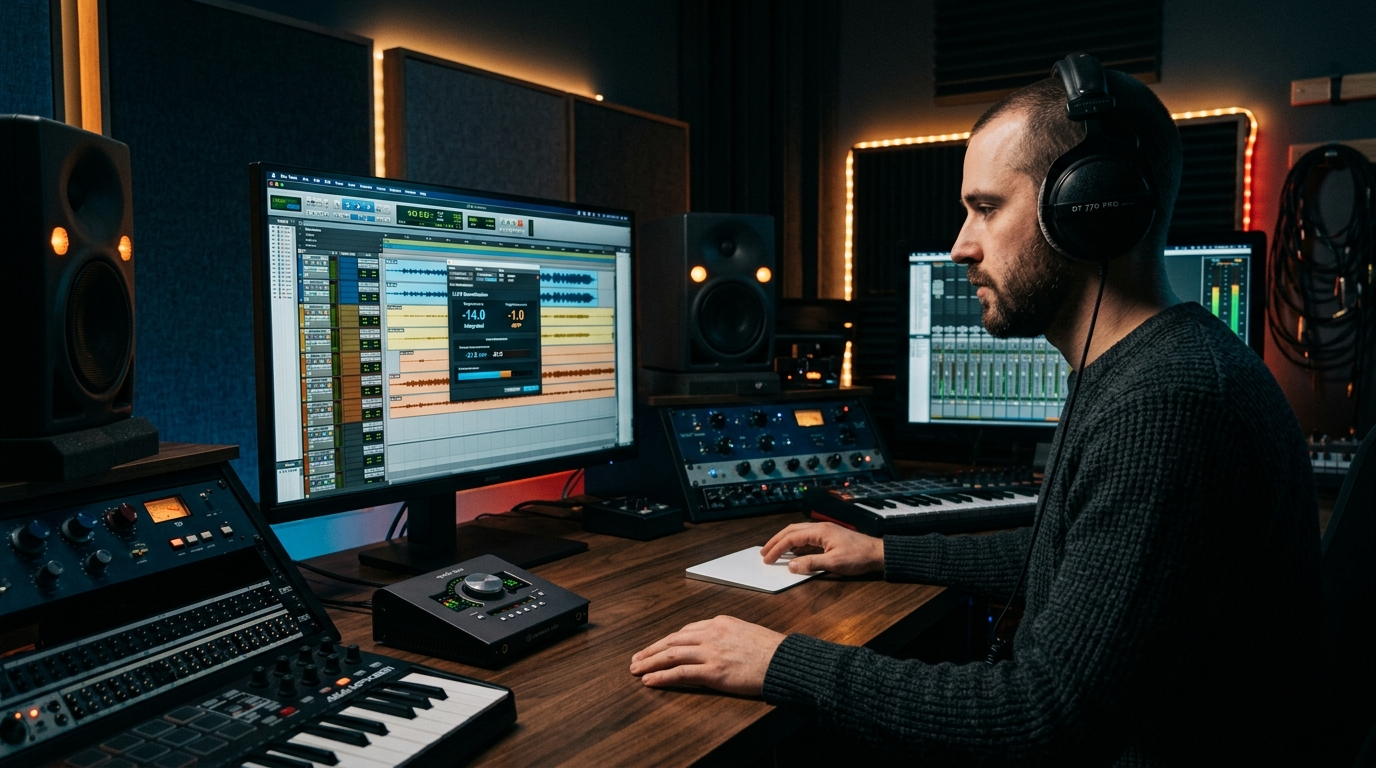
After you batch-render, apply standardized post-processing so files meet platform and broadcast specs. Use loudness targets appropriate to the destination: podcasts commonly target -16 LUFS or -14 LUFS for music-heavy shows, whereas broadcast often targets -23 LUFS. Apply a consistent true-peak limit (for example -1 dBTP) and normalize program loudness across the batch automatically.
Automate de-essing and gentle compression to reduce sibilance and even out dynamics. Also include breath management: for some clones you’ll want to reduce exaggerated breaths; for audiobook or intimate narration, keep natural breaths but EQ them. Adaptive de-essers and multiband compressors with conservative settings work well as a single-pass batch chain. Narration engineering guides and the NarrationBox tool reviews recommend a two-stage process: (1) per-file chain for corrective EQ/de-essing/limiting, and (2) a group loudness normalization pass to unify the catalogue.
Preserve both a mastered deliverable and a near-pristine intermediate (lightly processed) file. Store versioned files and processing presets as part of the asset metadata so clients or downstream teams can reproduce or reprocess with updated targets. When your project includes scored background tracks, balance stems in a stem-mix process using /create-music outputs so the voice remains intelligible and compliant with loudness goals.
Automated QA and human-in-the-loop checks to catch artifacts and legal flags
Automated QA reduces routine errors; human review catches nuance and legal risk. Implement automated checks that run immediately after render and post-process: SNR and clip-level volume checks, LUFS confirmation, true-peak checks, and perceptual artifact detectors tuned for common cloning issues (stuttering, mispronunciations, unnatural breaths). Tools and workflows from Claude Lab and NarrationBox recommend integrating word- or phoneme-level spotters to flag high error-rate segments for review.
Add legal-flagging rules that inspect metadata and license scope before any customer-facing release. If a render references a voice whose license is expired, missing, or geography-restricted, fail the pipeline with an actionable error and route the job to a legal reviewer. Maintain an audit trail: who approved the license, which render used it, and when.
Finally, build a human-in-the-loop tier: automated checks should send only high-risk or customer-facing files for human listening. Use short checklists—pronunciation, cadence, emotional fit, and rights compliance—so reviewers can fast-accept or flag. This hybrid approach minimizes false positives from detectors while ensuring legal and perceptual quality for commercial outputs.
Delivery, metadata and commercial safeguards (watermarking, expiry, versioning)
Delivery must preserve provenance and enforce commercial safeguards. Embed license metadata into file headers and your asset catalog: voice ID, licensee, authorized channels, expiry date, and render version. Track this metadata in a searchable database so you can trace any asset back to its permission record quickly.
Operational safeguards include audible or inaudible watermarking for high-risk deliveries, time-limited playback keys for previews, and expiring download links for restricted assets. For recurring clients or marketplaces, issue versioned voice assets so updates to a voice model or a license produce a new version rather than silently changing past outputs. Resemble.ai and Voices.com documentation recommend these controls for IP management.
When distributing to video or audio platforms, choose the correct master (final mastered file) and also deliver stems or intermediate files on request. Record a delivery manifest that lists files, loudness targets, voice license ID, and the person who signed off. For teams using PlayVideo.AI to assemble final assets, link voice render metadata to video builds in /create-video and visual assets in /create-image so the final package is self-contained and auditable. If you use AI voice features from PlayVideo.AI, reference /ai-voices for available cloning and generation options.
Frequently Asked Questions
How much reference audio do I need for a commercial clone?
Technically some models can start from tens of seconds, but best production results usually require several minutes of varied speech to capture prosody and reduce pronunciation issues.
Can I legally clone any voice if I have recordings?
No. Recordings alone don’t grant cloning rights. You need explicit permission or a license from the voice owner or authorized rights holder that covers your intended commercial use.
What loudness target should I use for podcasts?
Common podcast targets are -16 LUFS (spoken-word) or -14 LUFS for music-heavy shows; set a true-peak limit (e.g., -1 dBTP) and apply consistent normalization across the batch.
Conclusion
Make the pipeline operational before scaling. Start with a controlled pilot: secure licenses for one or two voice assets, run a 100-file batch through your API-first provider, capture failures, and tune SSML and post-process presets. Log every render to a license ID and a versioned voice asset, automate QA to catch routine issues, and route only high-risk files to human reviewers. Use watermarking and time-limited previews for early delivery to clients and keep a canonical manifest for every release. These steps reduce legal exposure, save editing time, and let your team scale voice clone batch render with confidence — faster and safer.
Related on PlayVideo.AI: