Turn One Pet Photo into Viral Short-Form Clips with AI Pet Effects
Step-by-step workflow to convert a single pet photo into TikTok-ready dance clips using PlayVideo.AI AI Video Effects, plus ethics, optimization, and monetization tips.
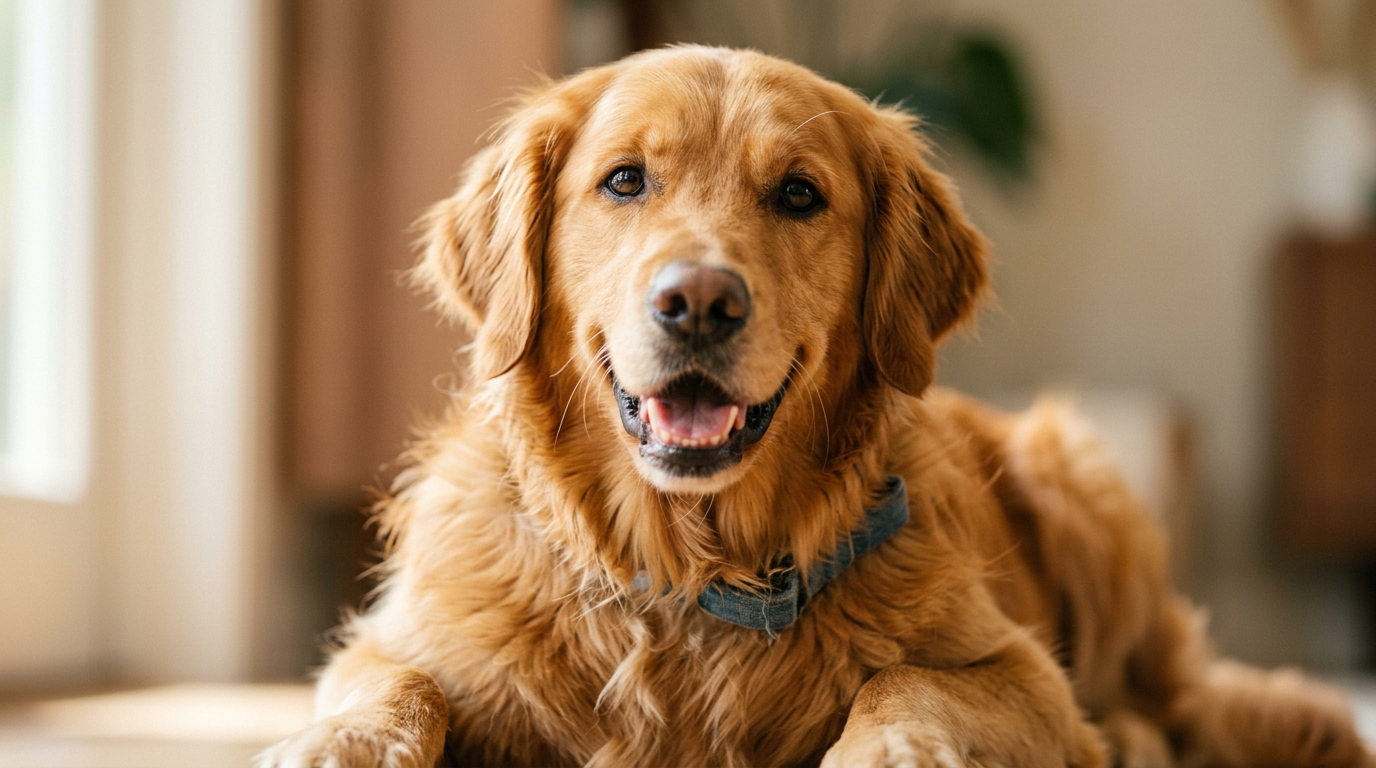
Pet videos consistently cut through feeds — and with PlayVideo.AI AI Video Effects you can turn a single pet photo into a vertical, trend-ready clip in minutes. This guide walks creators through the why, the trend signals, ethical guardrails, and an actionable workflow (including a mini walkthrough) to make 'pet dance' and AI pet-effect content that performs on TikTok and Reels. Learn how to scale from one photo to a week’s worth of viral-format posts.
Why pet videos dominate short-form feeds (and where AI multiplies reach)
Pet content taps into a simple combination that fuels social feeds: emotional resonance, immediate visual appeal, and high shareability. Platform and academic analyses show that animal clips—especially cats and dogs—drive outsized engagement because viewers respond strongly to cute or surprising behaviors. For creators this is good news: the audience already exists.
AI multiplies that reach in three practical ways. First, AI pet effects let you create formats that platforms prioritize—dance challenges, lipsyncs, and short comedy bites—without needing dozens of original takes. PlayVideo.AI AI Video Effects applies a tuned preset to a single photo and renders a finished 9:16 vertical clip ready for TikTok and Reels, which shortens production time and raises posting frequency.
Second, effects increase novelty. When an AI-applied dance or singing effect is paired with a trending sound, the clip looks fresh even if the asset pool is small. Third, AI lets creators scale variants: different dances, captions, thumbnail crops, or background music from an AI music tool. That variety improves the odds that one version will catch the algorithm’s attention.
For creators and small teams this means fewer shooting hours and more experiments—key when platforms reward consistent posting and quick trend response.
Trend signals: What TikTok and platform data say about pet content today
Platform trend coverage confirms enormous demand for pet-related short-form content. Industry reporting cites over 100 billion views across pet-related hashtags, a signal that audiences actively search for and engage with animal clips. That volume creates both opportunity (huge potential reach) and competition (many creators vie for attention).
Concrete outcomes back up the promise: several published case studies show AI-generated pet clips outperforming standard pet content, with one viral AI pet comedy clip registering an engagement rate of 12.7%—well above typical 3–5% benchmarks on the same platforms. These results suggest that novelty and format-matching (dance, lipsync, sketch) materially lift share and watch rates.
Platform behavior also favors cadence: creators who post 3–4 short videos per week and follow timing recommendations tend to increase distribution for evergreen niches like pets. That cadence aligns perfectly with using PlayVideo.AI AI Video Effects: one good pet photo can yield multiple formatted outputs for a week’s worth of posts.
A final trend signal: audiences reward authenticity combined with entertainment. Even when AI is used for effects, transparent captions and responsible framing improve community trust and avoid backlash.
Creative ethics & animal safety: rules to follow when making AI pet clips
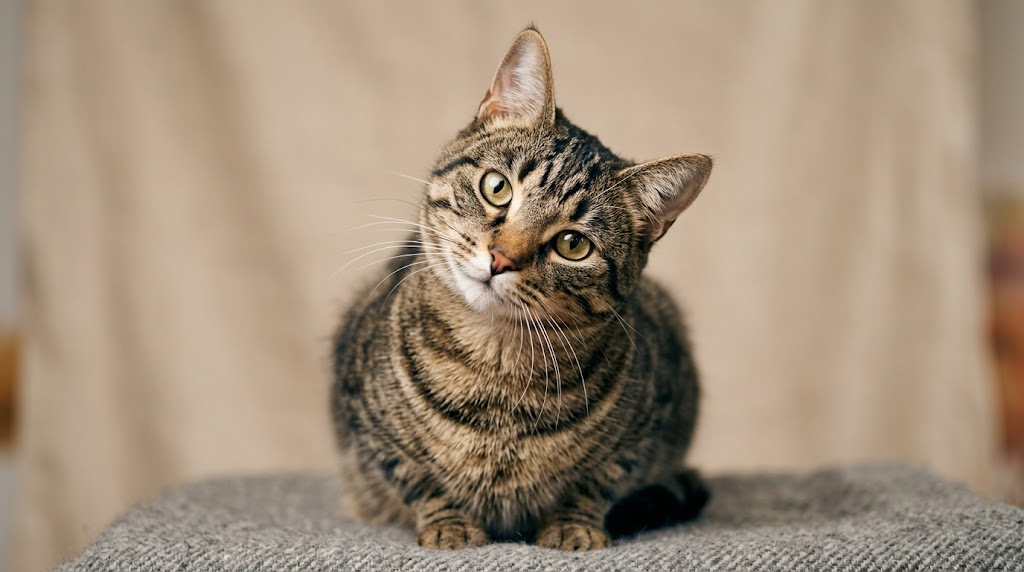
High engagement brings responsibility. Peer-reviewed and investigative work warns that viral animal content can sometimes conceal harm or poor care. As creators, prioritize animal welfare and clear attribution when using synthesized footage.
Practical rules to follow:
- Never stage dangerous situations. Avoid prompts or captions that depict animal distress, even for comedic effect. If a concept involves physical action, verify it’s safe or simulate it clearly with AI effects while stating that the clip is generated.
- Disclose synthesis. If you transform a still photo into a dancing or singing clip with PlayVideo.AI AI Video Effects, include an honest caption like “AI effect from a photosource” so viewers know the pet wasn’t physically made to perform.
- Preserve dignity. Avoid effects that could demean or anthropomorphize an animal in ways that encourage risky behavior from viewers imitating the clip.
- Credit original creators and owners. If the photo isn’t yours, get permission and credit the photographer or account.
Following these practices protects your audience and your account: platforms increasingly enforce policies around deceptive or harmful content, and communities respond better to transparent creators. Responsible use also future-proofs your brand against negative investigations that have impacted other viral animal content.
Planning a viral pet-dance clip: concept to assets (hands-on workflow)
A simple planning checklist reduces guesswork and speeds production. Use this workflow to turn an idea into assets before you open any editor:
1) Define the hook (3 seconds): Pick a single, surprising idea that reads instantly—"tiny pug drops a beat" or "sleepy cat suddenly dances". The hook decides your first frame and caption.
2) Choose the format: Dance, lipsync, AI singing, or news-anchor-style gag. PlayVideo.AI AI Video Effects offers tuned presets for these formats; choose the one that matches the hook.
3) Gather assets: a high-resolution pet photo (face-forward or three-quarter), a secondary close-up for cutaways, any brand logo, and two or three candidate sounds trending on TikTok.
4) Write micro-copy: 15–30 characters for an on-screen caption and a longer video description that includes disclosure if the clip is AI-generated.
5) Outline variations: Plan 3–4 variants—different dance presets, alternate captions, or alternate song clips—so you can A/B test quickly.
6) Safety and permission check: Confirm you own the photo or have written permission; confirm the chosen effect won’t imply animal distress.
This preflight increases the speed at which you can ship. With assets ready, using the PlayVideo.AI AI Video Effects library becomes a matter of a couple of clicks rather than a full production session.
Turning one photo into a 15–30s pet dance video with PlayVideo.AI AI Video Effects (step-by-step)
Here’s a concrete walkthrough using PlayVideo.AI AI Video Effects to create a vertical pet-dance clip from a single photo.
1) Prepare your photo: choose a clear, well-lit headshot of the pet. Crop to portrait (3:4 or 4:5) to center the face.
2) Open the effects library at the AI Video Effects page and pick a dance preset tuned for pets (the library includes dance, avatar, lipsync, and singing presets). The effects are pre-configured so you don’t need prompt-engineering; select the dance effect that matches your concept.
3) Upload the photo into the effect. The tool maps facial points and synthesizes motion. Because PlayVideo.AI AI Video Effects renders 9:16 output by default, you’ll get a TikTok-ready vertical file.
4) Select a sound: either upload a trending track or generate a backing instrumental using PlayVideo.AI AI Music Generator if you need custom, copyright-free music. Sync the start point to your 3-second hook.
5) Tweak timing and expression: the effects UI allows small adjustments to head tilt, eye blink frequency, and motion intensity—use these to match the mood (more exaggerated for comedy, subtle for cute).
6) Add captions and disclosure: overlay a short caption (hook) and a smaller line like "AI effect from a photo" in the description.
7) Render and export: queue the effect; PlayVideo.AI renders a finished vertical clip. Review and export MP4 optimized for mobile.
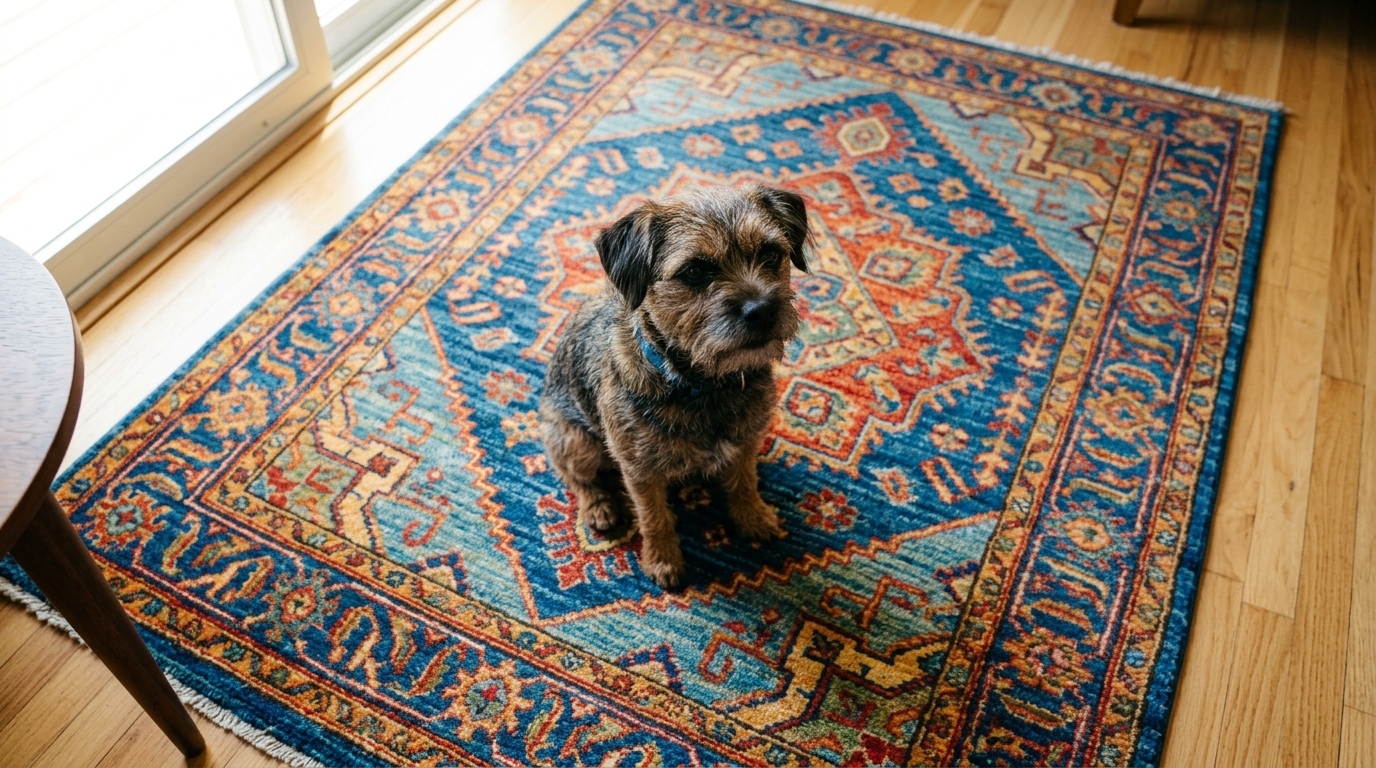
Worked example: You have a goofy terrier photo. Upload it, choose the "upbeat-dance" preset, set motion intensity to medium, add a 20s pop beat from the AI Music Generator, overlay the text "When the weekend hits" for the first 3 seconds, and add "AI effect from a photo" in the caption. Render and you have four variants in 30 minutes by swapping the preset and the beat.
This method gets you from one still to multiple short-form-ready clips with minimal editing work.
Optimizing your clip for TikTok and Reels: hook, sound, timing, and thumbnails (hands-on workflow)
Optimization is where views turn into followers. Follow these practical steps for platform-specific uplift.
Hook: Lead with a strong visual in the first 1–3 seconds—the pet’s face, an exaggerated move, or a quick caption. The hook pairs with the algorithm's short watch-time signals and maximizes retention.
Sound: Use sounds that are trending within pet or comedy verticals. If you need custom audio that won’t be taken down, generate short instrumentals or stems with PlayVideo.AI AI Music Generator and layer a stock or cloned voice from AI Voices for comedic narration or a mock interview line.
Timing: Keep videos 15–30 seconds for discoverability and rewatches. If the clip is a dance, sync key motion beats to the chorus or drop to encourage repeat listens.
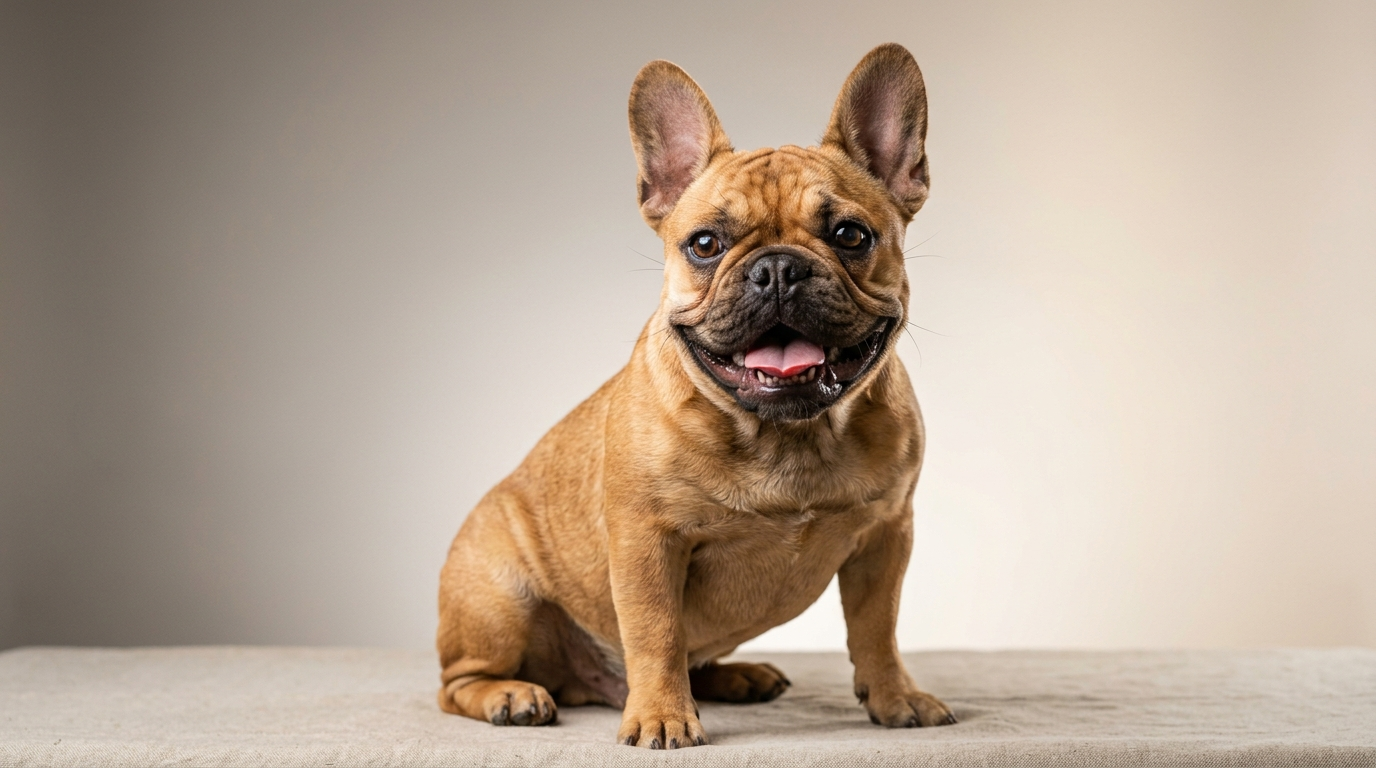
Thumbnail & caption: For Reels and TikTok, a strong first frame acts as the thumbnail. Use a still with an expressive face and add a bold, three-word caption. Include disclosure text in the description if AI was used.
Test and iterate: Post multiple variants spaced across a week. Creators who maintain a 3–4 videos-per-week cadence benefit from compounded distribution, and small tweaks—different hook lines, alternate audio—can produce large differences in performance.
For practical asset creation, the PlayVideo.AI suite is helpful: the AI Video Effects library for quick variants, the AI Music Generator for copyright-safe backing tracks, and AI Voices for narration and comedic dubbing. Using these tools together minimizes handoffs and speeds posting cycles.
Cross-posting, monetization, and community growth strategies for pet creators
Once you have a clip that performs, scale thoughtfully across platforms and revenue channels.
Cross-posting: Adapt the same 9:16 clip to other platforms (Reels, YouTube Shorts) but tweak captions and hashtags to each audience. Use the original vertical for stories and short-form ads; repurpose the audio as a standalone clip or meme.
Monetization pathways:
- Branded content: Pitch compiled variant packs to pet brands—brands prefer creators who can deliver multiple polished formats from one photo.
- Merch and affiliate links: Use recurring characters or catchphrases from a successful series to sell stickers, apparel, or affiliate pet products.
- Platform features: Apply for creator funds and in-app monetization once you meet eligibility; regularly posting 3–4 times per week increases the chance of being surfaced and monetized.
Community growth tactics: Build a repeatable format—weekly "dance drop" episodes or a themed caption style so followers know what to expect. Host duet or stitch challenges and invite fans to submit pet photos; then use PlayVideo.AI AI Video Effects to produce the winner’s clip and credit the fan.
Operational tip: If you plan ads or higher-volume branded work, combine PlayVideo.AI AI Video Effects with the AI Video Generator (/create-video) for longer cutscenes or the AI Image Generator (/create-image) to produce consistent backgrounds and branding elements.
Experiment ideas and templates: 10 AI pet effects to test next week
Run a focused experiment over seven days to learn what resonates. Here are 10 effect templates—each a low-effort test you can run with one photo and PlayVideo.AI AI Video Effects.
1) Micro-dance (15s): upbeat preset, quick hook caption, trending pop beat. 2) Lip-sync gag (20s): pet "sings" a viral lyric; add comedic captions. 3) AI news anchor (25s): pet reads a silly headline; use AI Voices for a mock anchor voice. 4) AI singing duet (20s): pet vs. original audio—generate backing music with the AI Music Generator. 5) Slow-mo charm (15s): subtle motion preset, focus on slow blinks and soft piano. 6) Reaction cut (15–30s): alternate between two facial crops to simulate a conversation. 7) Holiday theme (20s): seasonal background from AI Image Generator, dance preset, themed sound. 8) Before/after reveal (25s): static photo to animated dance—use captioning to narrate transformation. 9) Product plug (20s): pet "demonstrates" a toy—safe, zero-contact staging with clear disclosure. 10) Fan-submission series (30s): invite photos, pick one, render an effect, credit the owner.
For each test, log watch percent, shares, comments, and follower growth. Run each variant across slightly different sounds and captions to identify the highest-performing combination. As you scale, use the PlayVideo.AI effects queue to batch renders and maintain steady posting cadence.
External authority: For practical guidance on pet content growth tactics and platform best practices, see this industry guide on TikTok for pet businesses: https://www.conbersa.ai/learn/tiktok-for-pet-businesses
Conclusion
AI pet effects let creators convert one good photo into multiple polished, vertical clips that match platform formats and speed up testing. Use PlayVideo.AI AI Video Effects to apply tuned dance, lipsync, and singing presets that render finished 9:16 files—then pair those clips with AI music or voice tools to iterate quickly while staying within ethical and safety boundaries. Start with a single photo, plan 3–4 variants, disclose synthetic content, and keep a steady posting cadence to maximize reach. Open the AI Video Effects library and ship your first viral-format pet clip today.