How to craft short vocal hooks with AI for TikTok: a practical guide
Learn to design 6–30s loopable vocal hooks with AI. Two PlayVideo.AI AI Music Generator workflows, mixing tips, copyright guidance, and A/B testing for TikTok.
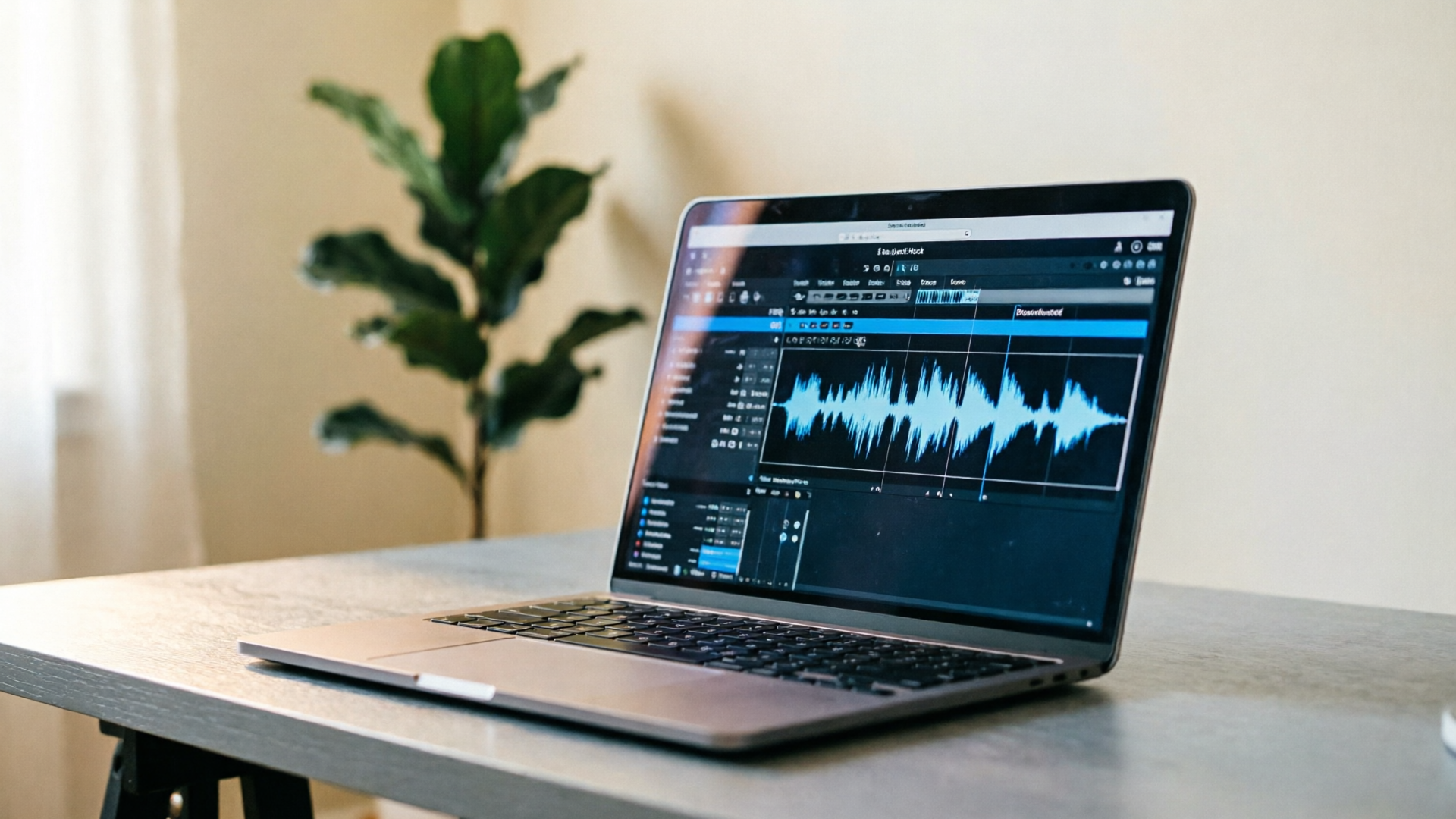
Short vocal hook ai is the quickest route from idea to a catchy, loopable sound that actually performs on TikTok. This guide explains why short vocal hooks and vocal loops work, the musical and storytelling rules that make them stick, and exactly how to produce and test them with PlayVideo.AI AI Music Generator.
You’ll get two practical step-by-step workflows: one to generate a tight 6–15s vocal hook, and another to turn that hook into a 15–30s TikTok-ready track with stems and loop edits. Along the way we’ll cover legal guardrails, mixing tips, and a data-first testing plan so you can iterate efficiently and avoid common style risks.
Why short vocal hooks and loopable vocal loops win on TikTok (data-driven attention and musical hallmarks)
Short-form platforms reward immediacy and repeatability. Analyses from SongScore and OpusClip show that tracks that go viral on TikTok typically present a clear hook within the first 15 seconds; OpusClip’s large-scale review of millions of clips also finds many viral hooks clustering around 15–30 seconds. That creates two practical constraints for creators: hooks must register instantly, and they must loop cleanly so the platform’s replay behavior multiplies exposure.
Musically, viral vocal hooks share a few consistent hallmarks: memorable, simple melodic contours; a strong rhythmic placement that locks to the beat; and a quotable lyrical fragment or syllable that’s easy to repeat. SongScore summarizes this neatly: “Tracks that go viral on TikTok share a hook within the first 15 seconds, a tempo between 90–140 BPM, and an energy peak before the 30-second mark.” Use those constraints to choose tempo and energy targets when you generate or edit a hook.
Platform behavior reinforces the advantage of short, loopable material. Multiple industry guides recommend a 6–30 second audio window for short-form video; within that range creators can test immediate hooks and longer, slightly more developed loops. AI music tools have adapted accordingly: modern generators default to short, looped outputs and produce multiple 30–50s variants or stitched loops to support editing. That makes AI a practical tool for producing hooks that meet the platform’s expectations with minimal studio time.
For creators, the takeaway is straightforward: aim for a 3–15 second melodic or lyrical motif that lands instantly, keep tempo in the 90–140 BPM sweet spot for broad danceability, and design the hook so it loops seamlessly at a 6–15 second interval. Those choices maximize the chances that the first playback converts into replays and shares.
How to design a TikTok-ready vocal hook: musical, lyrical, and timing rules (a creator checklist)
Designing an effective short vocal hook is a blend of music craft and audience psychology. Use this checklist when writing or generating hooks:
- Melody: Keep it simple. Use small interval jumps (minor third to perfect fifth) and repeat the motif twice. Repetition breeds recognition; a 2–4 note motif repeated with a slight variation on line two is often enough.
- Rhythm: Lock the phrase to a clear rhythmic grid. Syncopation can help, but if the hook’s rhythmic identity is ambiguous it won’t anchor to dance or edit cuts. Place the vocal on strong beats or predictable offbeats so editors can align video cuts.
- Timing: Target 3–15 seconds for the core hook, with 6–15 seconds preferred for loopability. Shorter hooks (3–6s) are ideal for quick memeable drops; 10–15s hooks allow a tiny build or call-and-response.
- Lyrical content: Use a quotable phrase or sonically interesting syllables. Single-word hooks (e.g., a distinct exclamation) or two- to four-word micro-phrases work best. Avoid dense imagery—hooks should be easy to remember and repeat.
- Pitch and register: Keep the hook in a comfortable singable range for most voices (roughly A3–C5). If you plan to layer, leave headroom for harmonies.
- Energy contour: Plan an energy peak before 30 seconds and give the hook a micro-dynamic arc—start slightly lower and hit a small accent on the repeat. That aligns with the viral pattern SongScore highlights.
- Loop seams: Design an entry and exit that align musically (same harmonic frame on loop points). Use a short fade or a rhythmic drum hit to mask any transient mismatch.
- Production considerations: For TikTok, prioritize loud, clean midrange presence. Vocals should sit forward with light processing: de-essing, a gentle compressor, and a bright high-shelf. Avoid heavy reverb that muddies phrasing.
Combine these rules into a short brief before you generate: include tempo, mood, syllable count, and a sample lyric or phonetic idea. That brief will sharpen outputs from AI tools like PlayVideo.AI AI Music Generator and make the first pass far more useful.
Workflow 1 — Generate a 6–15s loopable vocal hook with PlayVideo.AI AI Music Generator (step‑by‑step)
This workflow is the fastest way to go from concept to a usable 6–15 second vocal hook using PlayVideo.AI AI Music Generator.
Step 1 — Prepare a one-line brief
- Pick tempo (90–140 BPM). Choose mood (e.g., “bright, playful, confident”). Write a micro-lyric: 2–4 words or a syllable pattern (e.g., “say it loud”, “ooh ah, go”).
Step 2 — Create a generation prompt in PlayVideo.AI AI Music Generator
- Prompt example: “6s vocal hook, tempo 110 BPM, bright playful pop, female vocal, repeatable two-note motif, lyric: ‘say it loud’ — export loop-ready.” Include "loop-ready" and exact length to bias the generator toward a clean seam.
Step 3 — Generate multiple variants
- Use the generator to create 4–6 variants. The AI’s style, tempo, and mood controls let you steer phrasing and energy. Because PlayVideo.AI produces original tracks and instrumentals, each output will be copyright-clear and ready to drop into edits.
Step 4 — Quick listen and select
- Pick 2 favorites. Check for: instant memorability, clean loop seam (play the clip on repeat), and usable vocal timbre. If the phrase is unclear, regenerate with a slight prompt tweak (change gender, syllables, or energy).
Step 5 — Minor edits in-play
- Use the platform’s simple editing tools to tighten start and end points so the clip loops at a bar boundary. If available, export as a WAV and apply a 5–15ms crossfade on loop points in your DAW or in PlayVideo.AI to avoid clicks.
Worked example (concrete):
- Brief: “110 BPM, bright pop, 8s loop, lyric ‘say it loud’, male lead with slight breathiness.”
- Prompt to PlayVideo.AI AI Music Generator: paste the brief and set length to 8s.
- Generate 6 variants; pick variant 3.
- Trim start to the first vocal attack and set the end exactly at 8.000s; apply 10ms crossfade on export.
- Export stem as vocal-only WAV and an instrumental loop.
Why this works: PlayVideo.AI’s controls for tempo and mood let you target the 90–140 BPM range and the desired energy, while copyright-free outputs remove licensing friction. These short steps get you a ready-to-test hook in under 20 minutes.
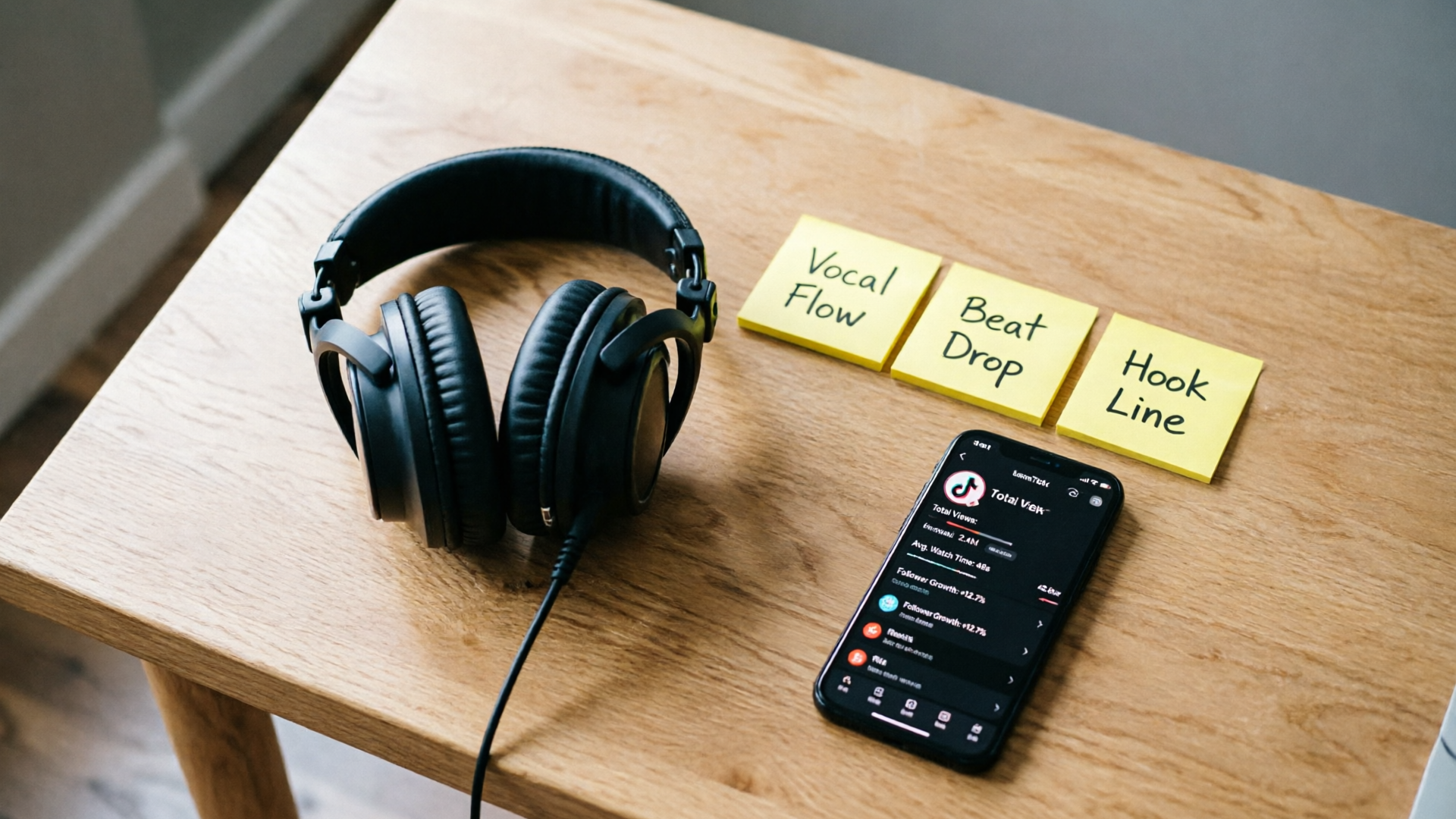
Workflow 2 — Turn a generated vocal hook into a full 15–30s TikTok-ready track and stems (mixing, EQ, and loop editing in PlayVideo.AI)
Once you have a 6–15s hook, expand it into a 15–30s clip that supports a video edit and gives editors stems for creative cuts. This workflow focuses on structure, mixing, and stem exports.
Step 1 — Choose structure
- Common short structures: A (hook) + short B (bridge or drop) + A reprise. For 15–30s aim for: 0–8s hook, 8–18s variation or mini-build, 18–24s hook reprise. That keeps the hook front-loaded and gives room for a visual cut or transition.
Step 2 — Regenerate with extended length
- In PlayVideo.AI AI Music Generator, request a 20–25s variant that includes your established hook. Prompt: “Expand 8s hook to 24s: include initial hook at 0s, mini-build from 8–16s, hook reprise 16–24s; maintain 110 BPM, keep vocal timbre, export stems.” The generator’s ability to produce instrumentals and guided style helps create consistent backing.
Step 3 — Mix and EQ guidelines
- Vocal: gentle compressor (3:1), fast attack, medium release, +2–4 dB presence around 3–5 kHz. De-ess aggressively on sibilance.
- Instrumental: low-cut at 80 Hz to avoid muddiness, carve space with a notch at 2–3 kHz if the vocal needs clarity.
- Master: aim for -6 dB LUFS to preserve headroom for platform loudness normalization.
Step 4 — Create loop-friendly stems
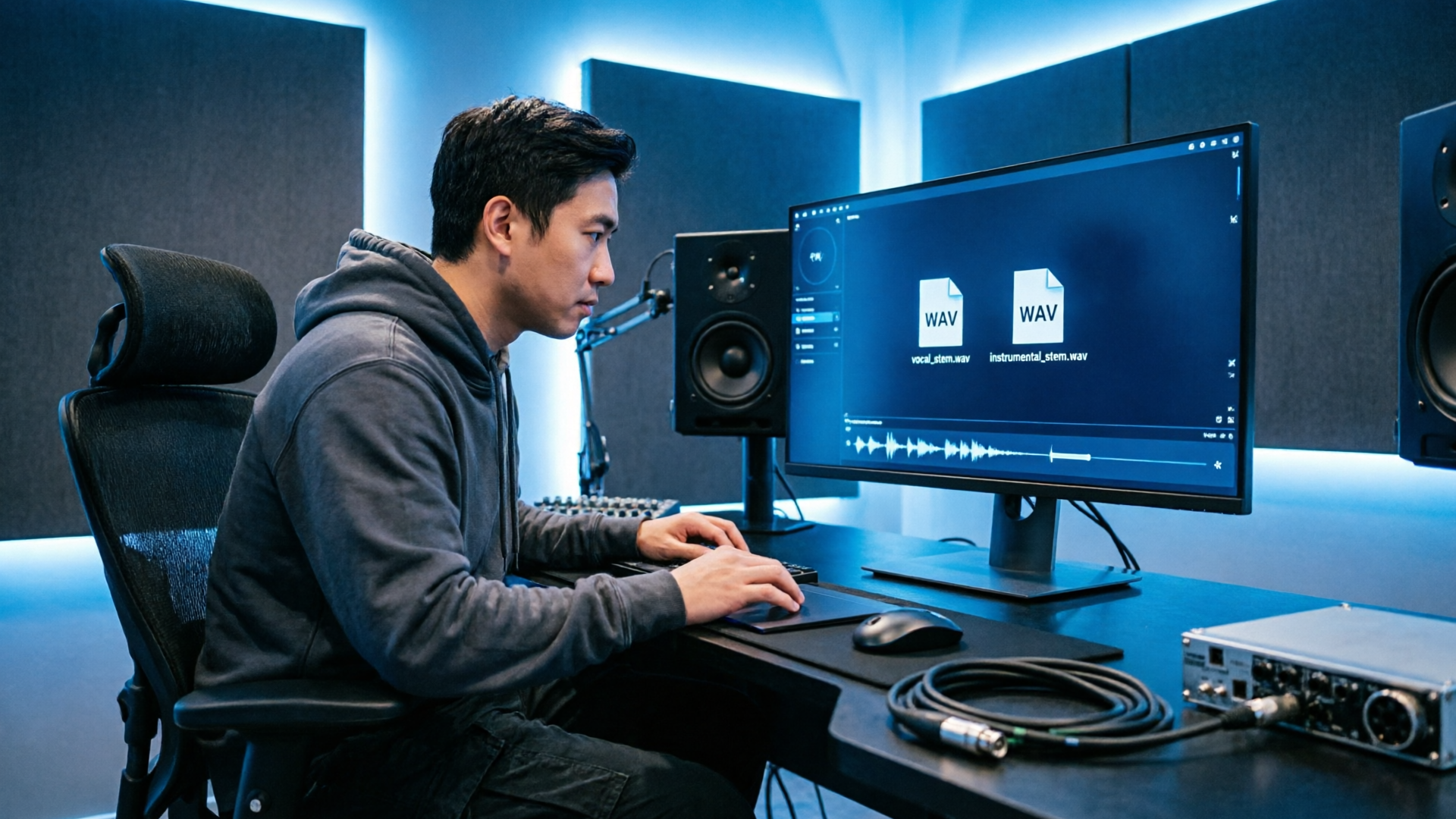
- Export vocal stem, instrumental stem, and an effect stem (swooshes or risers). Stems allow editors to mute or layer sections in short-form edits and to create alternative mixes for A/B testing.
Step 5 — Clean loop edits
- If you want a seamless 15s loop, render a version where the hook starts and ends on the same harmonic frame. Use a reverse fade or a rhythmic hit to mask the seam. Test by looping in your editor; adjust fades until the ear can’t detect the break.
Practical tip: Use PlayVideo.AI’s export options to download WAV stems that import cleanly into video editors. If you later need voice variations or narration, combine the stems with PlayVideo.AI AI Voices for consistent vocal tones.
This workflow turns a fragment into a full creative asset suite—one that editors, social managers, and paid-media teams can reuse across formats.
Copyright, style risk, and ethical best practices when using AI vocal generators
AI music tools remove many technical barriers, but they bring legal and ethical considerations you must manage.
Ownership and licensing
- Prefer platforms that clearly state ownership terms and provide copyright-free outputs. PlayVideo.AI AI Music Generator is built for creators who want original tracks without library licensing headaches; verify the platform’s terms before commercial release.
Style imitation and risk
- Industry litigation has centered on training data and style imitation. Major news coverage (for example, AP News reporting on controversies around startups) shows labels and creators raising concerns. To minimize risk, avoid prompting for direct imitations of living artists or verbatim melodies from recognisable songs. Instead, define high-level style cues (e.g., “1980s synth-pop energy”) and unique lyrical content.
Attribution and transparency
- When collaborating or releasing music commercially, be transparent about AI involvement if partners or platforms require it. Some campaigns perform better when audiences know the hook was custom-made; others prefer mystery—choose based on your brand and the campaign goal.
Ethical use of voice likenesses
- If you plan to use an AI voice that resembles a real person, secure consent or use licensed voice models. PlayVideo.AI’s ecosystem includes AI Voices for safe narration and cloning with consent; follow platform rules and local laws when you clone or synthesize voices.
Practical checklist before publish
- Confirm copyright-free export from your generator.
- Avoid artist-specific mimicry in prompts.
- Retain stems and project files to prove the creative process if disputes arise.
These steps protect creators and make it easier to scale a hook across paid and organic channels without legal surprises.
Testing, iteration, and distribution: A data-first plan to A/B hooks on TikTok and measure lift
Once you have stems and multiple hook variants, a systematic testing plan will tell you which micro-choices drive engagement.
Design your A/B experiments
- Variables to test: lyric phrase, melodic pitch (high vs low), energy (soft vs punchy), and backing arrangement (sparse vs full). Create 3–6 variants that isolate one variable at a time; for example, keep the same melody but swap the lyric.
Sampling and metrics
- Run 3–5 short campaigns (paid or boosted) of 24–72 hours each to get early signals. Key metrics: completion rate, replays/loops per view, and share rate. Platform analytics and external tools (OpusClip-style analysis) can help quantify lift.
Interpreting results
- A significant lift in completion or replays suggests the hook holds attention; more shares indicate resonant lyrical or emotional content. Use small-step wins: if a lyric swap increases completion by 5–8%, roll that lyric into the primary asset and re-test arrangement.
Iterate quickly
- The practical creator workflow is: generate → edit → export stems/loops → test. Use PlayVideo.AI AI Music Generator to produce alternatives rapidly (different mood/tempo prompts) and re-export stems. Faster iteration reduces wasted spend and helps you home in on what resonates.
Distribution tips
- Tailor the same hook across formats: a 6–8s clip for TikTok trends, a 15–30s version for Reels or Shorts, and a loop-ready instrumental for story backgrounds. Consider pairing your hook with PlayVideo.AI AI Video Generator to create complementary visuals for tests.
Data-driven decision point
- If a hook variant repeatedly lifts completion and replays, scale it into organic content, paid tests, and UGC briefs. Capture and reuse stems so editors can make region-specific lyric swaps or tempo adjustments without rebuilding the asset.
A final note: systematic testing beats guesswork. The combination of short, loopable hooks, quick AI generation, and small rapid experiments is the most efficient route to repeated wins on TikTok.
Frequently Asked Questions
How long should a short vocal hook be for TikTok?
Aim for 3–15 seconds for the core motif; 6–15 seconds is ideal for loopability and editing. Many viral hooks land within the first 15 seconds.
Can I commercialize hooks made with PlayVideo.AI AI Music Generator?
Yes—PlayVideo.AI AI Music Generator produces original, copyright-free tracks intended for reuse, but always confirm current platform terms before large-scale commercial release.
What tempo works best for short vocal hooks?
Target 90–140 BPM for broad danceability and match the energy profile SongScore recommends for viral tracks.
Conclusion
Ready to ship your next TikTok hook? Start by drafting a tight brief (tempo, mood, 2–4 word lyric) and use PlayVideo.AI AI Music Generator to produce multiple loop-ready variants you can export as stems. Test two to three variants in short campaigns, iterate on the winner, and scale the best performing stems across formats. Open the AI Music Generator and drop a vibe into the editor to generate a copyright-free hook in minutes.