How to Translate and Dub Reels into Spanish with AI: A Creator’s Practical Guide
Step-by-step guide for creators to translate and dub short-form video into Spanish with PlayVideo.AI AI Voices, plus workflows, tips, and scaling advice.

You just posted a 60‑second Reel that’s already getting traction in your home market — now imagine that same clip resonating in Mexico City, Madrid, and Bogotá. That’s the power behind AI dubbing Spanish: a low-friction way to test new markets without hiring local actors or delaying your publishing schedule. In this guide I walk through why multilingual Reels win, the quality trade-offs between stock TTS and cloned voices, a preflight checklist to make your clip dub-ready, and two hands-on workflows using PlayVideo.AI AI Voices — one with stock voices for speed, and one that clones your voice for authenticity.
You’ll get timing rules of thumb (expect +10–20% runtime in many Romance languages), practical prompts and step-by-step actions inside PlayVideo.AI AI Voices, and measurable ways to scale. Along the way I reference platform moves — including YouTube’s December 2024 AI dubbing rollout — and research on the transcription → translation → TTS pipeline so you can set realistic expectations for prosody and emotion. If you want to publish more multilingual Shorts or Reels this week, this guide shows the exact choices that preserve vibe while unlocking asymmetric reach.
Why multilingual Reels win: audience, discovery, and the business case for dubbing
Short-form discovery is geography-agnostic but language-sensitive. Creators who localize often see outsized returns because native-language content converts watchers into subscribers and repeat viewers more reliably than auto-translated captions alone. Academic work on multilingual engagement — for example, the SSRN analysis of AI dubbing’s asymmetric impacts — shows that translation plus natural-sounding audio can materially lift watch time and engagement in new markets.
For a solo creator or small social team, the business case is simple: one core asset -> multiple language variants -> more organic impressions with minimal marginal cost. Machine dubbing (the chain of transcription → machine translation → TTS with duration-aware alignment) makes that multiplier practical. Instead of rewriting, searching for cast, and booking studio time, you can run fast experiments to see which markets respond.
Practical value points to weigh:
- Speed: A single person can create and publish multiple localized versions in the same day.
- Cost: AI dubbing is far cheaper than hiring professional dubbers for every language, letting you validate demand first.
- Discovery: Platforms often reward watch time and completion; a native-language dub increases both.
Tip: Start with Spanish. It’s a high-reach language across Latin America and Spain, and it’s often the best first test after English for short-form growth.
Pair these benefits with PlayVideo.AI AI Voices to test rapidly: it dubs videos into other languages, generates narration in dozens of voices, and can clone your voice from a short sample so your branded voice carries across variants.
Understanding AI dubbing vs. AI voiceover: quality trade-offs, voice cloning, and lip-sync considerations
Two distinct creator goals drive tool choice: fidelity to the original speaker’s vibe, and sheer speed. AI voiceover (stock TTS) excels at speed and clarity; AI dubbing with voice cloning keeps the personality and makes the same speaker sound like they’re speaking the target language.
Quality trade-offs to consider:
- Prosody & emotion: The hardest parts to automate are natural prosody and emotional nuance. Systems that chain transcription → translation → duration-aware TTS alignment help, but expressive control still lags human performance. Industry roundups and research emphasize prosody as the core technical gap.
- Timing and lip-sync: Short-form viewers are sensitive to mismatched mouth movement. If lip accuracy matters (close-ups of a face), you’ll want duration-aware alignment and the option to nudge timing or use lipsync effects. PlayVideo.AI AI Voices pairs outputs directly with PlayVideo.AI’s lipsync effects so audio and face motion align cleanly.
- Cloning vs stock voices: Clone your voice when brand consistency and authenticity matter — e.g., a personal vlog or a series where viewers expect the same host. Choose stock voices when speed, multilingual breadth, or an alternate character voice is fine.
A rule-of-thumb from creator guides: allow 10–20% extra duration when translating into Spanish to avoid clipped phrases. That simple cushion avoids rushed delivery and gives the TTS engine room to preserve stress patterns and pauses.
If you need high-fidelity lip match for a talking-head close-up, combine PlayVideo.AI AI Voices with the lipsync effects from PlayVideo.AI AI Video Effects for the best automated alignment.
Plan-first workflow: preparing a Reel for translation and smooth AI dubbing (pre-production checklist)
Good dubbing starts before you hit export. Small production decisions drastically simplify translation and maintain quality. Use this pre-production checklist to prepare any Reel for fast AI dubbing:
- Clean audio: Capture a dry, low-noise microphone track. AI voice cloning and TTS produce best results from a quiet sample.
- Clear phrasing: Avoid lines with overlapping speakers or rapid interruptions. If two people talk at once, split the audio into separate tracks and plan a selective dub.
- Visible text and on-screen cues: If important content appears as on-screen text, plan to translate or localize those assets separately (you can use the AI Image Generator to remake frames).
- Scene pacing: Leave 10–20% extra room in your clip’s timeline for translated lines that typically run longer than English.
- Source transcript: Export a timecoded transcript — this is the baseline for translation and alignment.
- Localization notes: Flag cultural references, idioms, or visuals that need adaptation rather than direct translation.
Tip: Keep a short, clean sample specifically for voice cloning (if you intend to clone). The PlayVideo.AI AI Voices model clones from brief, clean recordings, so a 20–30 second recording of natural speech with varying pitch and emotion is usually enough.
When you follow these steps you reduce iterations in the dubbing stage and keep the process fast enough to turn one Reel into multiple localized variants in a single content sprint.
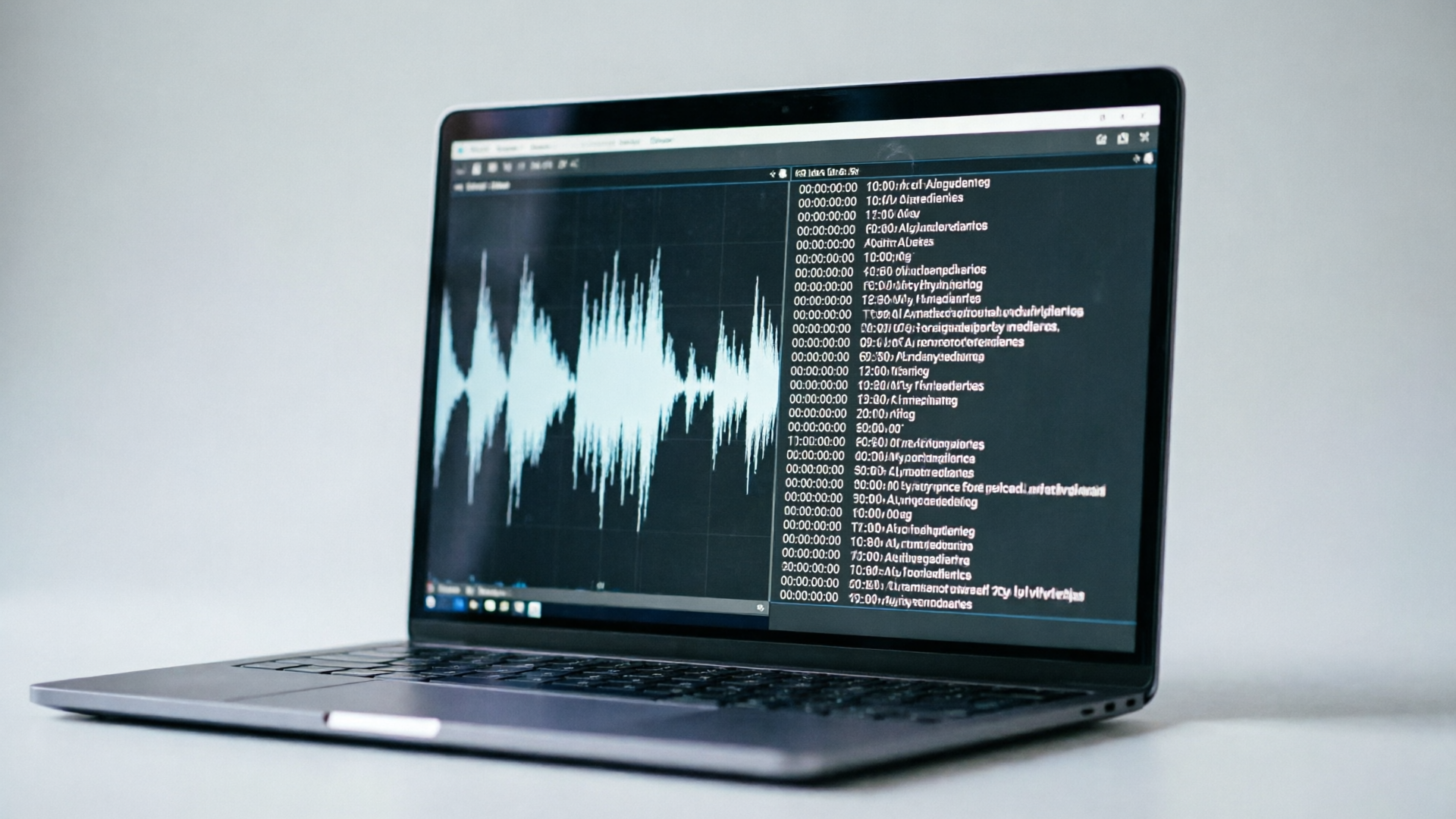
Hands-on: Translate and dub a 60s Reel into Spanish using stock AI voices (step-by-step workflow)
This walkthrough shows how to take a 60‑second Reel and create a Spanish-dubbed version using PlayVideo.AI AI Voices stock voices for speed.
1) Export a timecoded transcript
- From your editing app, export an SRT or timecoded TXT. If you don’t have a transcript, upload the MP4 to PlayVideo.AI and use the automatic transcription step.
2) Translate the script
- Use a reliable machine translation (play with your own phrasing if idioms don’t translate). Keep sentences short; if a line will expand more than ~15%, consider splitting it.
3) Open PlayVideo.AI AI Voices (/ai-voices)
- Create a new project and upload the original video. Import the Spanish translation into the text input box for dubbing.
4) Select a stock Spanish voice and preview
- Choose a neutral Spanish stock voice (male or female as fits your brand). Play short previews and adjust speaking rate and expressive tags if available.
5) Align and nudge timing
- Use the duration-aware alignment controls so each translated line matches the original timestamps. For lines that still feel rushed, nudge the clip’s timing or allow a 10–20% longer runtime for that segment.
6) Generate and listen
- Render the Spanish audio track. Play it next to the original video and note places where prosody feels off; minor edits to punctuation in the text can change cadence.
7) Optional: Add captions and translated on-screen text
- Export a Spanish SRT and upload it when publishing. For burned-in text, recreate frames with the translated text — you can use the PlayVideo.AI AI Image Generator (/create-image) to remake cards and title screens quickly.
Worked example: A 60s fitness Reel has a 45s monologue and 15s music-forward montage. The English monologue is 45s; in Spanish the machine translation initially expanded to 52s. In PlayVideo.AI AI Voices, selecting a slightly faster speaking rate for the Spanish stock voice and trimming 2–3 filler words in the translation brought the final dub to 49s, preserving pacing and avoiding clipped words.
This workflow gets you a publishable Spanish variant in under an hour for a single short-form clip, letting you test new markets without heavy production overhead.
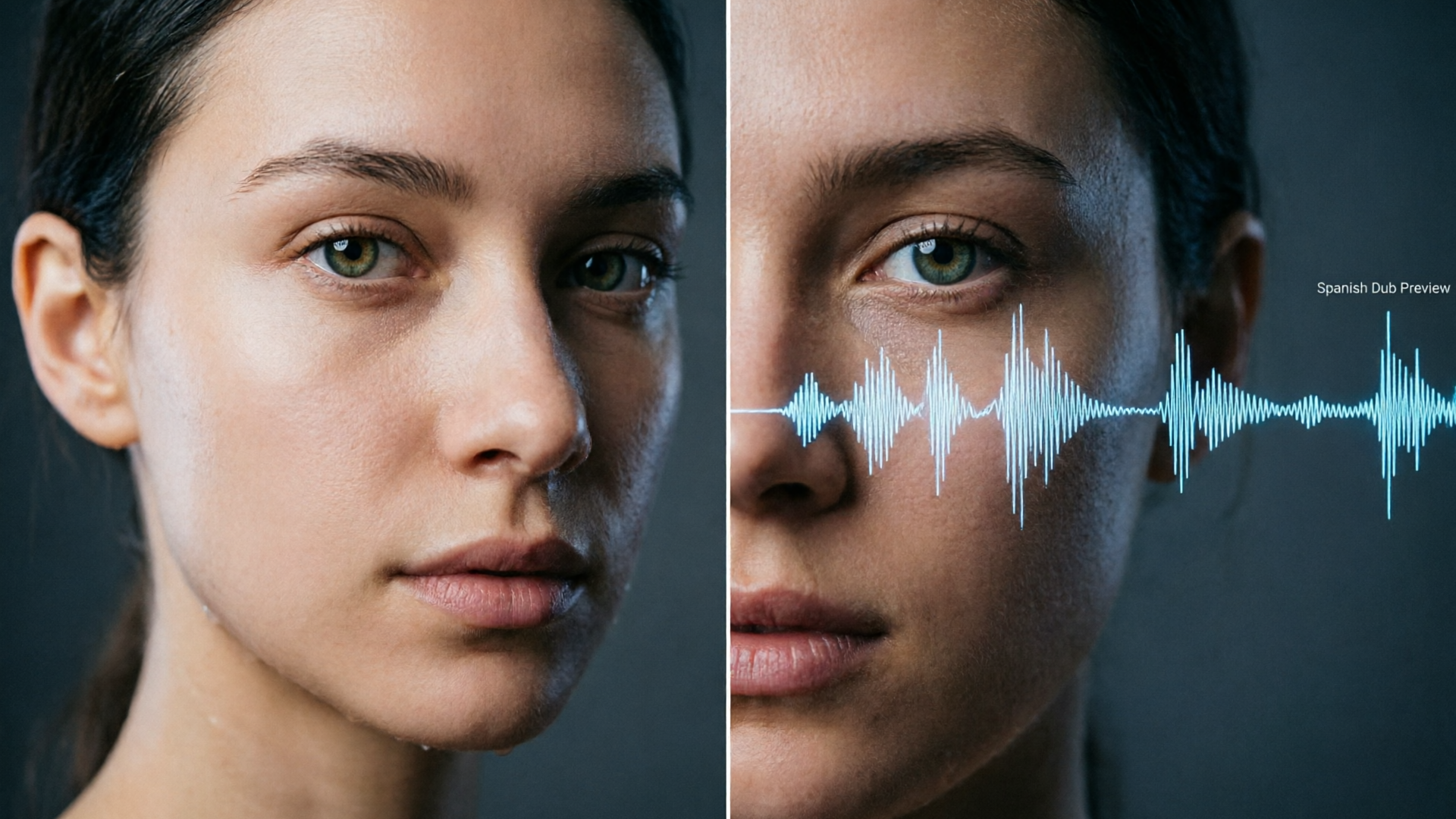
Hands-on: Clone your own voice for authentic Spanish dubbing — when to clone, how to record, and legal/ethical checkpoints
Why clone? If your channel’s brand is your voice — weekly tutorials, a recurring host, or a personal vlog — cloning keeps the relationship intact. PlayVideo.AI AI Voices can clone your real voice from a short sample, then synthesize that voice speaking Spanish so viewers hear the same personality.
When to choose cloning:
- Serialized content where viewers expect the same narrator.
- Branded campaigns where authenticity drives conversion.
- Cases where regional idioms must match your delivery style.
How to record a clone sample (practical steps):
- Environment: Use a quiet room with minimal reflective surfaces and a cardioid mic if possible.
- Length: 20–60 seconds of clean speech covering varied intonation (questions, emphatics, short sentences) is enough.
- Diversity: Read a short conversational script with emotional shifts — this helps the model capture prosody.
Step-by-step clone & dub workflow in PlayVideo.AI AI Voices (/ai-voices):
- Upload your clean sample and follow the clone model’s guided capture.
- Once the clone is created, paste the Spanish translation into the text field.
- Choose the cloned voice as the output and generate the dubbed audio.
- Use the lipsync alignment options to match the recreated audio to the existing footage.
Legal and ethical checkpoints:
- Consent: If cloning another person’s voice, obtain explicit consent and retain records.
- Transparency: If required by platform policy or local law, disclose the use of synthetic voice in descriptions.
- Sensitive content: Avoid cloning voices for deceptive or harmful uses.
Worked example: A travel creator clones their own voice to dub a 90s city guide into Spanish. They recorded a 30s sample reading an energetic script (questions + exclamations). After cloning in PlayVideo.AI AI Voices, the Spanish output maintained their trademark cadence and humor. Minor punctuation tweaks in the Spanish script adjusted rhythm to match mouth movements more naturally.
Cloning raises the bar on authenticity, but it comes with responsibilities. Keep consent and transparency front and center.
Post-production and optimization: timing, captions, metadata, A/B testing, and platform upload tips for Reels
Post-production is where a quick dub becomes a high-performing localized asset. Small decisions in captions, metadata, and timing influence discovery and retention.
Timing and audio polish:
- Volume matching: Ensure the dubbed track matches the original’s loudness curve and music mix.
- Crossfades: Use micro crossfades where cuts are abrupt to mask small timing discrepancies.
- Music: If your Reel has a music bed, make sure it doesn’t clash with speech frequencies — you may need to duck music under the vocal track.
Captions and burned-in text:
- Upload an accurate Spanish SRT for accessibility and SEO. Native-language captions improve engagement and search relevance.
- For branded graphics or title cards, re-render those frames in Spanish using the AI Image Generator (/create-image) if necessary.
Metadata and publishing strategy:
- Localized captions and a translated description help algorithmic discovery in target countries.
- Use localized hashtags and time your posting to the target market’s peak hours.
A/B testing and cadence:
- Test two variations: a stock-voice dub vs. a cloned-voice dub, or dubbed audio + native captions vs. captions only. Small experiments reveal whether voice authenticity moves the needle.
- Keep a steady cadence: dedicate a day or two per week to produce localized variants so you can measure lift reliably.
Platform tips:
- Instagram Reels and TikTok favor native uploads: include the burned-in SRT and upload the dubbed MP4 rather than relying on platform auto-dub features.
- Use YouTube’s auto-dubbing as a supplement; creators aiming for the best prosody control should still upload their own dubbed track.
For music beds and soundtrack options, consider generating custom, copyright-free tracks inside PlayVideo.AI AI Music Generator (/create-music) to avoid licensing issues and to better match regional tastes.
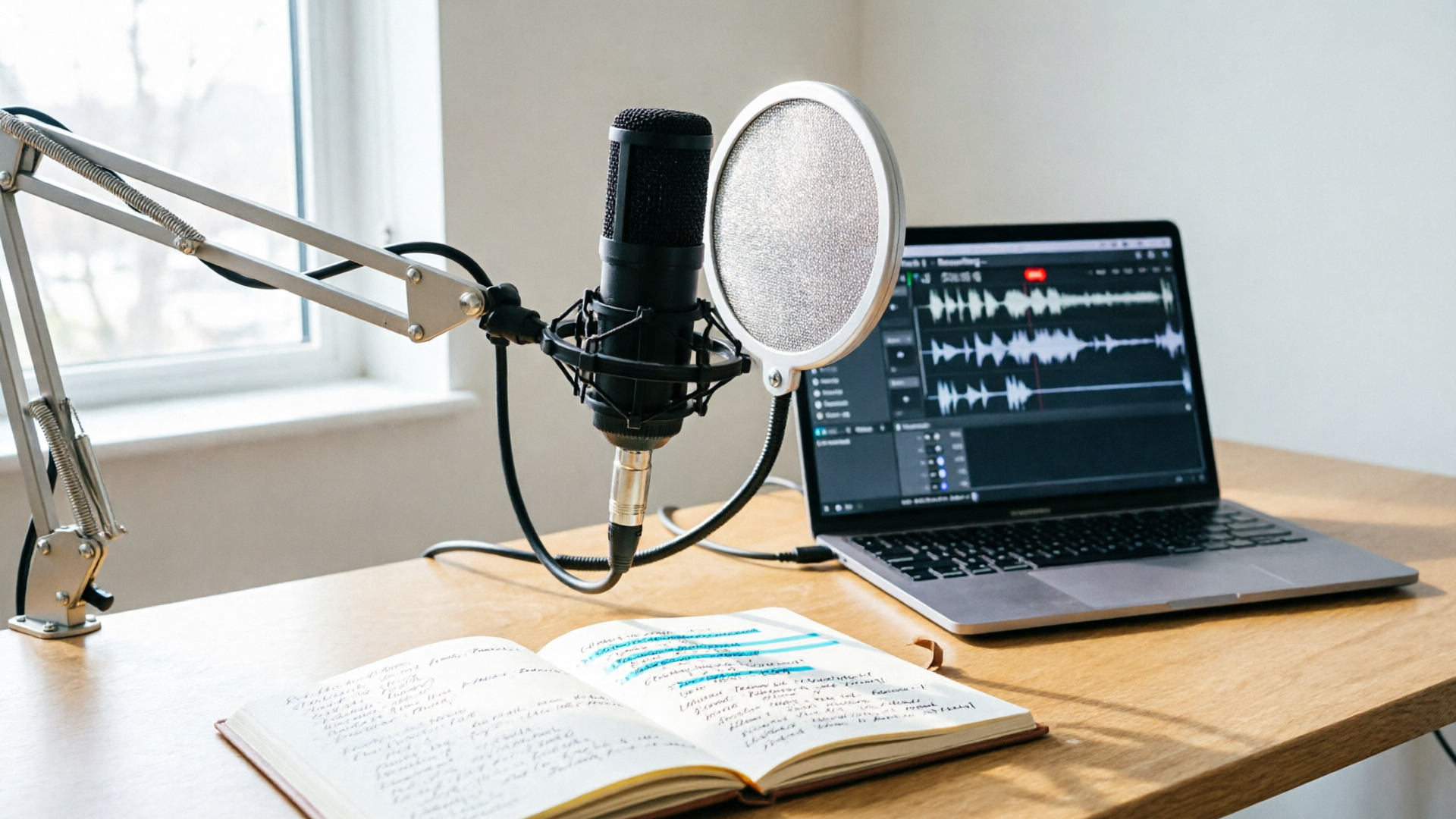
Measuring success and scaling: KPIs, localization cadence, and when to combine human review with PlayVideo.AI AI Voices
Decide the KPIs that matter before you localize: watch time, completion rate, new followers from the target region, and comment sentiment are the most actionable for short-form creators. Track these for each variant and compare them to the original.
Localization cadence and scaling:
- Start small: pick one high-priority language (Spanish is usually first), publish variants weekly, then expand to a second language if engagement metrics justify it.
- Batch work: record a single clone sample and batch-dub 5–10 videos at once to amortize setup time.
When to add human review:
- High-stakes content: paid ads, evergreen cornerstone videos, or brand partnerships often benefit from a human pass to polish prosody and cultural nuance.
- Idioms & jokes: Machine translation can miss cultural nuance. A native reviewer can adapt punchlines and references.
KPI dashboard suggestions:
- Incremental watch time per variant (minutes)
- Completion rate (%)
- New followers from target market
- Comments/mentions in local language
Tip: Use analytics to decide whether to continue automated dubbing for a language. If Spanish variants consistently outperform baseline, expand to other regional dialects or invest in a native human pass for top-performing clips.
PlayVideo.AI AI Voices accelerates the experimentation loop: voice cloning works from a short clean sample, multilingual dubbing keeps the speaker’s vibe, and outputs sync with lipsync effects — letting you run rapid experiments and scale what works without a large dubbing budget.
For context on how platforms are adopting AI dubbing and the research on multilingual engagement, see academic findings on asymmetric impacts of AI dubbing: "Breaking the Sound Barrier" (SSRN). https://papers.ssrn.com/sol3/papers.cfm?abstract_id=5320908
Conclusion
Translating and dubbing Reels into Spanish is one of the most efficient growth plays for short-form creators: you reuse a single idea across new audiences while preserving personality and pacing. Use stock voices in PlayVideo.AI AI Voices for speed and breadth; clone your voice when authenticity and series continuity matter. Start with a plan-first workflow (clean audio, timecoded transcript, +10–20% duration cushion), then run an A/B test between stock and cloned versions to learn what your audience prefers.
Open the AI Voices and clone your voice or try a stock Spanish voice to ship your first localized Reel this week.